Quick summary
The Atlassian Statuspage integration lets you add incident communication directly to your Atlassian admin console by installing Statuspage as an app from the marketplace. Once connected, teams can manage user permissions and configure a dedicated status site to keep stakeholders informed during outages.
Steps
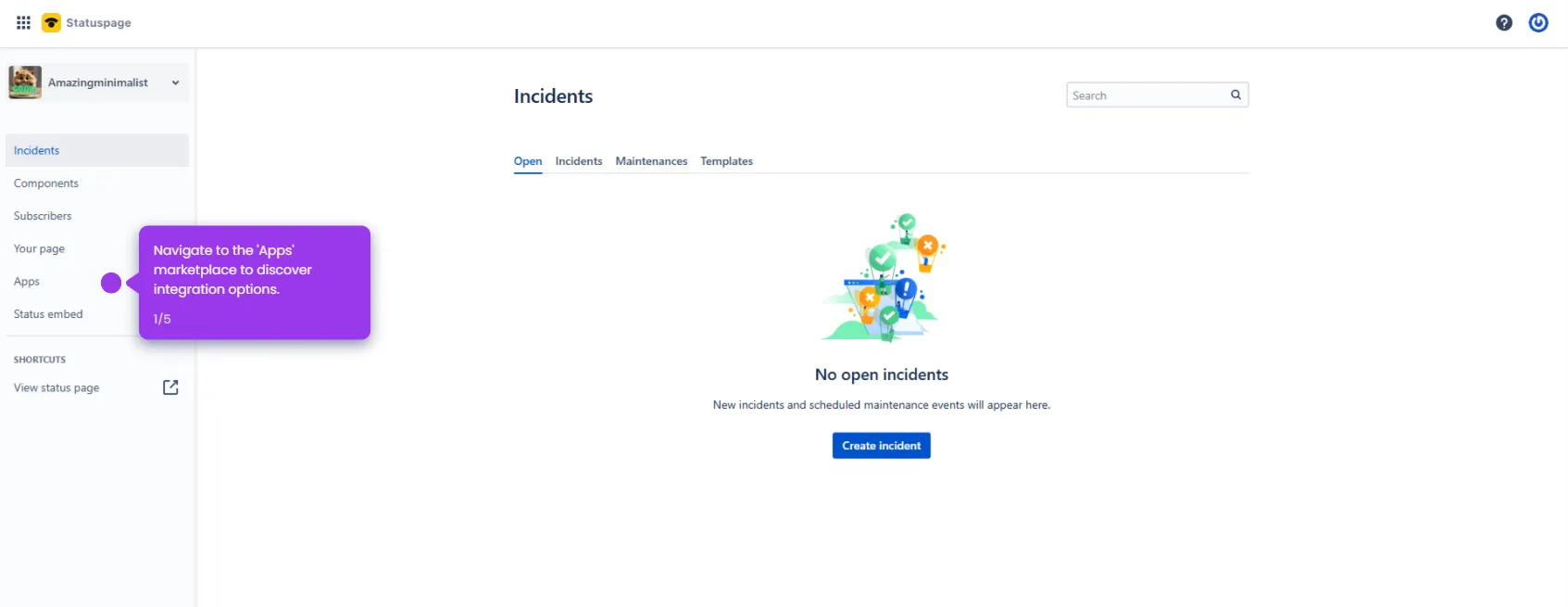
- Log in to your Atlassian site and navigate to the Apps section to discover tools that extend your platform's functionality.
- Start the integration process by selecting Add app to enhance your workspace capabilities.
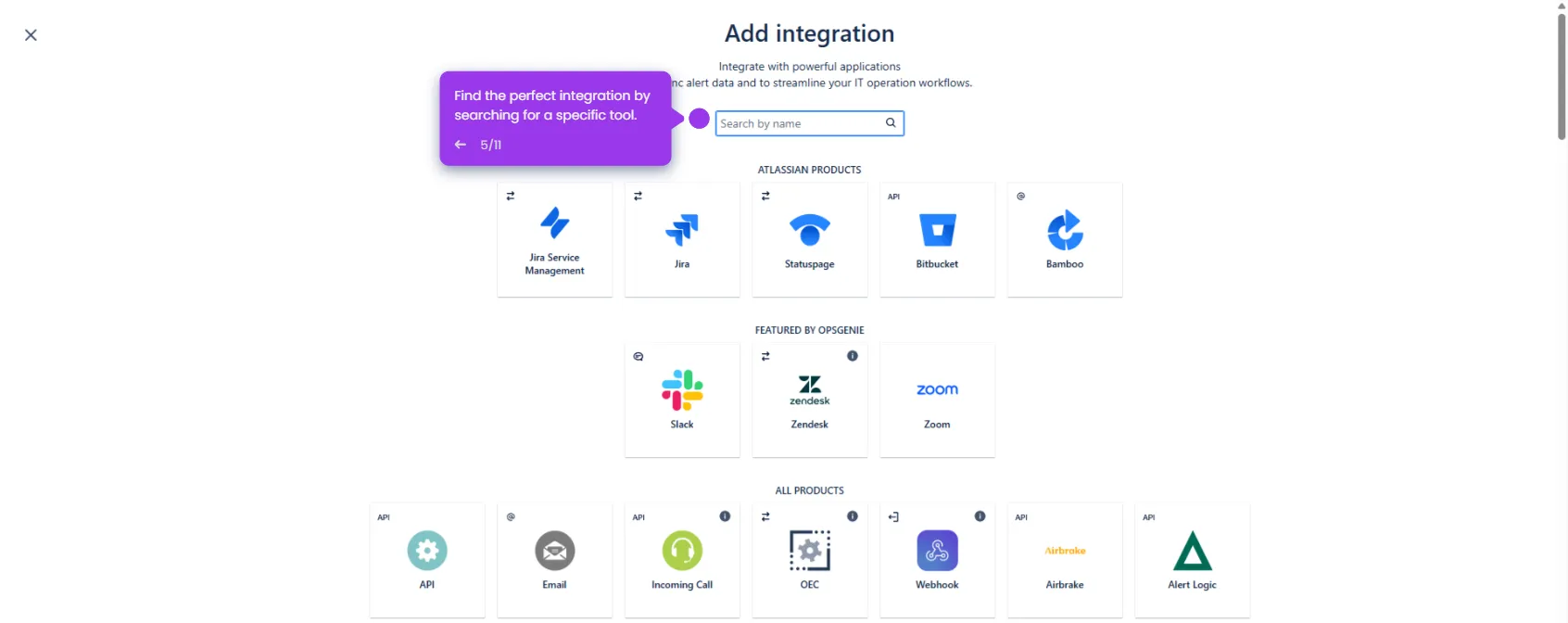
- Explore the available marketplace options to enhance your Atlassian workflow.
- Scroll down and select Statuspage from the app listing.
- Choose Select to move forward with the Statuspage integration for improved incident management.
- Create a name for your new site to identify your Statuspage instance.
- After reviewing the details, click Agree and add to implement Statuspage in your workspace.
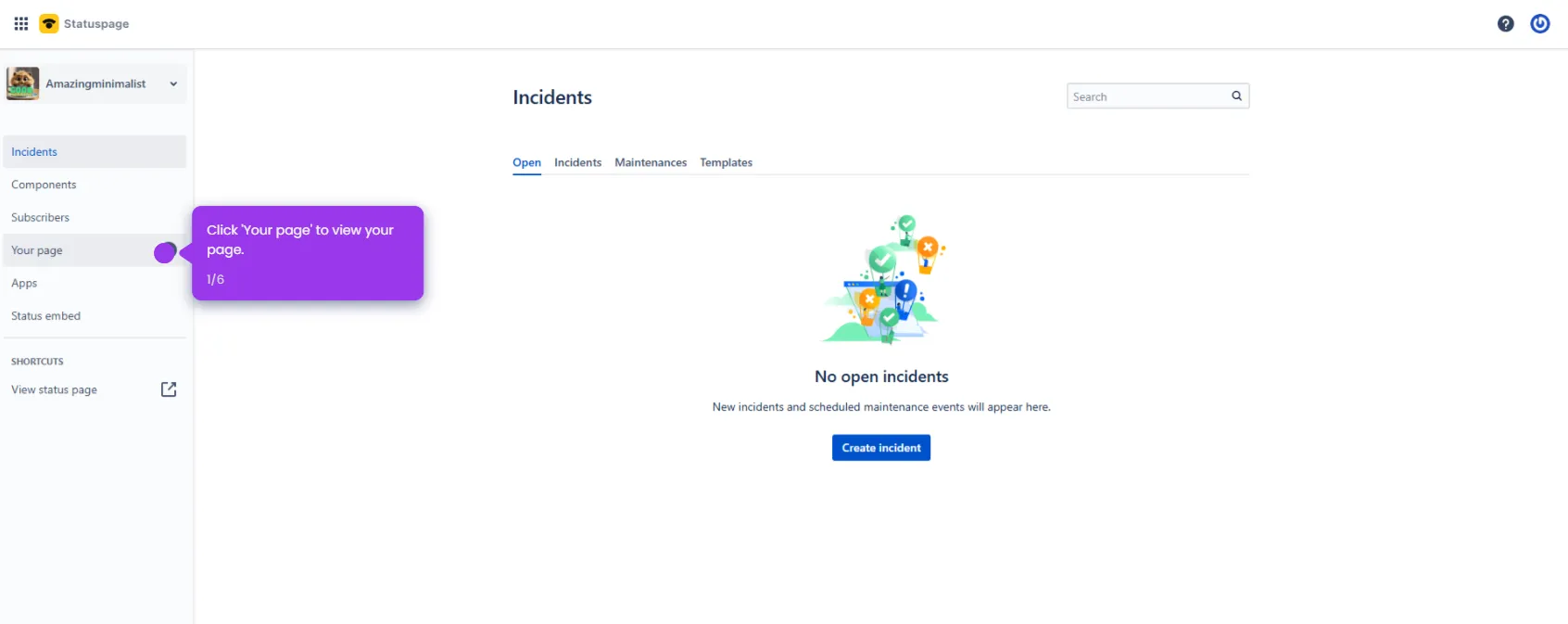
- Once complete, configure Statuspage settings or manage user permissions to get your status page ready.