Quick summary
This demo walks through how to install the Stripe plugin in Bubble.io by navigating the Plugins marketplace and configuring it for your app. In just a few steps, you can add Stripe payment processing to any no-code Bubble application without writing a single line of code.
Steps
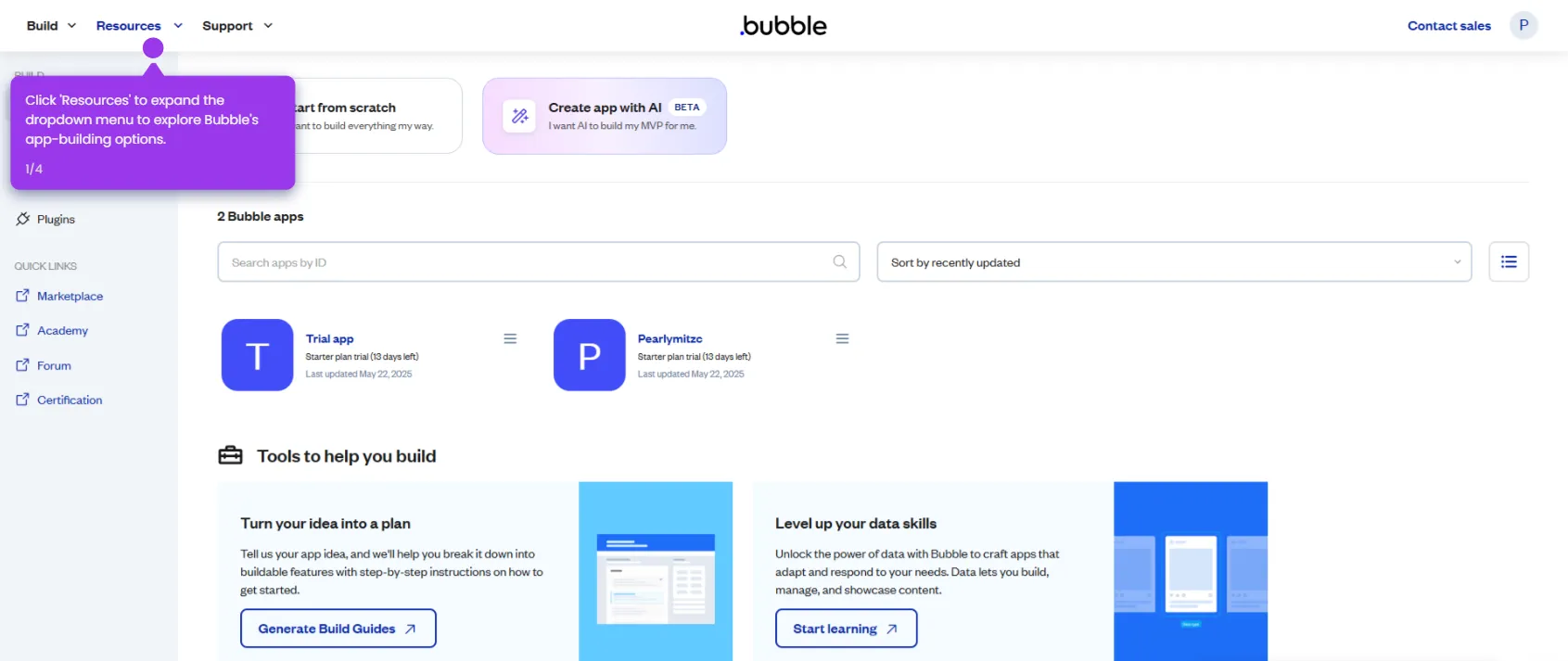
- Open the Resources menu in Bubble.io to access helpful tools and documentation for your app development journey.
- Navigate to the Plugins marketplace to browse powerful functionality you can add to your app.
- Search for and select Stripe from the plugins marketplace.
- Choose which of your applications will receive the new Stripe functionality.
- Review the plugin details — including features, pricing, and compatibility — then click Install.
- Click Install again to confirm your selection and prepare to configure the Stripe plugin for your specific needs.