This interactive demo was created free with Storylane in 2 minutes. Create your own demo
Start free
All Tutorials /Appsheet

Facebook Pages AppSheet Integration

Updated on:
June 5, 2026
By:
Madhav Bhandari
Use this interactive demo to learn how to automate Facebook Pages comments with AppSheet via Zapier.

Quick summary

This demo shows how to connect Facebook Pages to AppSheet using a Zapier automation workflow, so that every new comment on your page automatically creates a record in your AppSheet app. Follow the steps below to configure the trigger, set the action, map your fields, and publish your Zap without writing any code.


Steps

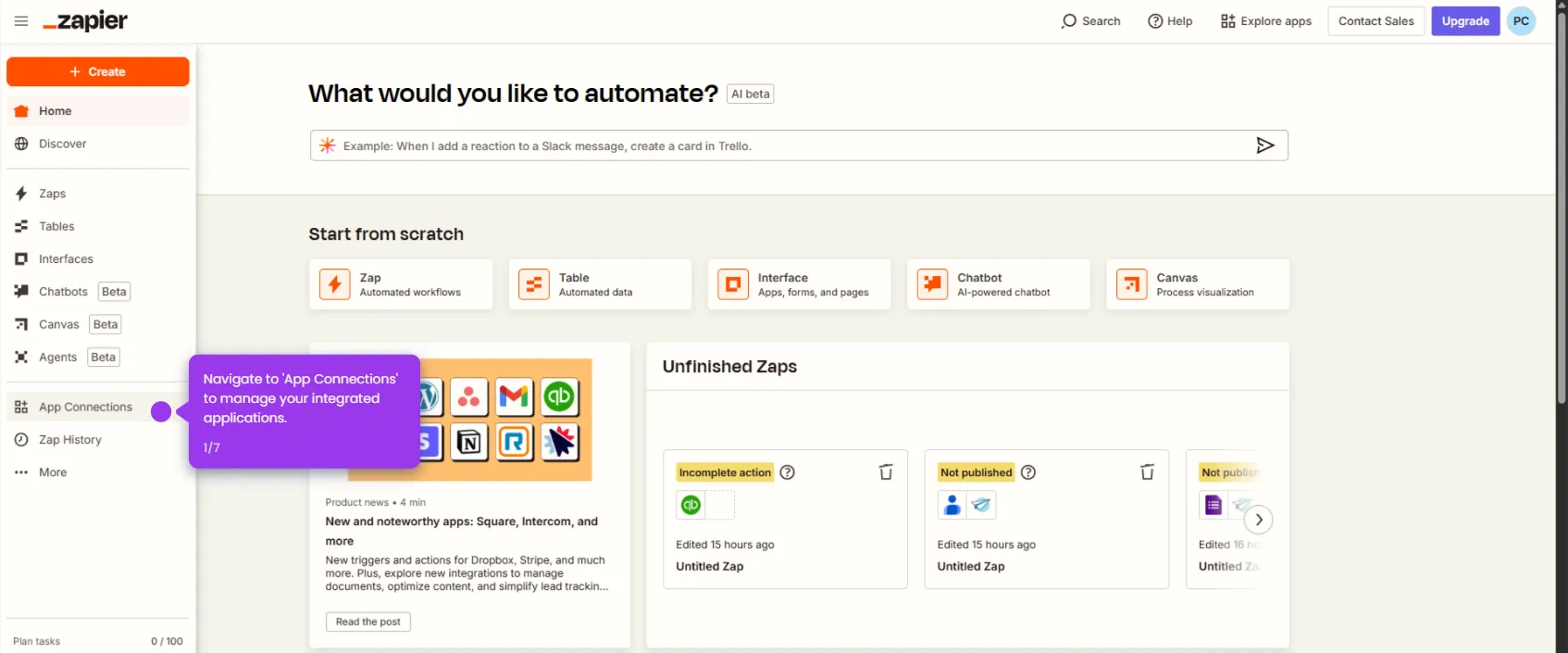
  1. Select Facebook Pages as your trigger app to automate your social media management.
  2. Choose a trigger event — such as New Comment — to specify which activity starts your automation workflow.
  3. Confirm all connections are properly set to finalize your trigger configuration.
  4. Add the next action step to continue building out your automation sequence.
  5. Click Test trigger to fine-tune your automation and validate the trigger with conditional logic.
  6. Select AppSheet as your action app to integrate your custom application into the workflow.
  7. Choose an action event — such as Creates a new record — to define what happens when the trigger fires.
  8. Complete your setup and prepare to activate the new Zap.
  9. Map Comment Message data to the appropriate AppSheet fields to trigger notifications or follow-up actions.
  10. Click Test step to review your full automation setup before going live.
  11. Click Publish to activate your Zap and start the automation.
📌 Why this matters

Integrating Facebook Pages with AppSheet via Zapier eliminates manual data entry by automatically creating a new AppSheet record every time a visitor leaves a comment on your Facebook Page. This Facebook Pages AppSheet integration is ideal for teams that manage customer feedback, lead tracking, or support requests through custom no-code apps, ensuring no comment is ever missed. By using Zapier as the automation layer, businesses can connect their social media activity directly to their operational workflows without any coding required. The result is faster response times, a cleaner data trail, and a scalable social media automation process that grows with your team.
Your product deserves an interactive demo
Start free
Similar Articles
Appsheet

How to Use Framer AI

Madhav Bhandari
Director of Marketing @ Storylane
Appsheet

How to Download AppSheet App

Madhav Bhandari
Director of Marketing @ Storylane
Appsheet

AppSheet Zapier Integration

Madhav Bhandari
Director of Marketing @ Storylane
No items found.
Platform
Interactive Demos
Sandbox Demos
Hubs
RepX
Integrations
Solutions
Product Marketers
Growth & Demand Gen
Sales Reps & AEs
Presales & SEs
Customer Success
Product Managers
Customers
Demo Showcase
Customer Stories
Finer Demos Club
Features
Demo Signals
Personalization
Deal Intelligence
Resources
Blog
The Plot
Tutorials
Help Docs
What’s New
Demo Dundies
Company
Careers
Pricing
Partners
Contact
Trust Center
Backed by
Chrome Extension Icon
Chrome extension
Download
Desktop app
Download
Built in San Francisco Bay Area - ©2026 Storylane
Privacy PolicyTerms & Conditions
X Corp (formerly Twitter)LinkedIn
This website uses cookies to ensure you get the best experience on our website. Learn More
Got it
This website uses cookies to ensure you get the best experience on our website. Learn More
Got it