This interactive demo was created free with Storylane in 2 minutes. Create your own demo
Start free
All Tutorials /Dialogflow

How to Add a Hyperlink in Dialogflow

Updated on:
June 5, 2026
By:
Madhav Bhandari
Use this interactive demo to learn how to insert a clickable hyperlink into a Dialogflow intent response.

Quick summary

Adding a hyperlink in Dialogflow involves opening an intent, adding a Text Response, and writing the link using markdown or plain text format. Once saved, the hyperlink appears as a clickable link in your chatbot's response to users.


Steps

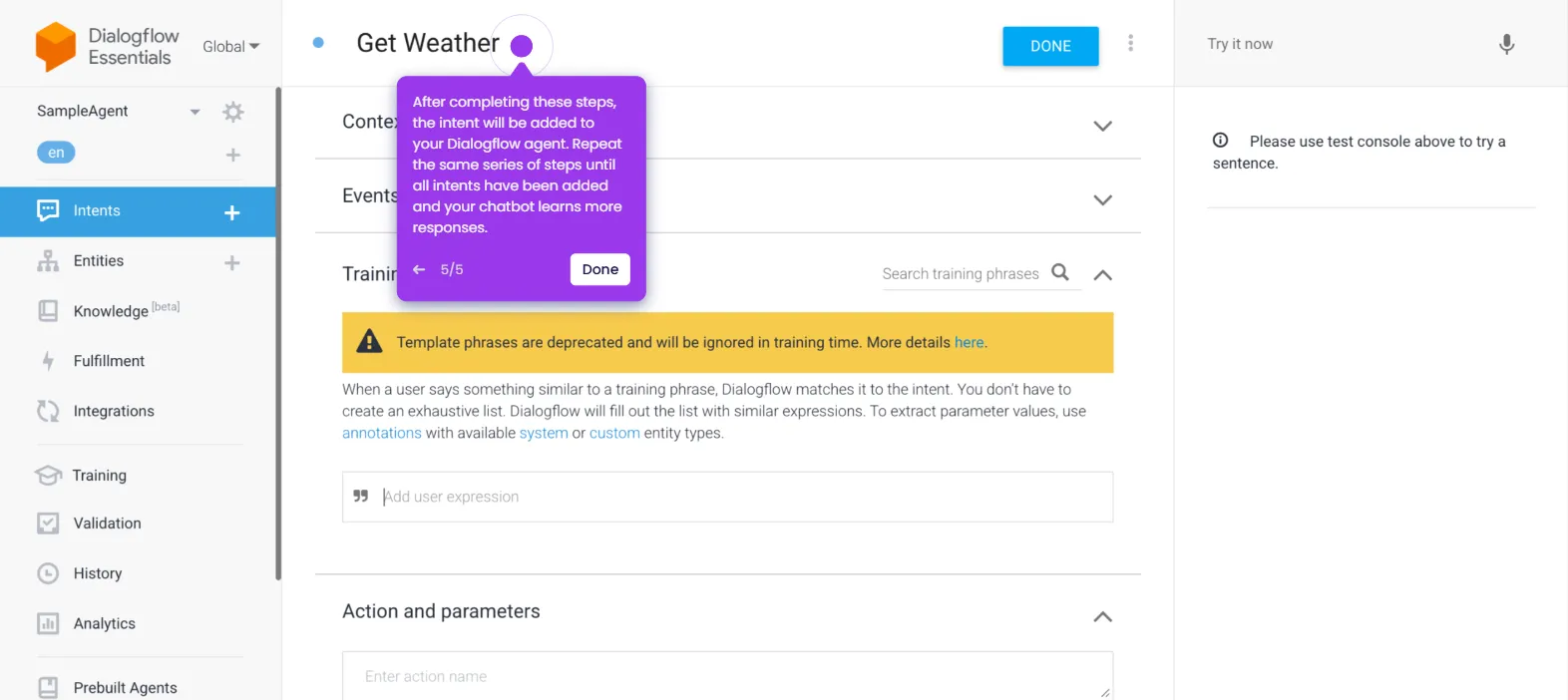
  1. Inside the Agent editor, find and open the intent you want to edit.
  2. Scroll down to the Responses section and click Add Responses.
  3. Pick Text Response to proceed.
  4. Type the anchor text and its corresponding link — use markdown format if your chatbot supports it, or plain text otherwise.
  5. Review your input and click Save.
  6. The hyperlink is now added to your Dialogflow intent and will display as a clickable link when the response is sent to the user.
📌 Why this matters

Adding hyperlinks to Dialogflow intent responses lets chatbots deliver clickable, actionable links directly within conversations, improving user experience and reducing friction. Without this capability, bots are limited to plain-text answers that cannot guide users to external resources, documentation, or landing pages. Properly formatted hyperlinks — using markdown or plain text — ensure compatibility across different integration channels. This makes Dialogflow-powered chatbots more effective for support, lead generation, and self-service use cases.
Your product deserves an interactive demo
Start free
Similar Articles
Dialogflow

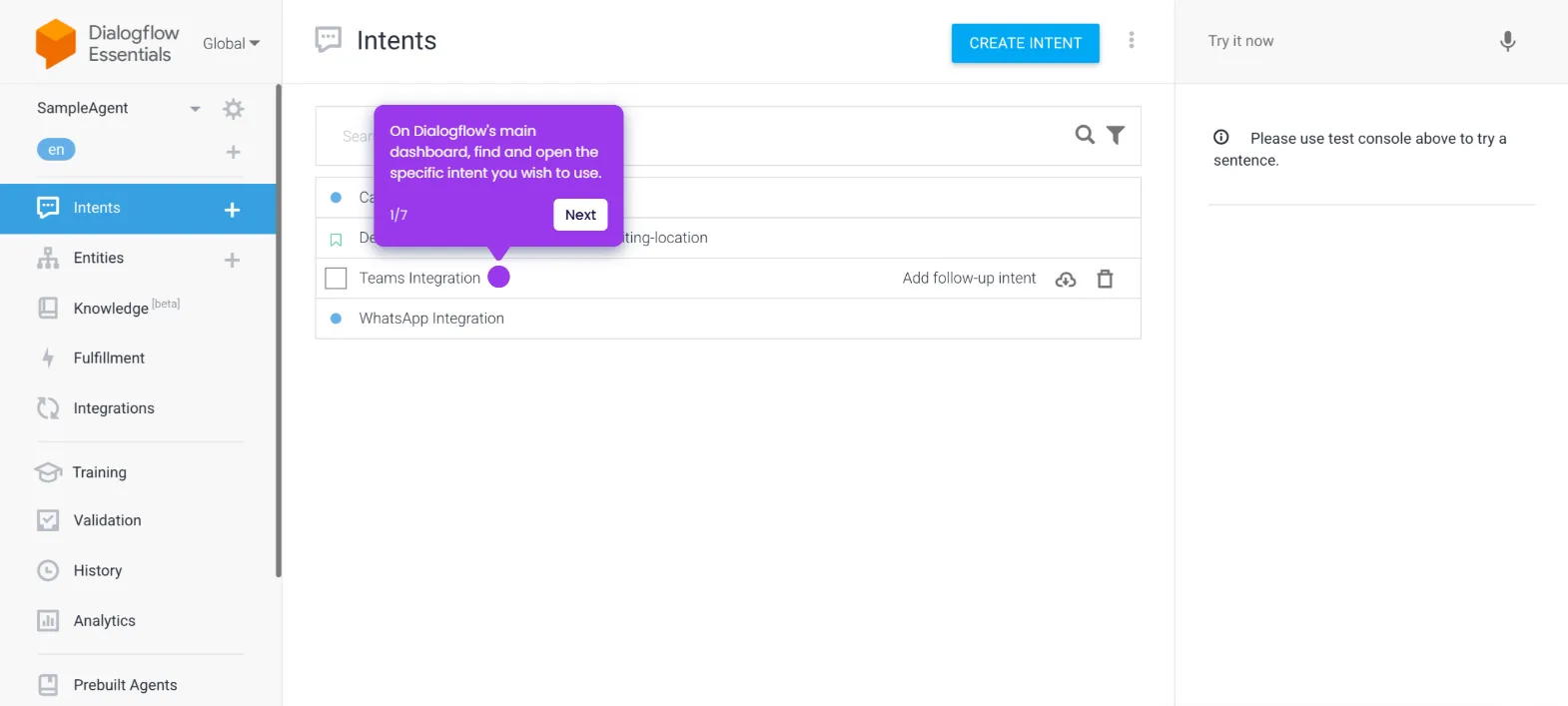
How to Integrate Dialogflow with Teams

Madhav Bhandari
Director of Marketing @ Storylane
Dialogflow

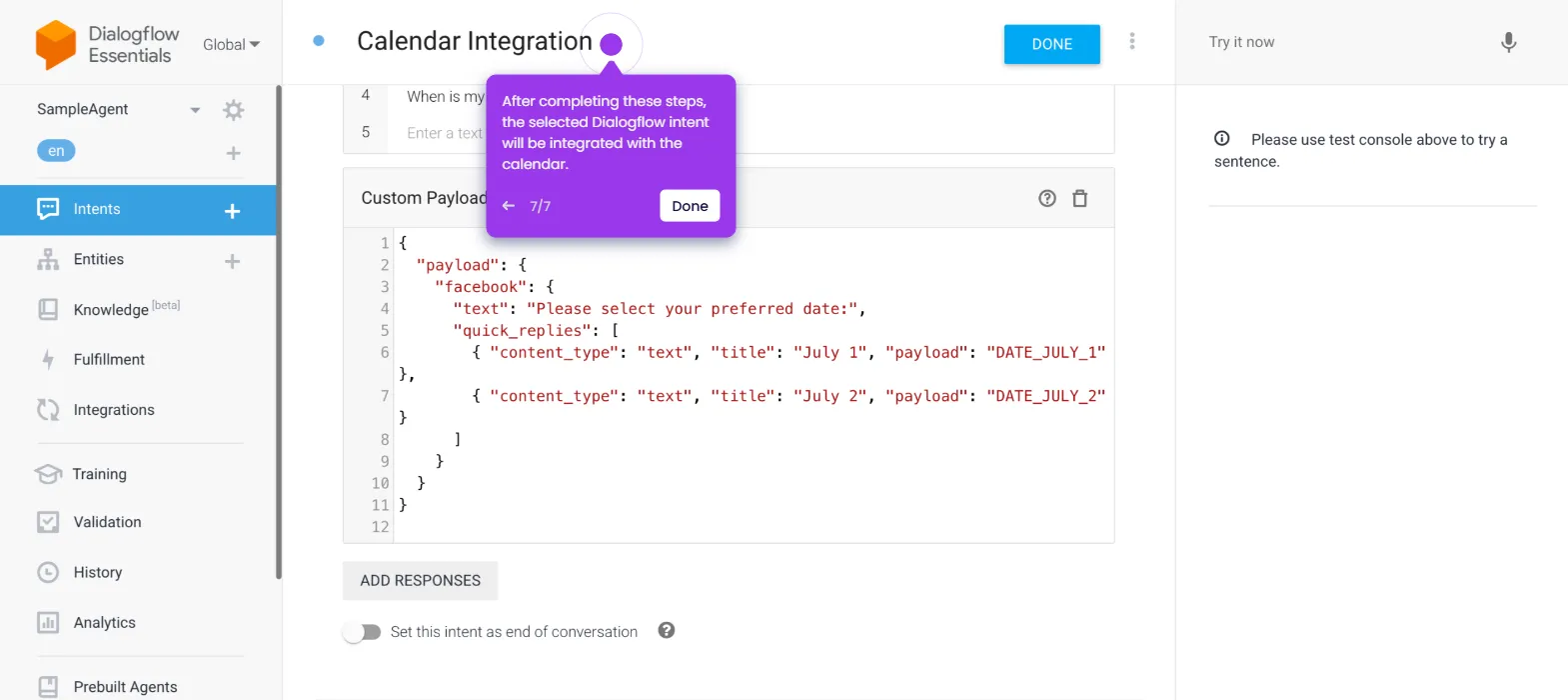
How to Integrate Dialogflow with Calendar

Madhav Bhandari
Director of Marketing @ Storylane
Dialogflow

How to Use Dialogflow as a Chatbot

Madhav Bhandari
Director of Marketing @ Storylane
No items found.
Platform
Interactive Demos
Sandbox Demos
Hubs
RepX
Integrations
Solutions
Product Marketers
Growth & Demand Gen
Sales Reps & AEs
Presales & SEs
Customer Success
Product Managers
Customers
Demo Showcase
Customer Stories
Finer Demos Club
Features
Demo Signals
Personalization
Deal Intelligence
Resources
Blog
The Plot
Tutorials
Help Docs
What’s New
Demo Dundies
Company
Careers
Pricing
Partners
Contact
Trust Center
Backed by
Chrome Extension Icon
Chrome extension
Download
Desktop app
Download
Built in San Francisco Bay Area - ©2026 Storylane
Privacy PolicyTerms & Conditions
X Corp (formerly Twitter)LinkedIn
This website uses cookies to ensure you get the best experience on our website. Learn More
Got it
This website uses cookies to ensure you get the best experience on our website. Learn More
Got it