This interactive demo was created free with Storylane in 2 minutes. Create your own demo
Start free
All Tutorials /Smartsheet

How to Add a Subtask in Smartsheet

Updated on:
June 5, 2026
By:
Madhav Bhandari
Use this interactive demo to learn how to create a subtask under an existing row in Smartsheet.

Quick summary

Adding a subtask in Smartsheet requires inserting a new row below a parent task and using the Indent button to nest it as a child row. This Grid View workflow takes just a few clicks and instantly structures your project hierarchy.


Steps

  1. In Smartsheet's Grid View, locate the main task row and click its Row Menu button.
  2. Select Insert Below from the dropdown list of row options.
  3. Enter the task details for the newly inserted row one by one.
  4. Select the newly added row once more to prepare it for indenting.
  5. Go to the top menu bar and click Indent to nest the row as a subtask.
  6. The subtask is now added instantly and nested under its parent task.
📌 Why this matters

Subtasks in Smartsheet allow teams to break complex projects into manageable, hierarchical steps directly within a Grid View sheet. By nesting child rows under parent tasks using the Indent feature, project managers can track dependencies, assign ownership, and maintain clear task structure without switching tools. This built-in subtask functionality makes Smartsheet a powerful solution for teams that need granular project planning and task management in a familiar spreadsheet-style interface.
Your product deserves an interactive demo
Start free
Similar Articles
Smartsheet

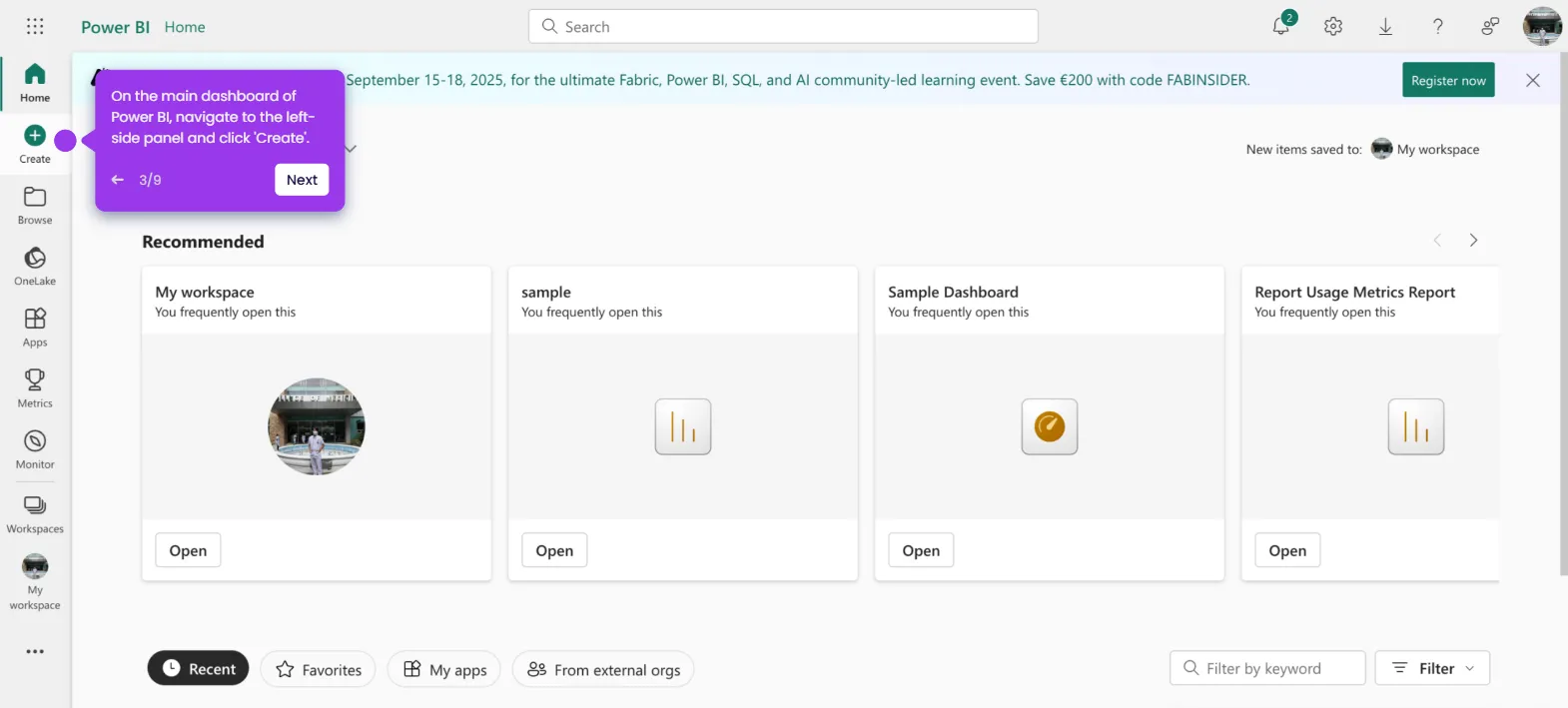
How to Connect a Smartsheet Document to Power BI

Madhav Bhandari
Director of Marketing @ Storylane
Smartsheet

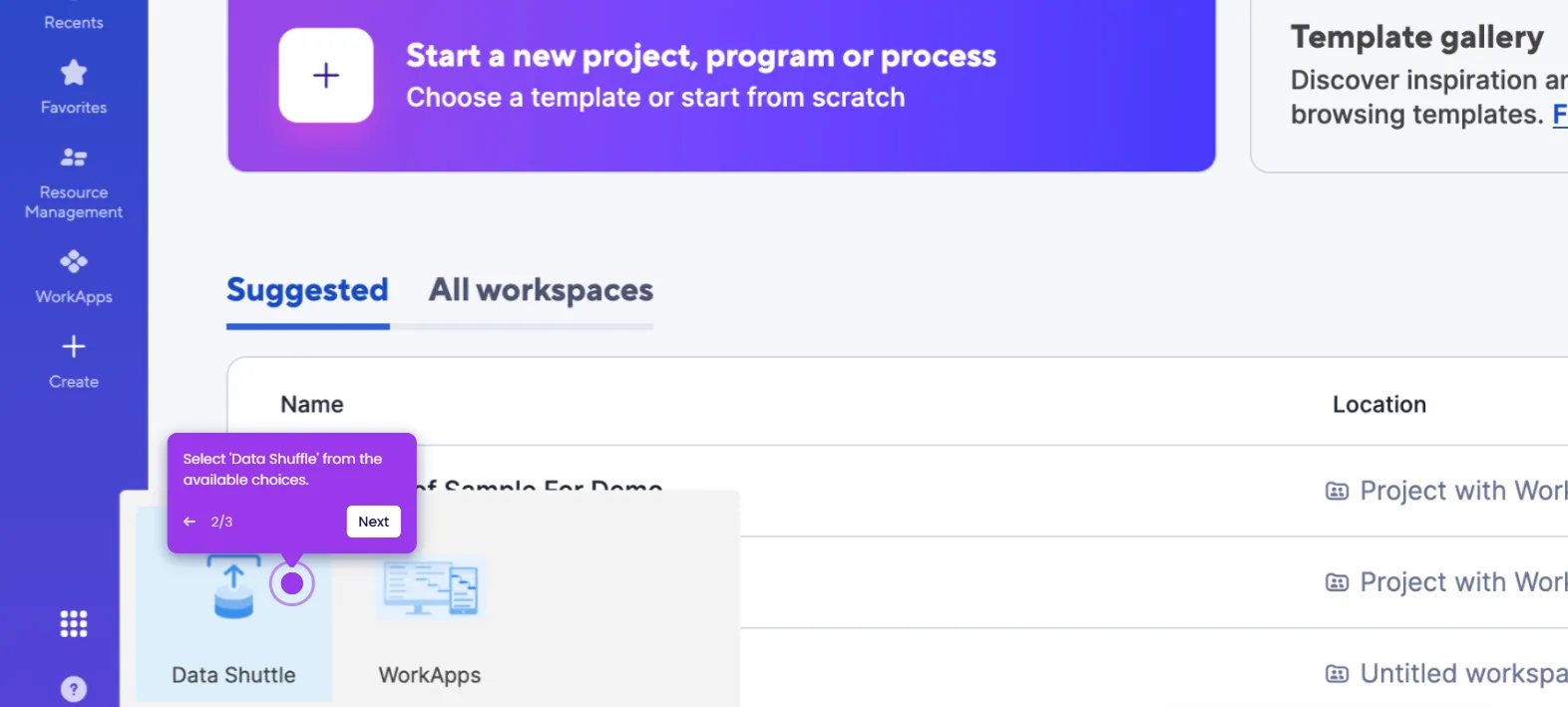
How to Use Data Shuffle in Smartsheet

Madhav Bhandari
Director of Marketing @ Storylane
Smartsheet

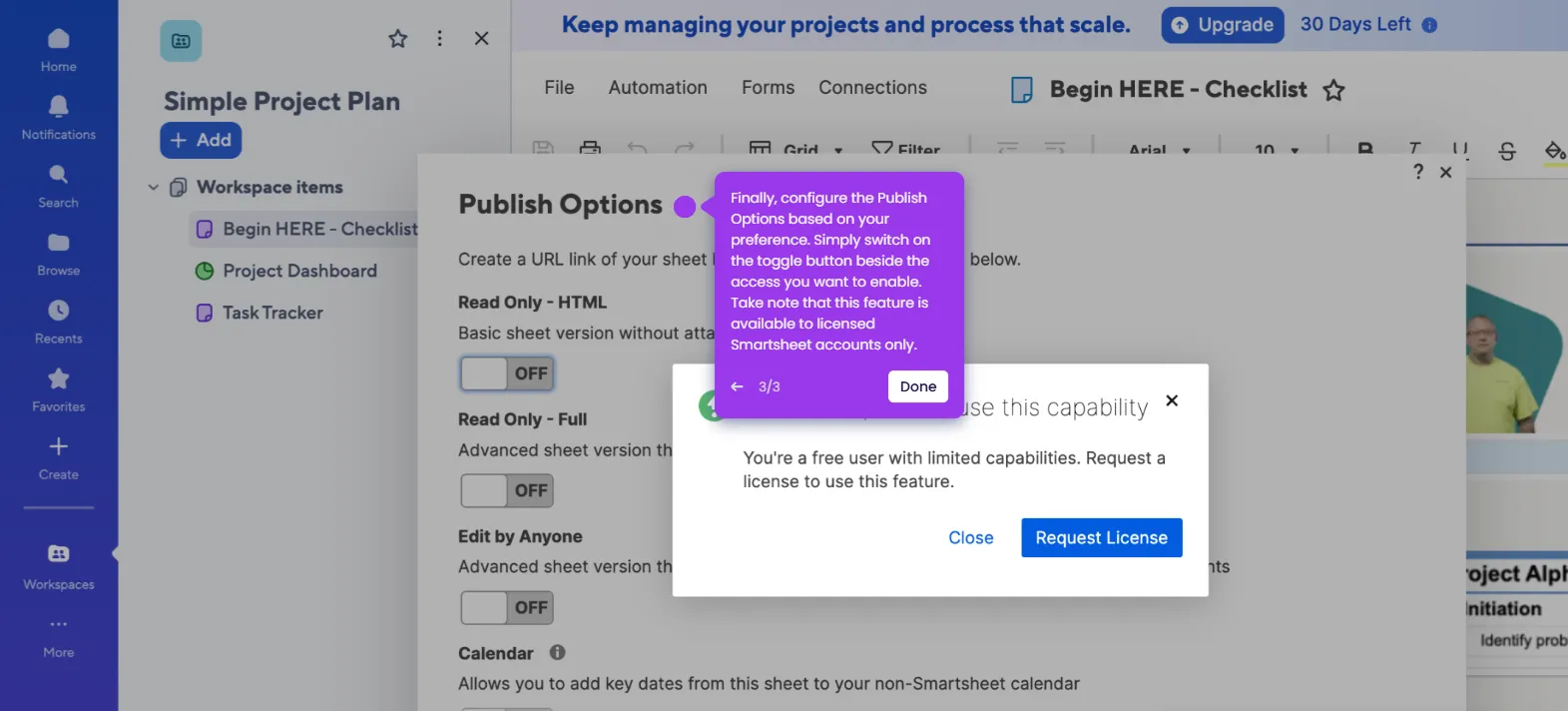
How to Publish a Smartsheet Document

Madhav Bhandari
Director of Marketing @ Storylane
No items found.
Platform
Interactive Demos
Sandbox Demos
Hubs
RepX
Integrations
Solutions
Product Marketers
Growth & Demand Gen
Sales Reps & AEs
Presales & SEs
Customer Success
Product Managers
Customers
Demo Showcase
Customer Stories
Finer Demos Club
Features
Demo Signals
Personalization
Deal Intelligence
Resources
Blog
The Plot
Tutorials
Help Docs
What’s New
Demo Dundies
Company
Careers
Pricing
Partners
Contact
Trust Center
Backed by
Chrome Extension Icon
Chrome extension
Download
Desktop app
Download
Built in San Francisco Bay Area - ©2026 Storylane
Privacy PolicyTerms & Conditions
X Corp (formerly Twitter)LinkedIn
This website uses cookies to ensure you get the best experience on our website. Learn More
Got it
This website uses cookies to ensure you get the best experience on our website. Learn More
Got it