This interactive demo was created free with Storylane in 2 minutes. Create your own demo
Start free
All Tutorials /MS PowerPoint

How To Add A Tilde In PowerPoint

Updated on:
June 5, 2026
By:
Madhav Bhandari
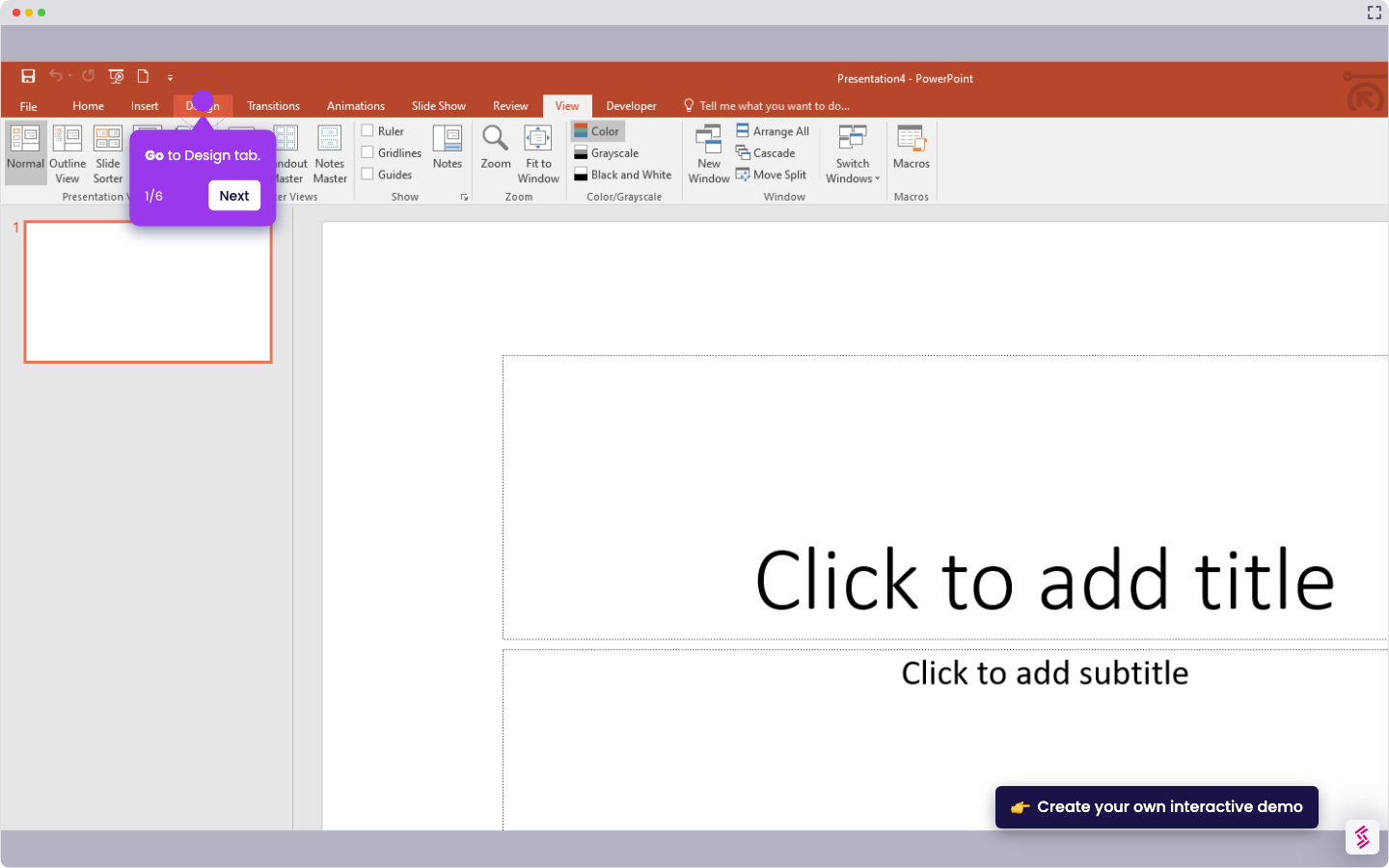
Try this guided demo to learn how to add a tilde in PowerPoint.
  1. Place your cursor where you want to insert the tilde (~).
  2. Press Shift + ` (backtick) to type ~.

📌 Why this matters

You'll need tildes for mathematical expressions, programming code snippets, and linguistic notation in your presentations. The tilde represents approximation in math (~5%), home directories in Unix commands, and phonetic nasalization in language studies. Beyond these technical uses, tildes appear in URLs, email addresses, and informal writing to convey a casual tone. Since PowerPoint lacks dedicated symbol insertion tools that many users expect, mastering this keyboard shortcut saves you from hunting through character maps or copying symbols from external sources every time you present technical content.

Your product deserves an interactive demo
Start free
Similar Articles
MS PowerPoint

How To Curve Letters In PowerPoint

Madhav Bhandari
Director of Marketing @ Storylane
MS PowerPoint

How to Make PowerPoint Slide 8.5 by 11

Madhav Bhandari
Director of Marketing @ Storylane
MS PowerPoint

How to Make Arrow Thicker in PowerPoint

Madhav Bhandari
Director of Marketing @ Storylane
No items found.
Platform
Interactive Demos
Sandbox Demos
Hubs
RepX
Integrations
Solutions
Product Marketers
Growth & Demand Gen
Sales Reps & AEs
Presales & SEs
Customer Success
Product Managers
Customers
Demo Showcase
Customer Stories
Finer Demos Club
Features
Demo Signals
Personalization
Deal Intelligence
Resources
Blog
The Plot
Tutorials
Help Docs
What’s New
Demo Dundies
Company
Careers
Pricing
Partners
Contact
Trust Center
Backed by
Chrome Extension Icon
Chrome extension
Download
Desktop app
Download
Built in San Francisco Bay Area - ©2026 Storylane
Privacy PolicyTerms & Conditions
X Corp (formerly Twitter)LinkedIn
This website uses cookies to ensure you get the best experience on our website. Learn More
Got it
This website uses cookies to ensure you get the best experience on our website. Learn More
Got it