This interactive demo was created free with Storylane in 2 minutes. Create your own demo
Start free
All Tutorials /MS PowerPoint

How To Add Animations In PowerPoint Tutorial

Updated on:
June 9, 2026
By:
Madhav Bhandari
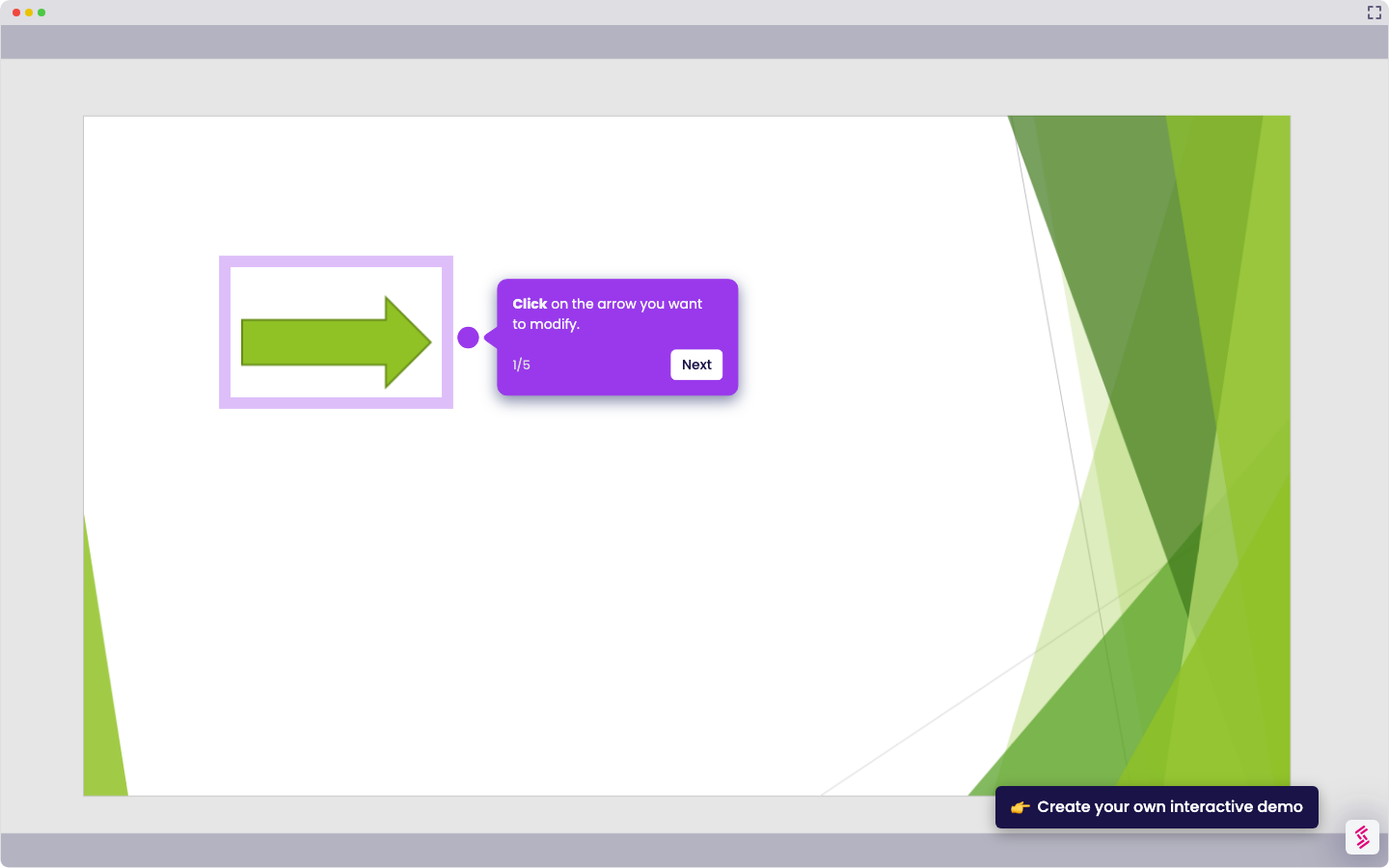
Use this interactive demo to learn how to add animations in PowerPoint tutorial.
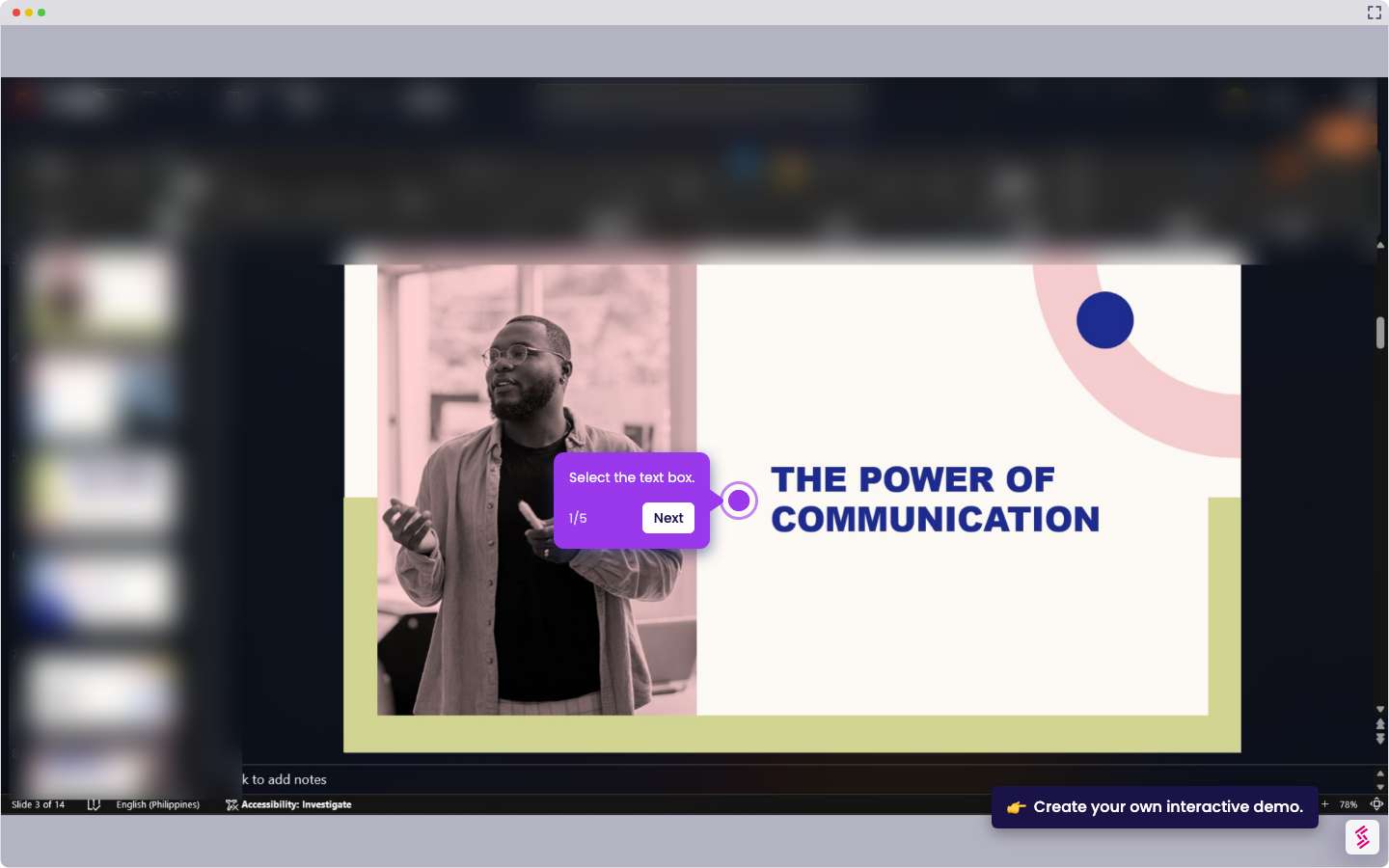
  1. Select the object (text, image, shape, etc.).
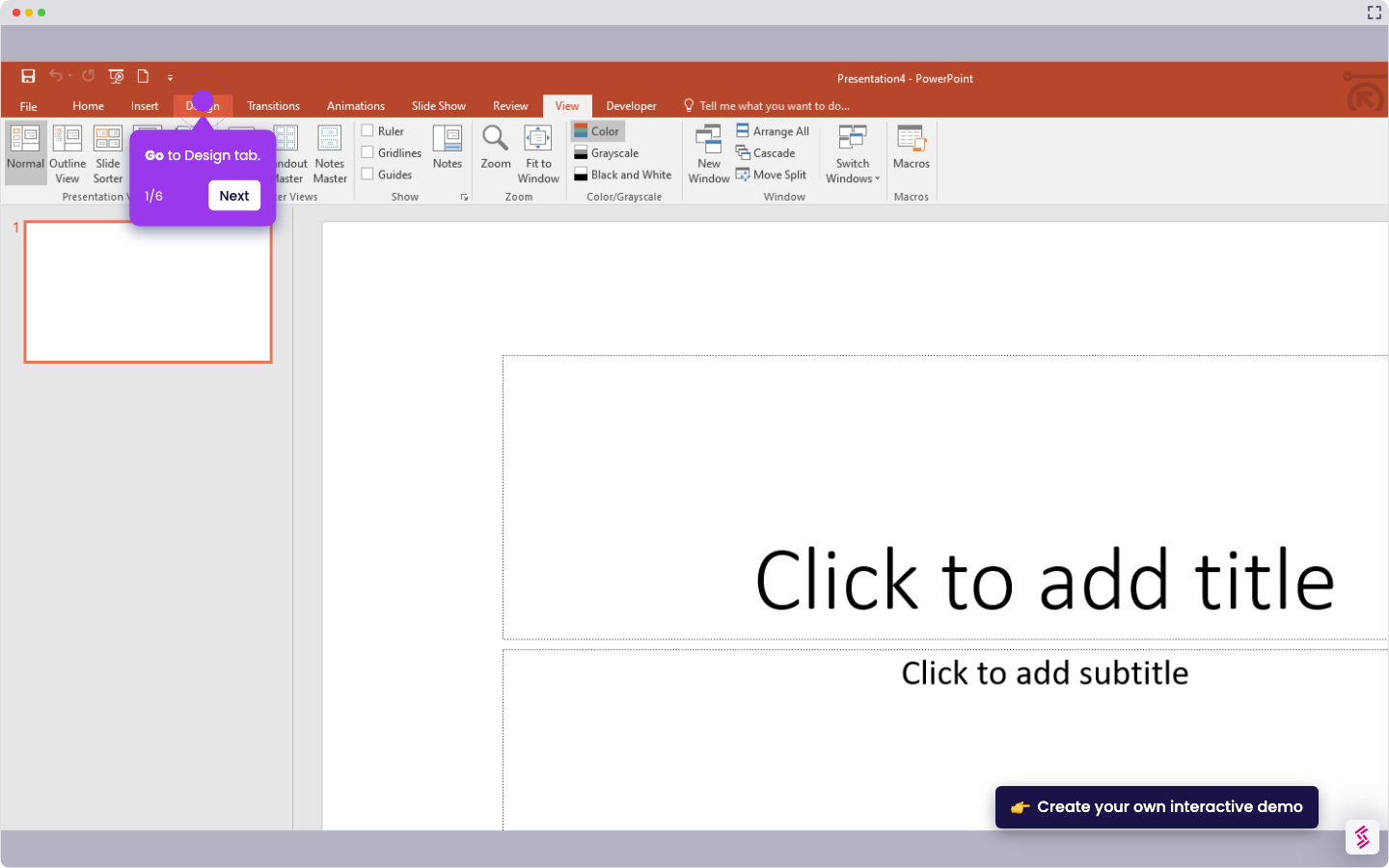
  2. Go to the Animations tab.
  3. Choose an animation effect (e.g., Appear, Fade, Fly In).
  4. Adjust Duration and Delay.
  5. Set when your animation starts—choose On Click, With Previous, or After Previous.

📌 Why this matters

Animations transform static presentations into guided experiences that control your audience's attention. You can reveal information progressively, preventing viewers from reading ahead while you're still explaining earlier points. This pacing keeps everyone synchronized with your narrative flow. Beyond basic visual appeal, strategic animation timing creates professional storytelling moments—building suspense before revealing key data, emphasizing crucial points through motion, or smoothly transitioning between complex concepts. Well-timed animations also reduce cognitive overload by introducing one element at a time rather than overwhelming viewers with everything simultaneously.

Your product deserves an interactive demo
Start free
Similar Articles
MS PowerPoint

How To Curve Letters In PowerPoint

Madhav Bhandari
Director of Marketing @ Storylane
MS PowerPoint

How to Make PowerPoint Slide 8.5 by 11

Madhav Bhandari
Director of Marketing @ Storylane
MS PowerPoint

How to Make Arrow Thicker in PowerPoint

Madhav Bhandari
Director of Marketing @ Storylane
No items found.
Platform
Interactive Demos
Sandbox Demos
Hubs
RepX
Integrations
Solutions
Product Marketers
Growth & Demand Gen
Sales Reps & AEs
Presales & SEs
Customer Success
Product Managers
Customers
Demo Showcase
Customer Stories
Finer Demos Club
Features
Demo Signals
Personalization
Deal Intelligence
Resources
Blog
The Plot
Tutorials
Help Docs
What’s New
Demo Dundies
Company
Careers
Pricing
Partners
Contact
Trust Center
Backed by
Chrome Extension Icon
Chrome extension
Download
Desktop app
Download
Built in San Francisco Bay Area - ©2026 Storylane
Privacy PolicyTerms & Conditions
X Corp (formerly Twitter)LinkedIn
This website uses cookies to ensure you get the best experience on our website. Learn More
Got it
This website uses cookies to ensure you get the best experience on our website. Learn More
Got it