This interactive demo was created free with Storylane in 2 minutes. Create your own demo
Start free
All Tutorials /MS PowerPoint

How To Add Appendix In PowerPoint

Updated on:
June 5, 2026
By:
Madhav Bhandari
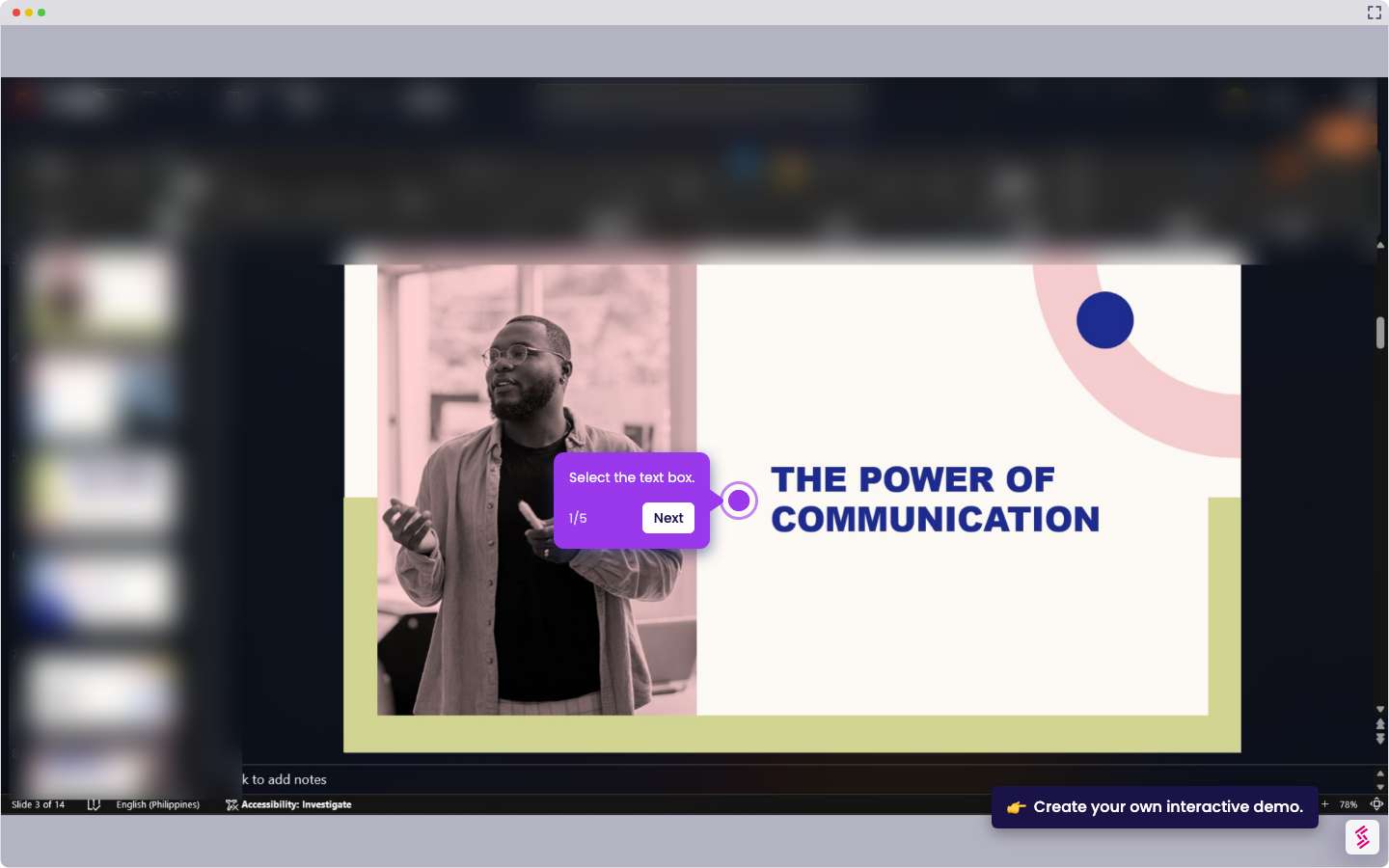
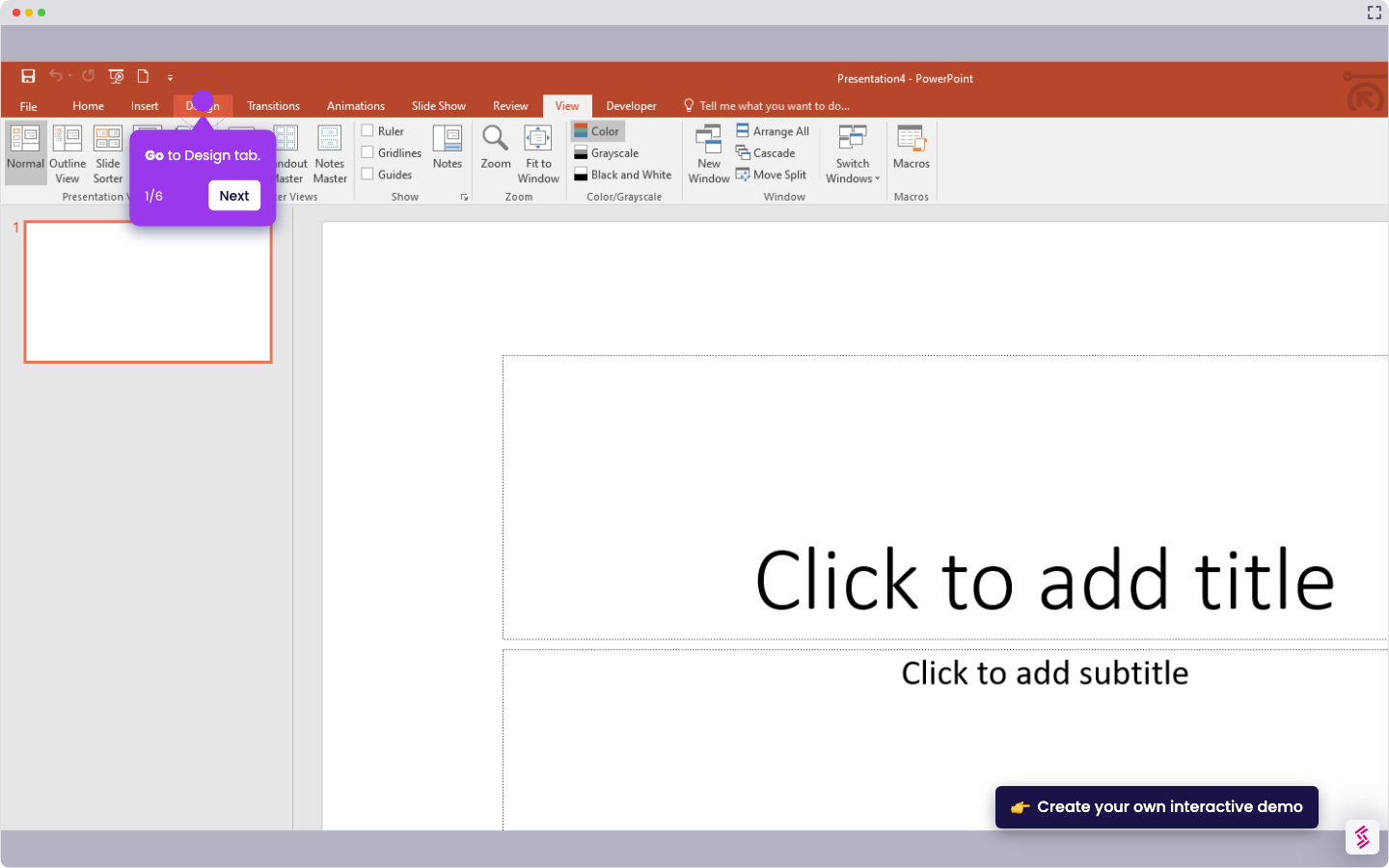
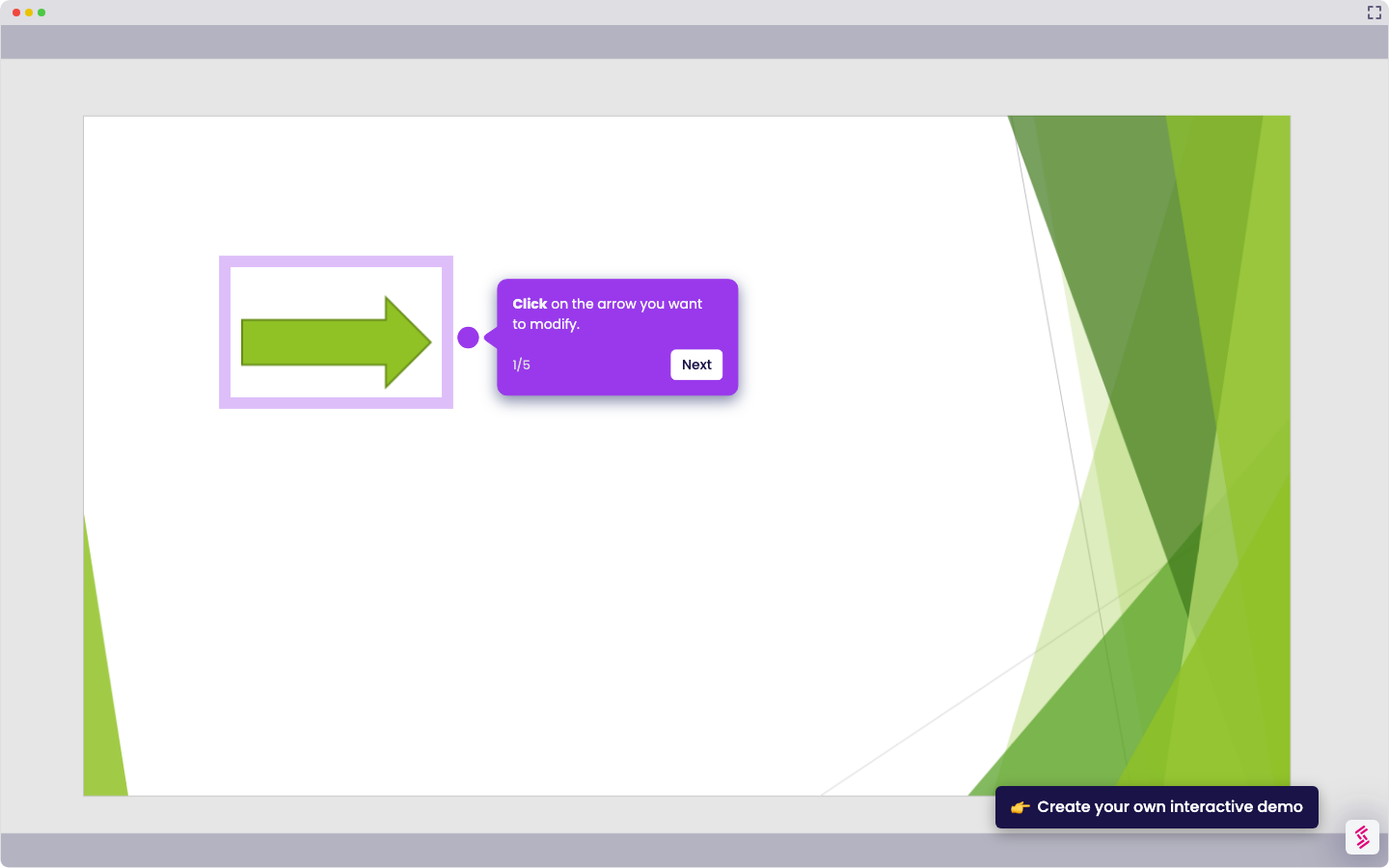
Follow this interactive demo to learn how to add appendix in PowerPoint.
  1. Open your presentation and go to the end of your slides.
  2. Insert a new slide.
  3. Title the slide “Appendix” or “Additional Information.”
  4. Add content such as charts, tables, references, or extra details that support your main slides.

📌 Why this matters

Adding an appendix transforms your presentation from a one-size-fits-all experience into a flexible communication tool. You can keep your main slides focused and audience-appropriate while having detailed backup material ready for unexpected questions or follow-up discussions. This separation lets you control the narrative flow during your presentation, then dive deeper when stakeholders want specifics. Your appendix becomes a safety net that demonstrates thoroughness without overwhelming your core message, helping you appear prepared for any direction the conversation might take.

Your product deserves an interactive demo
Start free
Similar Articles
MS PowerPoint

How To Curve Letters In PowerPoint

Madhav Bhandari
Director of Marketing @ Storylane
MS PowerPoint

How to Make PowerPoint Slide 8.5 by 11

Madhav Bhandari
Director of Marketing @ Storylane
MS PowerPoint

How to Make Arrow Thicker in PowerPoint

Madhav Bhandari
Director of Marketing @ Storylane
No items found.
Platform
Interactive Demos
Sandbox Demos
Hubs
RepX
Integrations
Solutions
Product Marketers
Growth & Demand Gen
Sales Reps & AEs
Presales & SEs
Customer Success
Product Managers
Customers
Demo Showcase
Customer Stories
Finer Demos Club
Features
Demo Signals
Personalization
Deal Intelligence
Resources
Blog
The Plot
Tutorials
Help Docs
What’s New
Demo Dundies
Company
Careers
Pricing
Partners
Contact
Trust Center
Backed by
Chrome Extension Icon
Chrome extension
Download
Desktop app
Download
Built in San Francisco Bay Area - ©2026 Storylane
Privacy PolicyTerms & Conditions
X Corp (formerly Twitter)LinkedIn
This website uses cookies to ensure you get the best experience on our website. Learn More
Got it
This website uses cookies to ensure you get the best experience on our website. Learn More
Got it