This interactive demo was created free with Storylane in 2 minutes. Create your own demo
Start free
All Tutorials /MS PowerPoint

How To Add Background Music To PowerPoint

Updated on:
June 9, 2026
By:
Madhav Bhandari
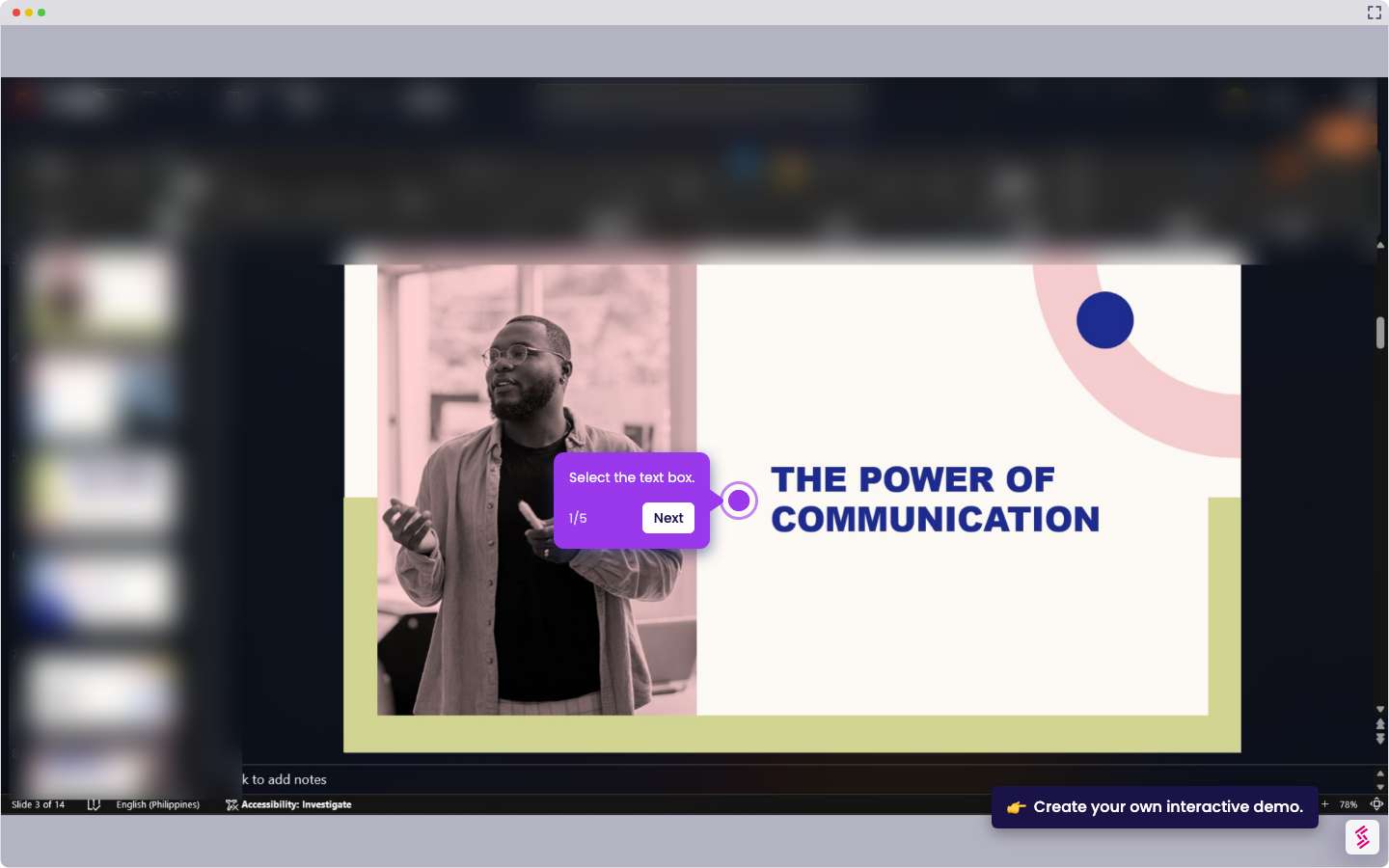
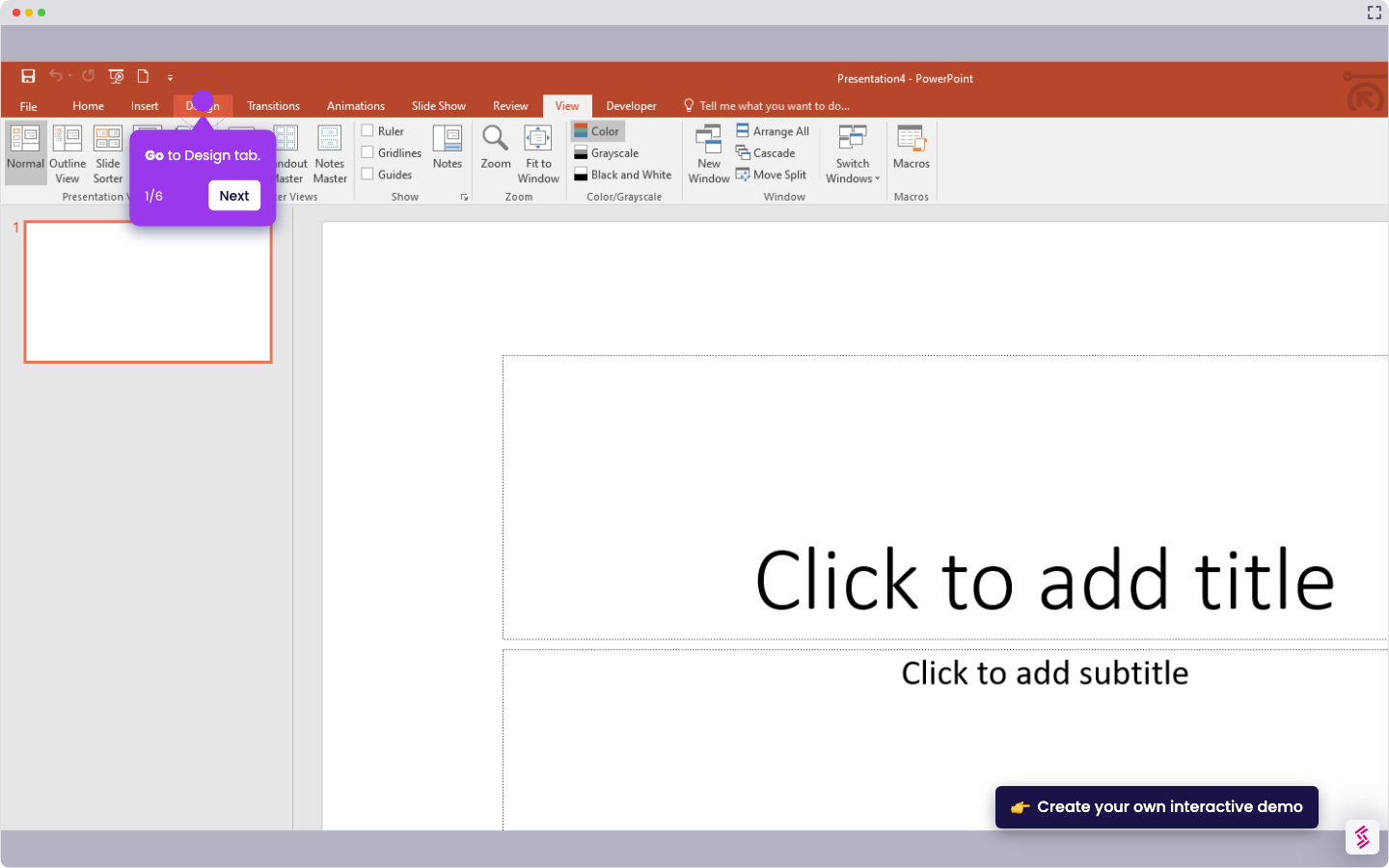
Try this interactive demo to learn how to add background music to PowerPoint.
  1. Open the Insert menu.
  2. Click Audio and select your background music file.
  3. Drag the audio icon where you want it.

📌 Why this matters

Background music transforms static presentations into engaging experiences that hold your audience's attention throughout lengthy slideshows. You can set the perfect tone for product launches, training sessions, or client pitches while covering awkward silence during transitions. Audio also helps reinforce your brand identity when you use consistent musical themes across multiple presentations. Since most presenters rely solely on visuals and speech, adding a subtle soundtrack makes your content memorable and professional, giving you a competitive edge in business settings where standing out matters.

Your product deserves an interactive demo
Start free
Similar Articles
MS PowerPoint

How To Curve Letters In PowerPoint

Madhav Bhandari
Director of Marketing @ Storylane
MS PowerPoint

How to Make PowerPoint Slide 8.5 by 11

Madhav Bhandari
Director of Marketing @ Storylane
MS PowerPoint

How to Make Arrow Thicker in PowerPoint

Madhav Bhandari
Director of Marketing @ Storylane
No items found.
Platform
Interactive Demos
Sandbox Demos
Hubs
RepX
Integrations
Solutions
Product Marketers
Growth & Demand Gen
Sales Reps & AEs
Presales & SEs
Customer Success
Product Managers
Customers
Demo Showcase
Customer Stories
Finer Demos Club
Features
Demo Signals
Personalization
Deal Intelligence
Resources
Blog
The Plot
Tutorials
Help Docs
What’s New
Demo Dundies
Company
Careers
Pricing
Partners
Contact
Trust Center
Backed by
Chrome Extension Icon
Chrome extension
Download
Desktop app
Download
Built in San Francisco Bay Area - ©2026 Storylane
Privacy PolicyTerms & Conditions
X Corp (formerly Twitter)LinkedIn
This website uses cookies to ensure you get the best experience on our website. Learn More
Got it
This website uses cookies to ensure you get the best experience on our website. Learn More
Got it