Quick summary
This demo shows how to use the {{first_name}} variable in a ManyChat Text block to send personalized automated messages. Adding a subscriber's first name to your chatbot flow takes under a minute and can immediately improve engagement and lead generation.
Steps
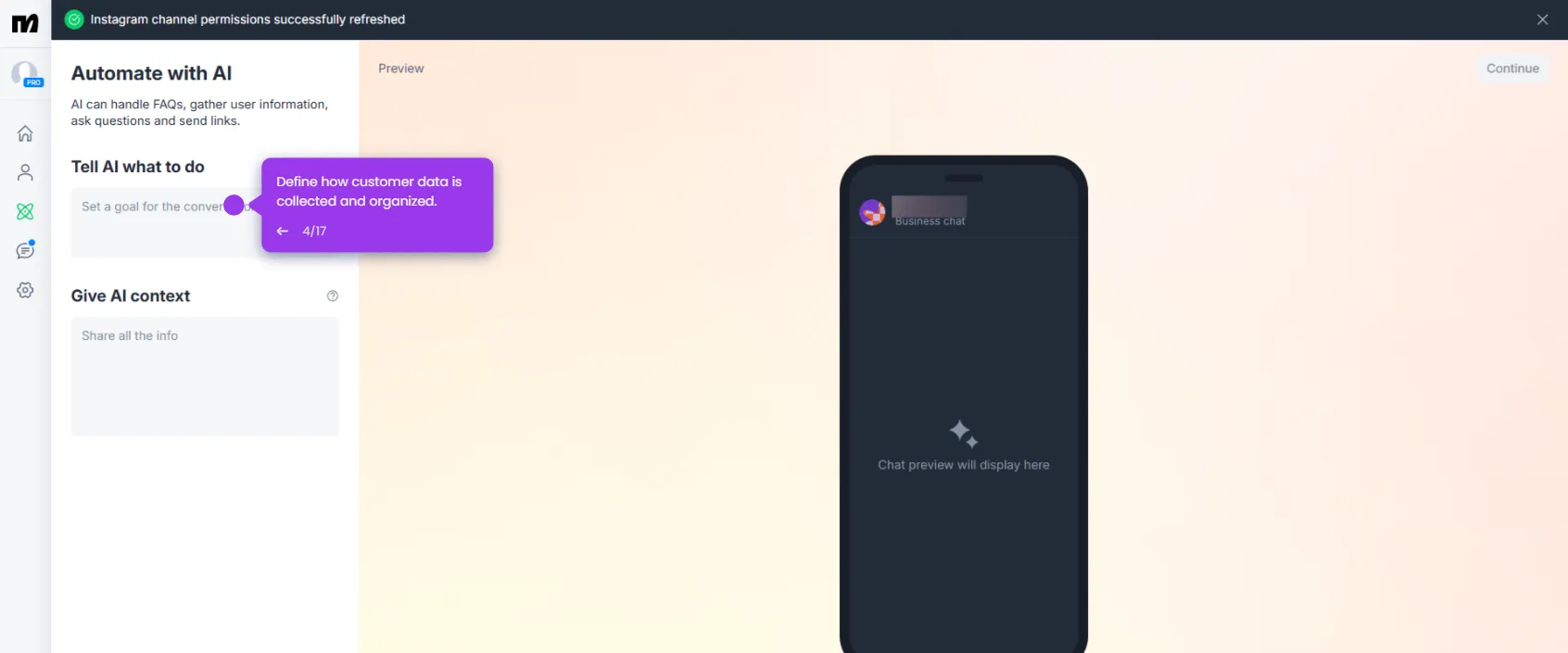
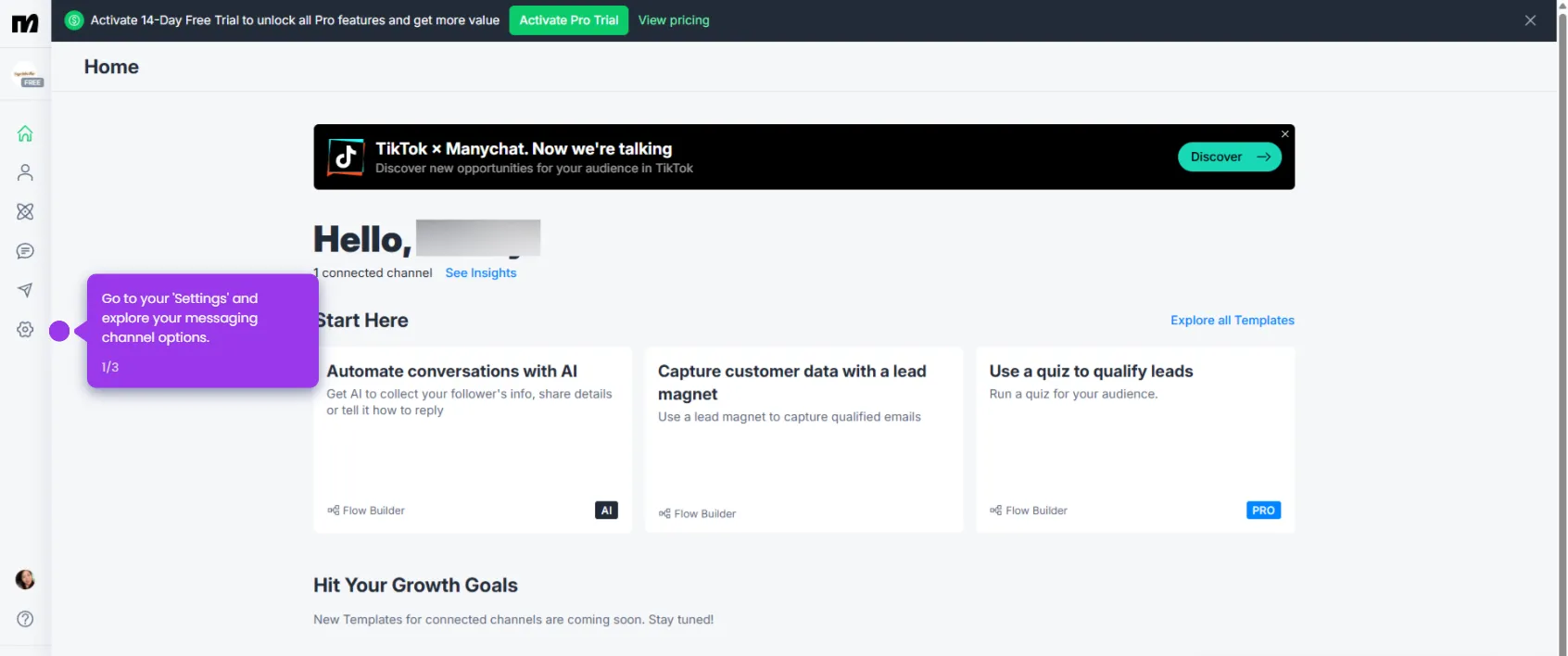
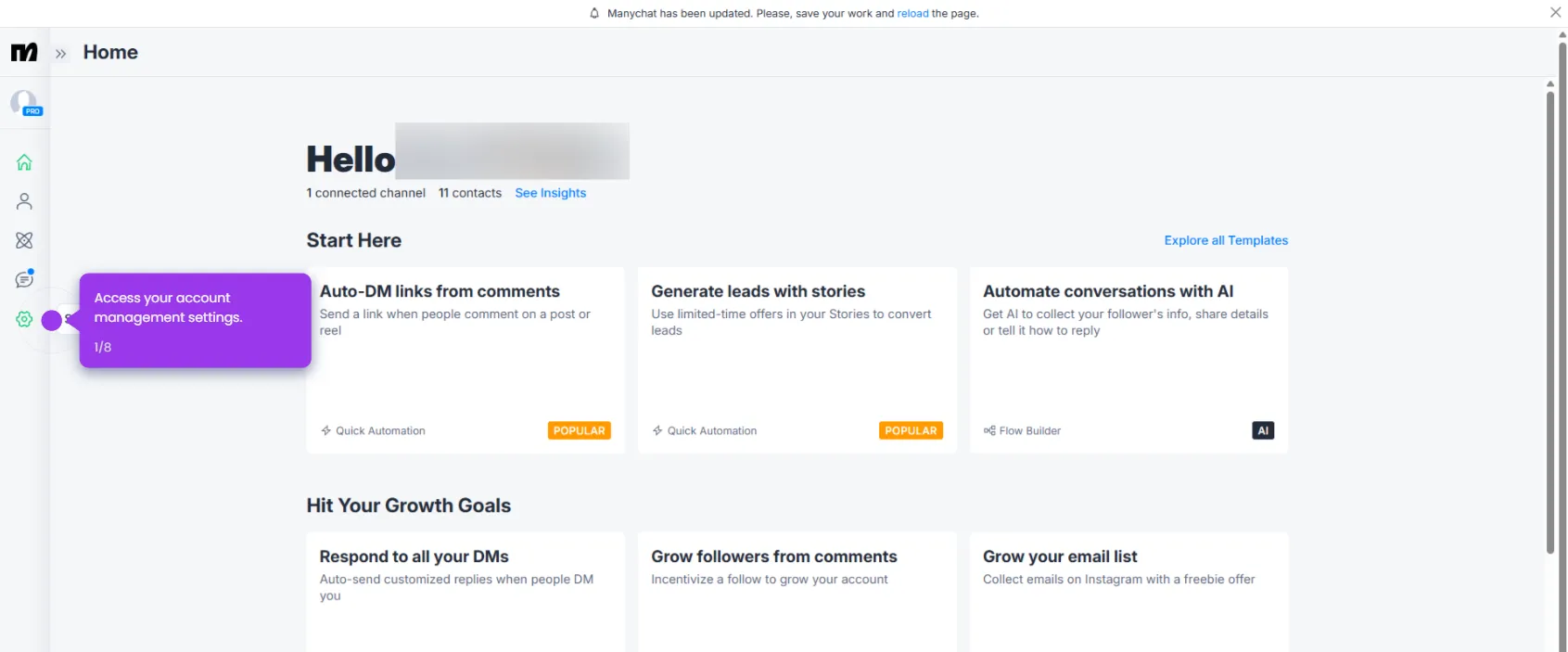
- Open ManyChat's Automation tools from the dashboard to access your messaging workflows.
- Navigate to the automation you want to personalize.
- Customize your chatbot's response flow by opening the relevant conversation sequence for editing.
- Inside any Text block, type Hi {{first_name}}! to insert the subscriber's first name dynamically.
- Click Set Live to publish your updated conversation flow and start generating leads immediately.