Quick summary
Adding icons in Figma is done through the Iconify plugin, which lets designers browse thousands of icon categories and import icons directly onto the design canvas as a frame or component. This six-step process takes under a minute and works entirely within the Figma interface.
Steps
- Navigate to the bottom section of your design canvas and click 'Actions'.
- Search for 'Iconify' in the search bar and select it from the suggested results.
- Browse the plugin and choose the icon category that contains the icon you want to add.
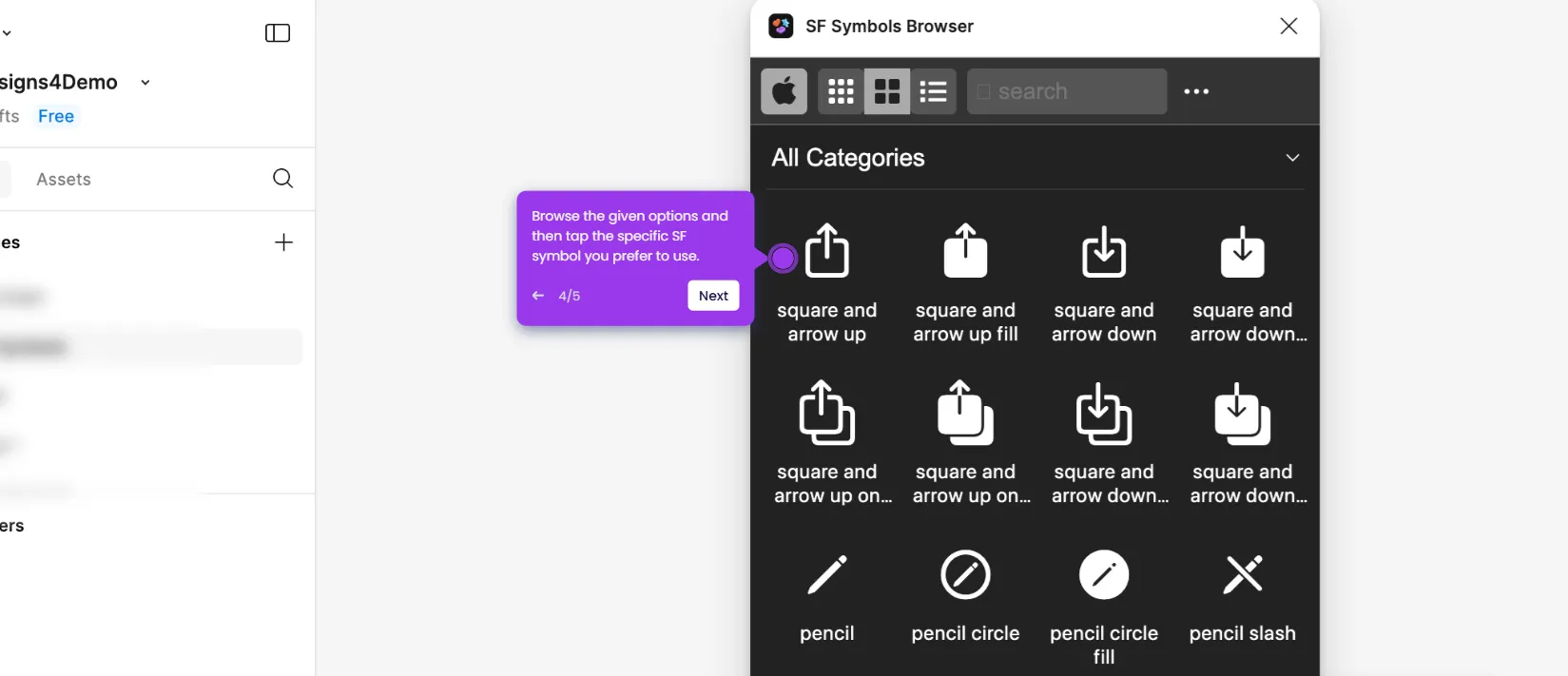
- Review the available options and click the icon you prefer to use.
- Set your preferred Size and Color, then click 'Import as Frame' or 'Import as Component'.
- The selected icon is now added as a frame or component to your Figma design canvas.