This interactive demo was created free with Storylane in 2 minutes. Create your own demo
Start free
All Tutorials /Clickfunnels

How to Add PayPal to ClickFunnels Classic

Updated on:
June 5, 2026
By:
Madhav Bhandari
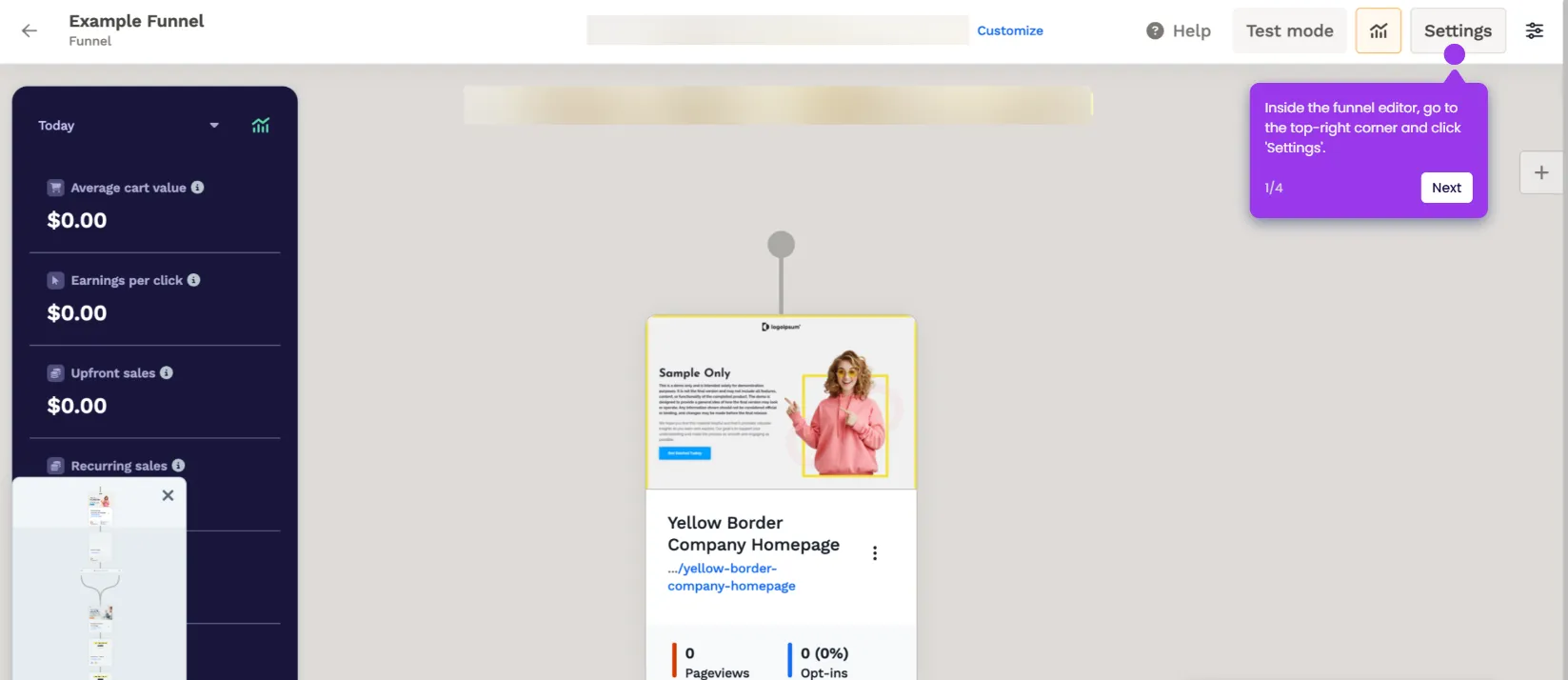
Use this interactive demo to learn how to connect PayPal as a payment gateway in ClickFunnels Classic.

Quick summary

This guide walks you through adding PayPal as a payment gateway in ClickFunnels Classic by navigating to Account Settings and configuring the PayPal V3 integration. In just six steps, you can connect your PayPal V3 credentials and activate the payment method across your funnels.


Steps

  1. Hover over the Company tab in the top-right corner, then select Account Settings.
  2. Tap Payment Gateways to proceed to the payment settings section.
  3. Click Add New Payment Gateway to open the gateway selection screen.
  4. Find and choose PayPal V3 from the list of available payment gateway options.
  5. Enter your PayPal V3 Client ID and PayPal V3 Client Secret into their respective input fields.
  6. Click Create PayPal V3 Account to finish the configuration and enable the integration.
📌 Why this matters

Connecting PayPal to ClickFunnels Classic gives funnel builders access to one of the world's most trusted payment processors, helping increase checkout conversions by offering buyers a familiar and secure payment option. The PayPal V3 integration supports modern API credentials, ensuring a more stable and secure connection compared to legacy gateway setups. For online course creators, coaches, and ecommerce sellers using ClickFunnels, enabling PayPal as a payment gateway removes friction at checkout and broadens the range of customers who can complete a purchase.
Your product deserves an interactive demo
Start free
Similar Articles
Clickfunnels

How to Remove the “Made With ClickFunnels” Badge

Madhav Bhandari
Director of Marketing @ Storylane
Clickfunnels

How to Add a Privacy Policy Page to ClickFunnels Sites

Madhav Bhandari
Director of Marketing @ Storylane
Clickfunnels

How to Set Up a ClickFunnels Commission Plan

Madhav Bhandari
Director of Marketing @ Storylane
No items found.
Platform
Interactive Demos
Sandbox Demos
Hubs
RepX
Integrations
Solutions
Product Marketers
Growth & Demand Gen
Sales Reps & AEs
Presales & SEs
Customer Success
Product Managers
Customers
Demo Showcase
Customer Stories
Finer Demos Club
Features
Demo Signals
Personalization
Deal Intelligence
Resources
Blog
The Plot
Tutorials
Help Docs
What’s New
Demo Dundies
Company
Careers
Pricing
Partners
Contact
Trust Center
Backed by
Chrome Extension Icon
Chrome extension
Download
Desktop app
Download
Built in San Francisco Bay Area - ©2026 Storylane
Privacy PolicyTerms & Conditions
X Corp (formerly Twitter)LinkedIn
This website uses cookies to ensure you get the best experience on our website. Learn More
Got it
This website uses cookies to ensure you get the best experience on our website. Learn More
Got it