


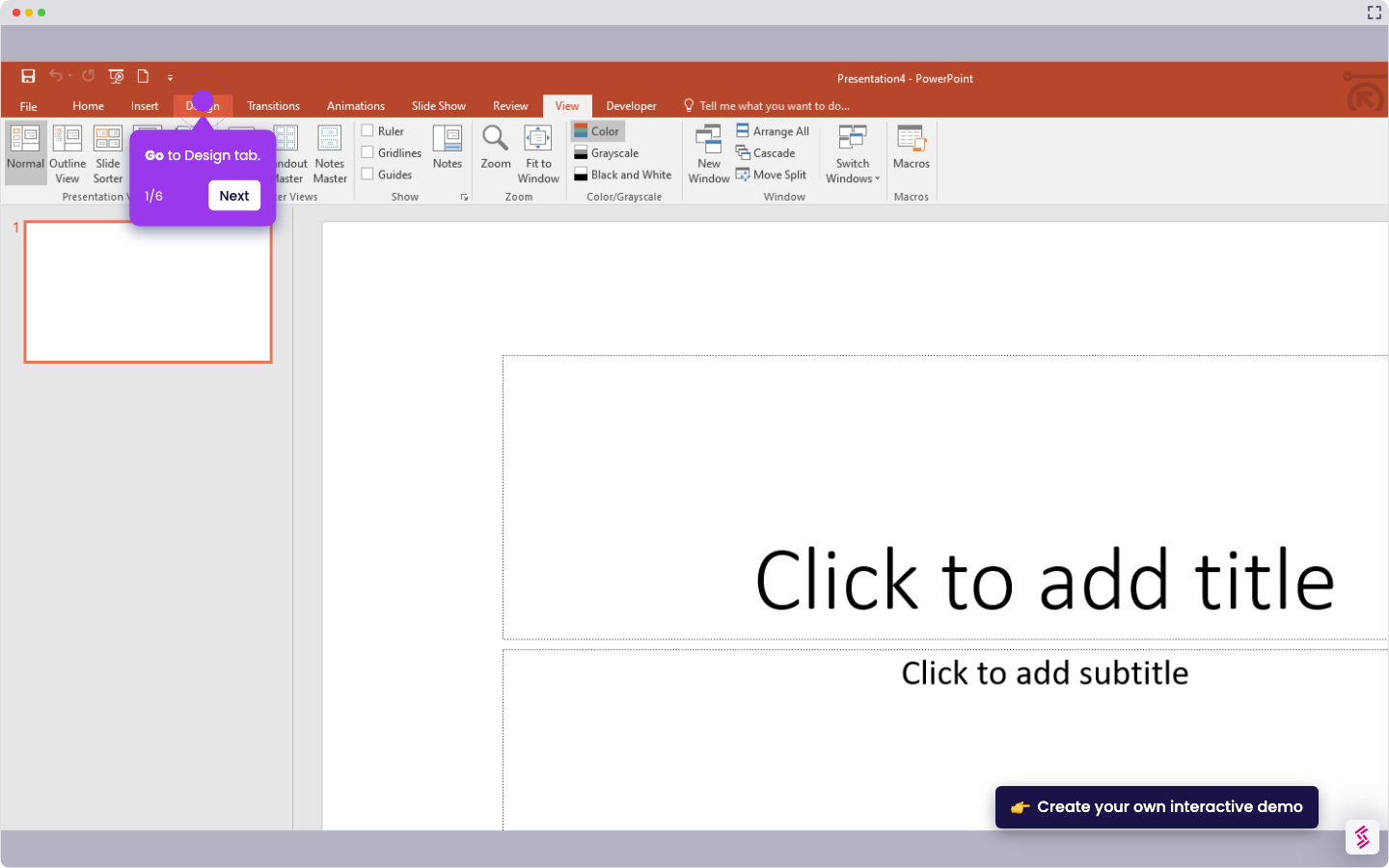
- Inside the slide canvas of your PowerPoint presentation, go to the top menu bar and click 'View'.
- Following that, find and select 'Slide Master' from the available options.
- Choose the title box you want to align.
- Subsequently, head back to the top menu bar and click 'Shape Format'.
- Click the 'Align' option to proceed.
- After that, choose the specific alignment you wish to use.
- Tap 'Slide Master' afterwards.
- Next, click 'Close Master' to apply the changes.
- Finally, the titles on different slides of your PowerPoint presentation will be aligned accordingly.
How to Align the Titles on Different Slides in PowerPoint
Try this guided demo to learn how to align the titles on different slides in PowerPoint.
📌 Why this matters
Consistent title alignment creates visual cohesion that makes your presentation look professionally designed rather than hastily assembled. When titles jump around from slide to slide, your audience subconsciously notices the inconsistency, which can undermine your credibility and distract from your message. By standardizing alignment across all slides simultaneously, you're actually training your viewers' eyes to focus on content rather than formatting irregularities. This small detail signals attention to quality and helps maintain the seamless flow that keeps audiences engaged throughout your presentation.
Your product deserves an interactive demo
Similar Articles


No items found.