This interactive demo was created free with Storylane in 2 minutes. Create your own demo
Start free
All Tutorials /Clickfunnels

How to Build a Website in ClickFunnels 2.0

Updated on:
June 5, 2026
By:
Madhav Bhandari
Use this interactive demo to learn how to create and customize a website using ClickFunnels 2.0.

Quick summary

ClickFunnels 2.0 includes a built-in website builder that lets you create, customize, and publish multi-page sites directly from your workspace. Using the Site & Blog section and visual page editor, you can edit any page element, configure settings, and save your site in just a few steps.


Steps

  1. Go to the left-side panel and click 'Site & Blog'.
  2. Choose 'Overview' from the list of options.
  3. Tap 'Edit Site' in the top-right corner.
  4. Select a site theme page from the list in the left panel.
  5. Select the element you wish to edit and make your desired changes.
  6. Use the available options in the floating menu bar to customize the element based on your preference.
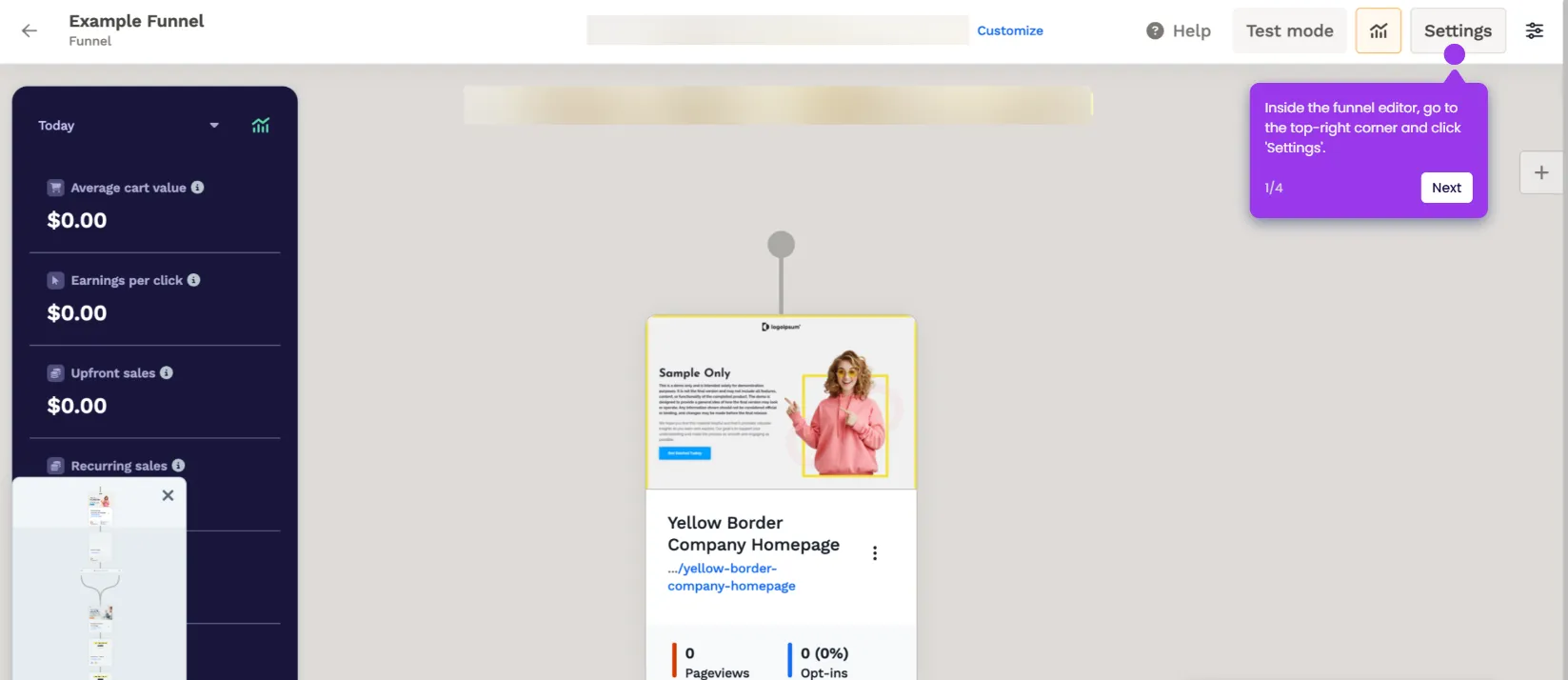
  7. To edit the selected element further, tap the 'Settings' icon.
  8. Navigate to the right-hand corner and configure options under Settings and Advanced to apply your modifications.
  9. Repeat the steps for all site pages, then tap 'Save'.
  10. Your ClickFunnels site will be created based on your input.
📌 Why this matters

ClickFunnels 2.0 gives marketers and entrepreneurs a fully integrated website builder that eliminates the need for separate page-builder tools. The ability to edit individual page elements, apply theme-level customizations, and configure advanced settings all within a single platform means teams can launch professional websites faster. Built-in site management through the Site & Blog dashboard makes it easy to maintain multi-page websites without any coding knowledge. For businesses using ClickFunnels to drive sales, having a native website builder tightly integrated with funnels and workspaces is a significant competitive advantage.
Your product deserves an interactive demo
Start free
Similar Articles
Clickfunnels

How to Remove the “Made With ClickFunnels” Badge

Madhav Bhandari
Director of Marketing @ Storylane
Clickfunnels

How to Add a Privacy Policy Page to ClickFunnels Sites

Madhav Bhandari
Director of Marketing @ Storylane
Clickfunnels

How to Set Up a ClickFunnels Commission Plan

Madhav Bhandari
Director of Marketing @ Storylane
No items found.
Platform
Interactive Demos
Sandbox Demos
Hubs
RepX
Integrations
Solutions
Product Marketers
Growth & Demand Gen
Sales Reps & AEs
Presales & SEs
Customer Success
Product Managers
Customers
Demo Showcase
Customer Stories
Finer Demos Club
Features
Demo Signals
Personalization
Deal Intelligence
Resources
Blog
The Plot
Tutorials
Help Docs
What’s New
Demo Dundies
Company
Careers
Pricing
Partners
Contact
Trust Center
Backed by
Chrome Extension Icon
Chrome extension
Download
Desktop app
Download
Built in San Francisco Bay Area - ©2026 Storylane
Privacy PolicyTerms & Conditions
X Corp (formerly Twitter)LinkedIn
This website uses cookies to ensure you get the best experience on our website. Learn More
Got it
This website uses cookies to ensure you get the best experience on our website. Learn More
Got it