This interactive demo was created free with Storylane in 2 minutes. Create your own demo
Start free
All Tutorials /Bubble.io

How to Cancel Bubble.io Subscription

Updated on:
June 5, 2026
By:
Madhav Bhandari
Use this interactive demo to learn how to downgrade or cancel your Bubble.io subscription plan.

Quick summary

Canceling a Bubble.io subscription takes just a few steps inside the app's Settings panel, where you can navigate to App plan and initiate a Cancel Plan request. Once you select a cancellation reason and confirm, your account is immediately downgraded to the free tier at $0 cost.


Steps

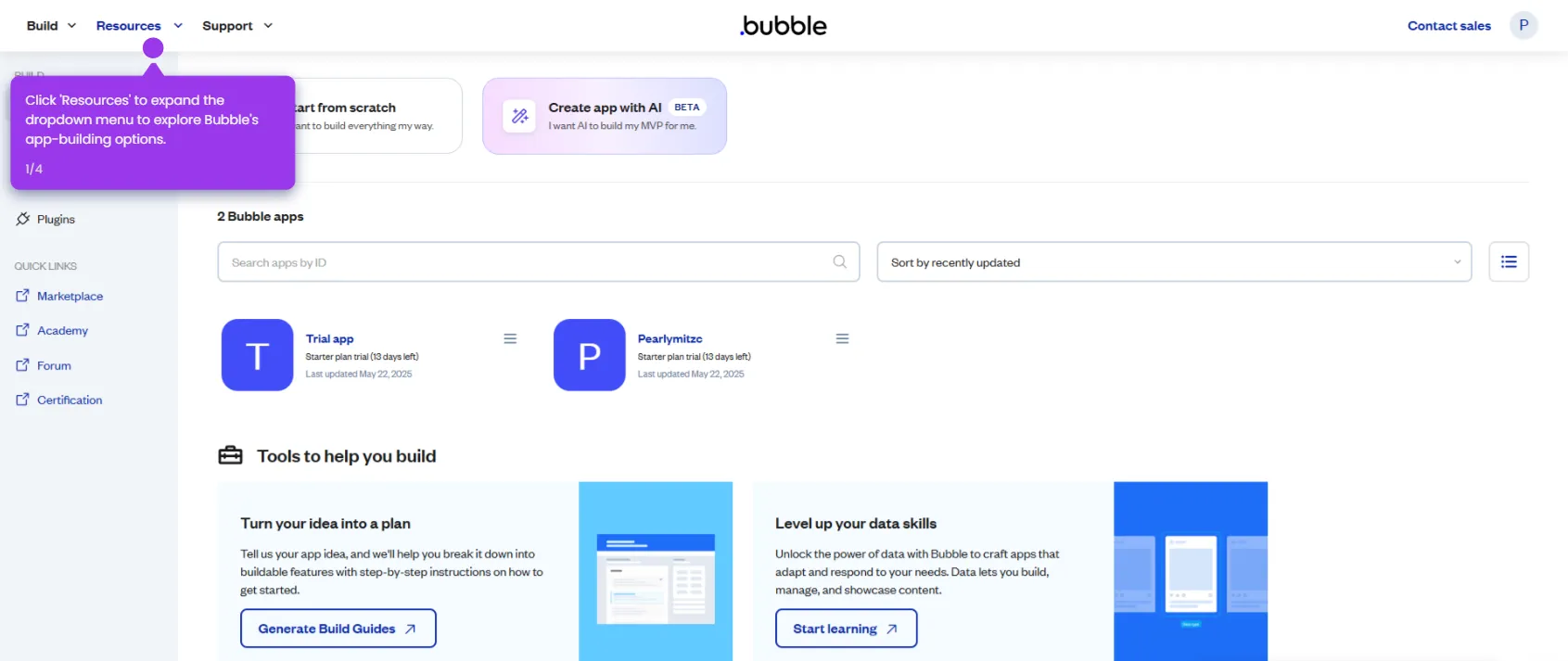
  1. From your dashboard, open the editor for the app whose subscription you want to cancel.
  2. Access the visual editor to enter the app's build environment.
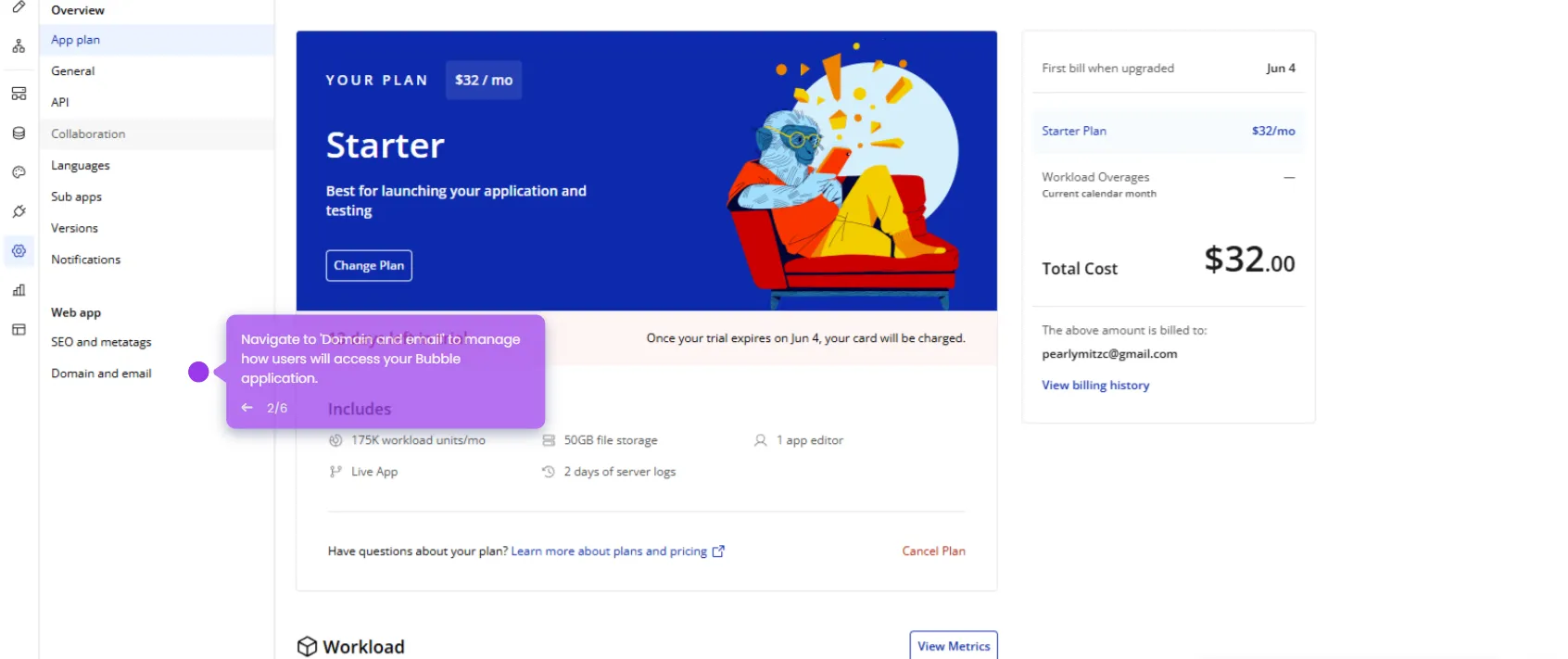
  3. Click Settings to open the subscription management dashboard and view your plan options.
  4. Go to App plan and click Cancel Plan to initiate the cancellation process.
  5. Select a cancellation reason from the list to help Bubble improve their offering.
  6. Provide additional feedback by selecting a secondary reason for your changes.
  7. Click OKAY to confirm your selection and proceed with the subscription change.
  8. Wait while the system processes your subscription update request.
  9. Click Got it to acknowledge the completion of the subscription management process.
  10. Confirm your updated plan showing $0 cost — your account has been successfully downgraded.
📌 Why this matters

Knowing how to cancel or downgrade a Bubble.io subscription gives no-code app builders full control over their billing without needing to contact support. Bubble's self-serve cancellation flow lets users switch to the free plan instantly, avoiding unwanted charges during pauses in development. This is especially important for indie developers and small teams managing tight budgets across multiple no-code projects. Understanding the exact steps — from the Settings panel to the App plan section — removes friction and prevents accidental renewal costs.
Your product deserves an interactive demo
Start free
Similar Articles
Bubble.io

How to Use API Connector in Bubble.io

Madhav Bhandari
Director of Marketing @ Storylane
Bubble.io

How to Set File Uploads in Bubble.io

Madhav Bhandari
Director of Marketing @ Storylane
Bubble.io

How to Add Custom Domains in Bubble.io

Madhav Bhandari
Director of Marketing @ Storylane
No items found.
Platform
Interactive Demos
Sandbox Demos
Hubs
RepX
Integrations
Solutions
Product Marketers
Growth & Demand Gen
Sales Reps & AEs
Presales & SEs
Customer Success
Product Managers
Customers
Demo Showcase
Customer Stories
Finer Demos Club
Features
Demo Signals
Personalization
Deal Intelligence
Resources
Blog
The Plot
Tutorials
Help Docs
What’s New
Demo Dundies
Company
Careers
Pricing
Partners
Contact
Trust Center
Backed by
Chrome Extension Icon
Chrome extension
Download
Desktop app
Download
Built in San Francisco Bay Area - ©2026 Storylane
Privacy PolicyTerms & Conditions
X Corp (formerly Twitter)LinkedIn
This website uses cookies to ensure you get the best experience on our website. Learn More
Got it
This website uses cookies to ensure you get the best experience on our website. Learn More
Got it