This interactive demo was created free with Storylane in 2 minutes. Create your own demo
Start free
All Tutorials /Zoho

How To Cancel Zoho Subscription

Updated on:
June 5, 2026
By:
Madhav Bhandari
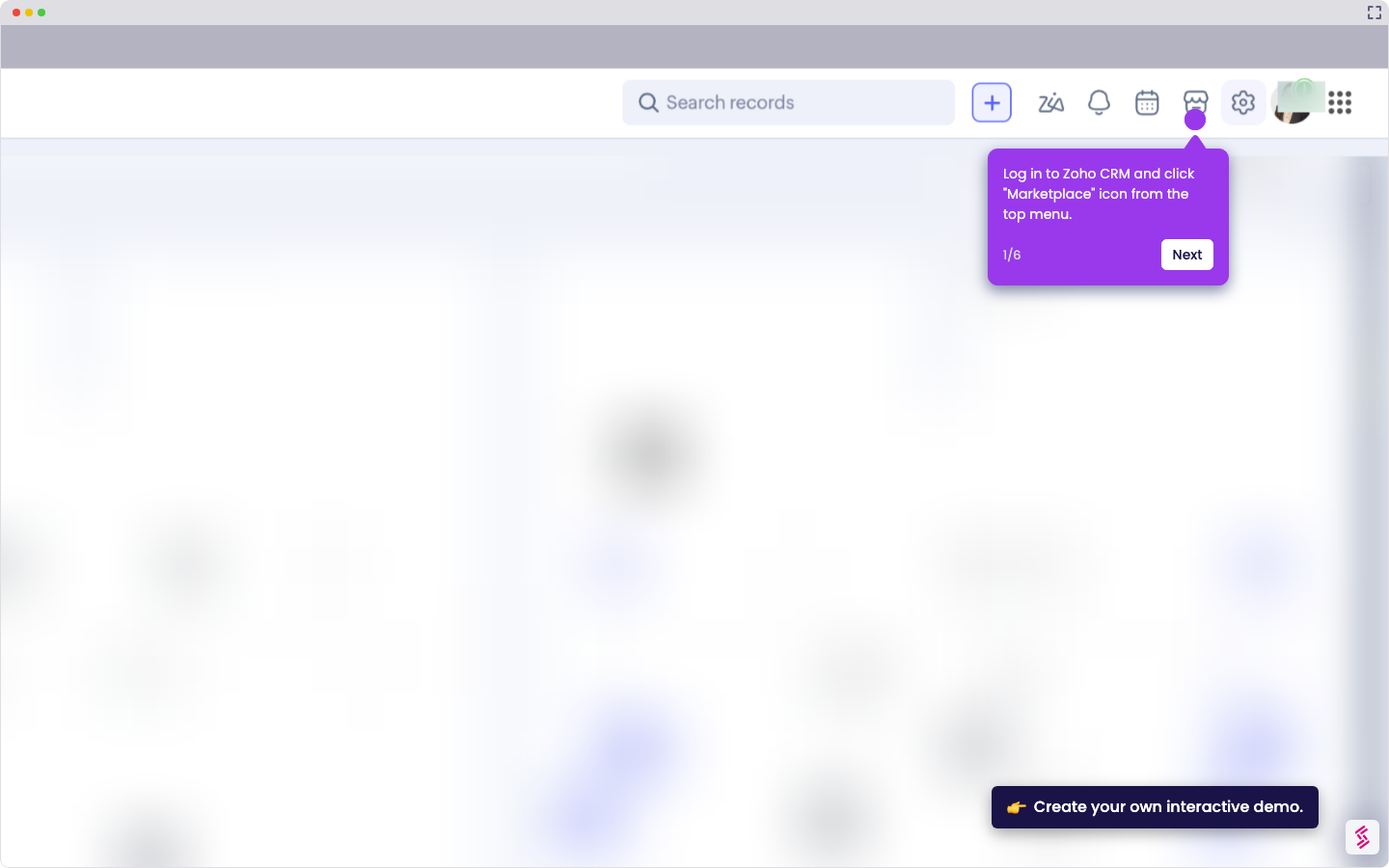
Try this interactive demo to learn how to cancel your Zoho subscription.
  1. Click the gear icon in the top-right corner.
  2. Under "Organization", select "Manage Subscription".
  3. Click "Change Plan" to proceed.
  4. Scroll down, then choose the Free Plan and click “Cancel Subscription”.
  5. Enter your reason for canceling, then click “Cancel Subscription” again.

📌 Why this matters

Canceling your subscription properly prevents unexpected charges from continuing after you've stopped using the service. Beyond avoiding billing issues, this process actually downgrades you to the free tier rather than completely deleting your account. This means you retain access to your data and basic features without paying, giving you flexibility to reactivate premium features later if needed. Many users assume canceling means losing everything, but you're actually preserving your work while eliminating recurring costs.

Your product deserves an interactive demo
Start free
Similar Articles
Zoho

How To Integrate MySQL With Zoho C RM

Madhav Bhandari
Director of Marketing @ Storylane
Zoho

How To Integrate Google Sheets With Zoho CRM

Madhav Bhandari
Director of Marketing @ Storylane
Zoho

How To Integrate ClickUp With Zoho CRM

Madhav Bhandari
Director of Marketing @ Storylane
No items found.
Platform
Interactive Demos
Sandbox Demos
Hubs
RepX
Integrations
Solutions
Product Marketers
Growth & Demand Gen
Sales Reps & AEs
Presales & SEs
Customer Success
Product Managers
Customers
Demo Showcase
Customer Stories
Finer Demos Club
Features
Demo Signals
Personalization
Deal Intelligence
Resources
Blog
The Plot
Tutorials
Help Docs
What’s New
Demo Dundies
Company
Careers
Pricing
Partners
Contact
Trust Center
Backed by
Chrome Extension Icon
Chrome extension
Download
Desktop app
Download
Built in San Francisco Bay Area - ©2026 Storylane
Privacy PolicyTerms & Conditions
X Corp (formerly Twitter)LinkedIn
This website uses cookies to ensure you get the best experience on our website. Learn More
Got it
This website uses cookies to ensure you get the best experience on our website. Learn More
Got it