Quick summary
Switching a branch in Sourcetree lets developers move between parallel lines of work without leaving the GUI. Use the Branches panel and the Checkout option to instantly update your working copy to any local branch.
Steps
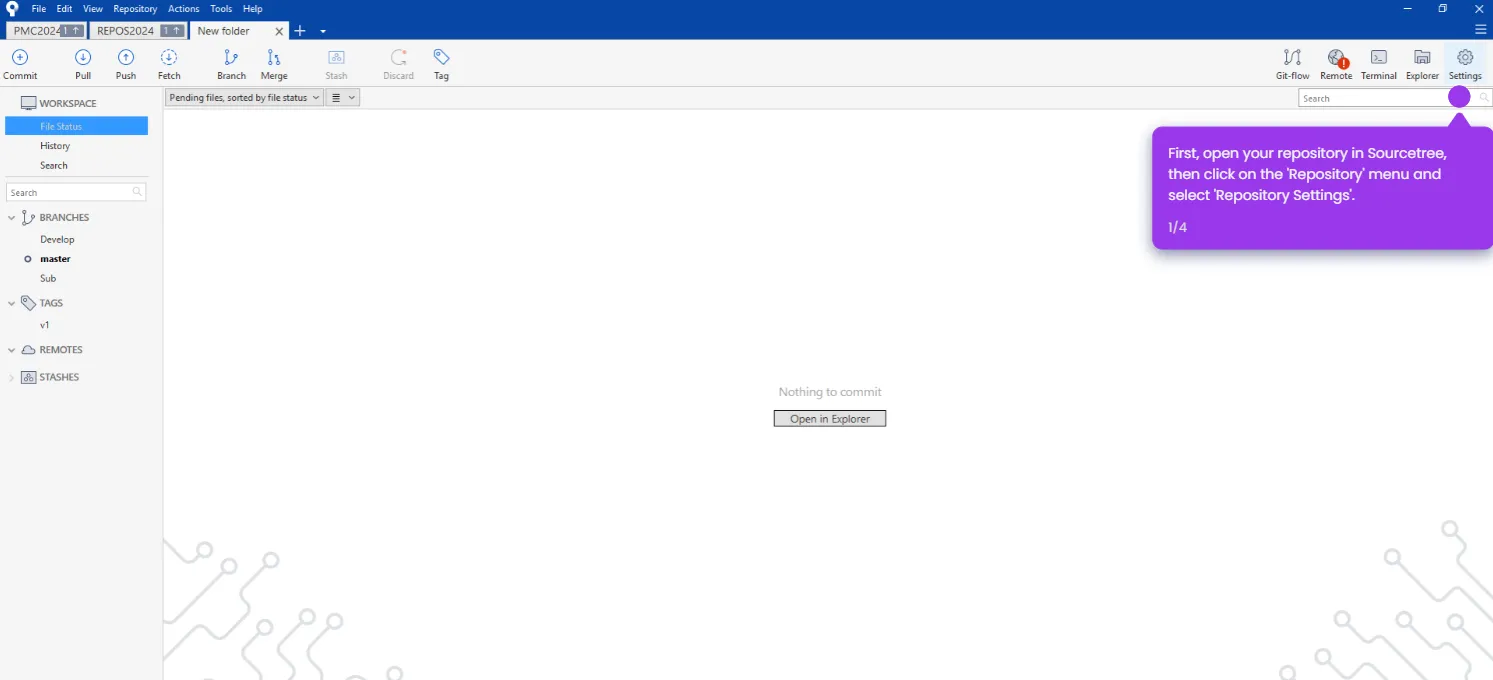
- Open your repository in Sourcetree.
- Look at the Branches panel on the left side of the interface.
- Find the branch you want to switch to.
- Select the branch in the Branches panel.
- Right-click it and select 'Checkout master...' from the context menu.
- Sourcetree will automatically switch your working copy to that branch.