
This interactive demo was created free with Storylane in 2 minutes. Create your own demo
Start free
All Tutorials /Adobe

How to Change the Highlight Color in Adobe Acrobat

Updated on:
June 5, 2026
By:
Madhav Bhandari
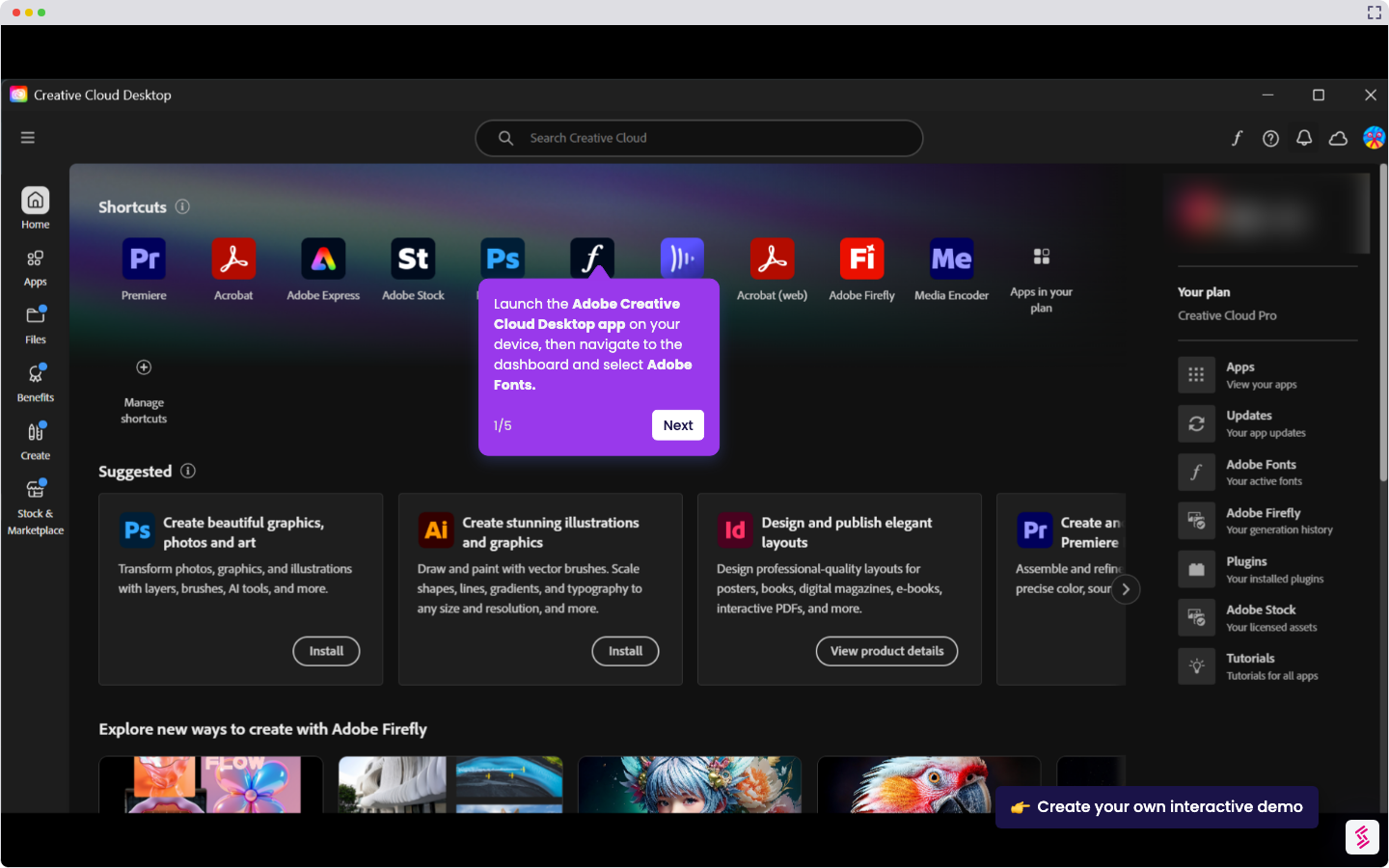
Use this interactive demo to learn how to customize annotation highlight colors in Adobe Acrobat.

Quick summary

Changing the highlight color in Adobe Acrobat takes just a few clicks using the built-in color picker tool in the annotation toolbar. This feature lets you visually organize PDF annotations by applying any custom highlight color to your selections.


Steps

  1. Navigate to the right-side corner of the toolbar and click the Highlight icon.
  2. Tap the color picker icon displayed directly below the Highlight icon.
  3. Choose the color you want to apply from the color options presented.
  4. Once selected, the highlight color is updated across your PDF annotations according to your choice.
📌 Why this matters

Customizing the highlight color in Adobe Acrobat helps users visually organize and prioritize annotations within PDF documents, making review and collaboration more efficient. Color-coded highlights allow teams, students, and legal or business professionals to distinguish between different categories of notes at a glance. Adobe Acrobat's built-in color picker makes this a fast, intuitive process that requires no additional tools or plugins. Mastering this feature improves PDF annotation workflows and boosts overall document productivity.
Your product deserves an interactive demo
Start free
Similar Articles
Adobe

How to Add Adobe Fonts in Premiere Pro

Madhav Bhandari
Director of Marketing @ Storylane
Adobe

How to Digitally Sign Multiple PDF Pages at Once in Adobe Acrobat

Madhav Bhandari
Director of Marketing @ Storylane
Adobe

How to Sign Multiple Pages in a PDF in Adobe Acrobat

Madhav Bhandari
Director of Marketing @ Storylane
No items found.
Platform
Interactive Demos
Sandbox Demos
Hubs
RepX
Integrations
Solutions
Product Marketers
Growth & Demand Gen
Sales Reps & AEs
Presales & SEs
Customer Success
Product Managers
Customers
Demo Showcase
Customer Stories
Finer Demos Club
Features
Demo Signals
Personalization
Deal Intelligence
Resources
Blog
The Plot
Tutorials
Help Docs
What’s New
Demo Dundies
Company
Careers
Pricing
Partners
Contact
Trust Center
Backed by
Chrome Extension Icon
Chrome extension
Download
Desktop app
Download
Built in San Francisco Bay Area - ©2026 Storylane
Privacy PolicyTerms & Conditions
X Corp (formerly Twitter)LinkedIn
This website uses cookies to ensure you get the best experience on our website. Learn More
Got it
This website uses cookies to ensure you get the best experience on our website. Learn More
Got it