Quick summary
You can change a YouTube video title in YouTube Studio by navigating to the Content section, opening the video's Details, and editing the Title field before saving. This process takes under a minute and instantly updates how your video appears across YouTube search and recommendations.
Steps
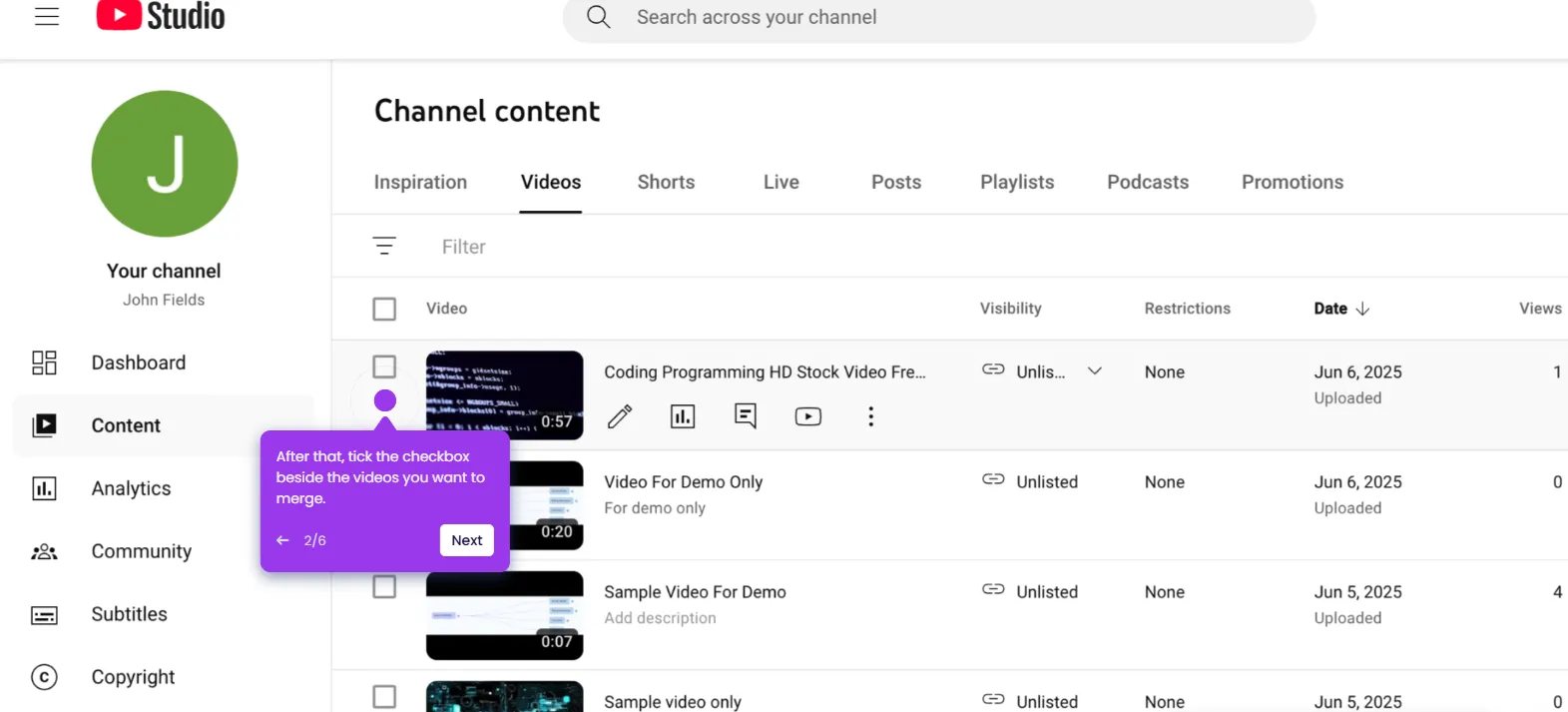
- Head over to the left-side panel and click 'Content'.
- Hover your mouse cursor over the video you want to edit and click its corresponding 'Details' button.
- Under the Video Details section, click the 'Title' field and replace the default title with the new one.
- Once done, click 'Save' in the top-right corner.
- The title of the selected YouTube video will be updated based on your input.