
This interactive demo was created free with Storylane in 2 minutes. Create your own demo
Start free
All Tutorials /Claude

How to Cite Claude in Research Documents

Updated on:
June 5, 2026
By:
Madhav Bhandari
Use this interactive demo to learn how to properly cite AI-generated content from Claude in your research documents.

Quick summary

Citing Claude in a research document requires copying the relevant AI-generated response and pasting it into your document with a clear citation indicating it was generated by Claude. This process works with both Google Docs and Microsoft Word, ensuring academic and professional transparency when using AI-assisted content.


Steps

  1. Open your Claude chat, find the specific message you want to include in your research document, and tap its corresponding Copy button.
  2. Open your Google Docs or Word document and right-click on the page where you want to insert the content.
  3. Select Paste from the context menu to insert the copied Claude response into your document.
  4. Add a new line directly below the pasted text and write a short citation explaining that the content was generated using Claude.
  5. Review the result — the text from your Claude conversation is now properly cited in your research document.

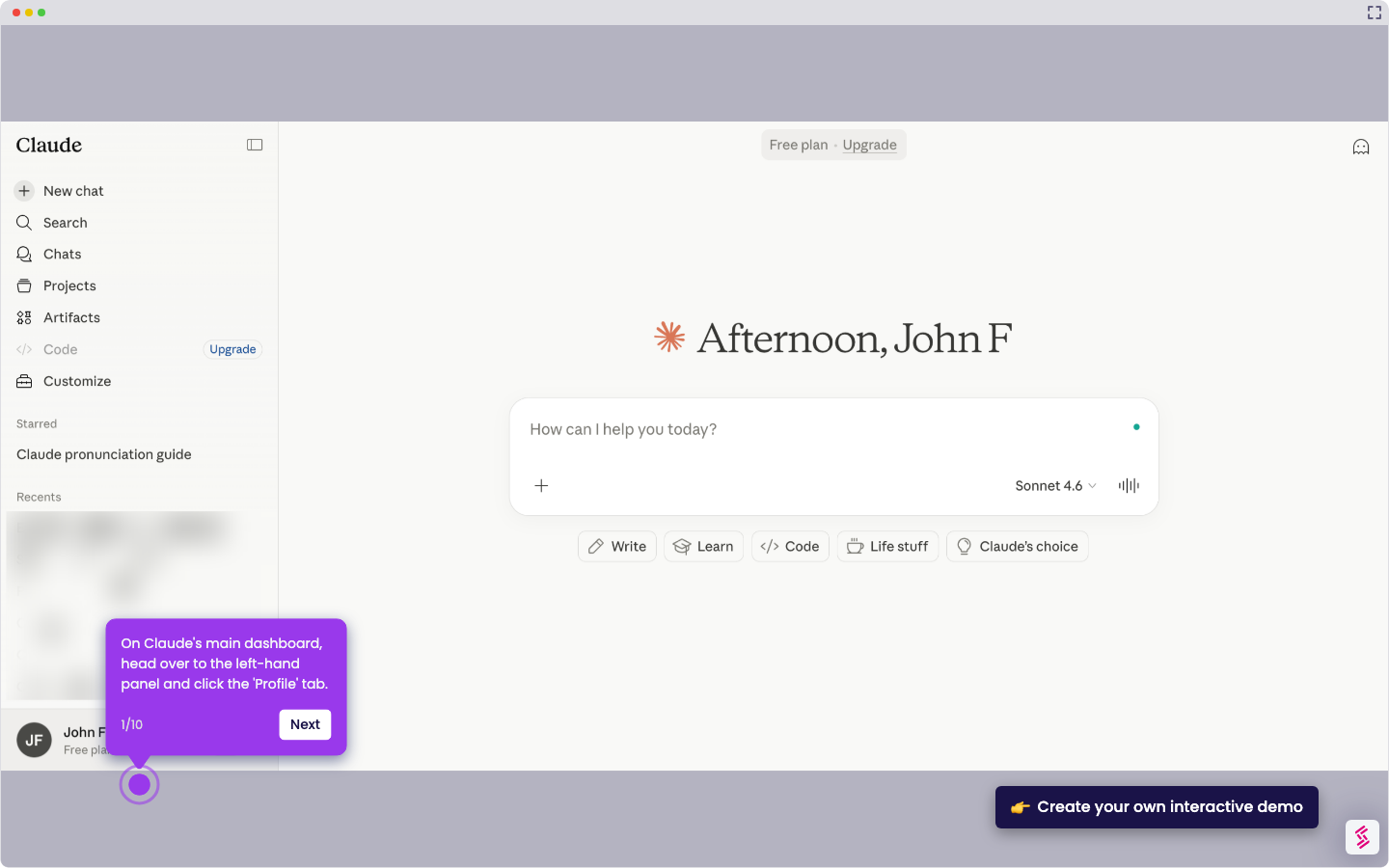
📌 Why this matters

Properly citing AI-generated content from Claude in research documents is essential for maintaining academic integrity and transparency. As AI tools like Claude become standard in research workflows, institutions and publishers increasingly require clear attribution of AI-assisted content. This demo shows researchers, students, and professionals exactly how to copy Claude responses and add accurate citations in Google Docs or Word — a critical skill for responsible AI use in academic and professional writing. Following a consistent Claude citation workflow helps avoid plagiarism concerns and meets emerging editorial guidelines for AI content disclosure.
Your product deserves an interactive demo
Start free
Similar Articles
Claude

How to Integrate Notion with Claude

Madhav Bhandari
Director of Marketing @ Storylane
Claude

How to Integrate Jira with Claude

Madhav Bhandari
Director of Marketing @ Storylane
Claude

How to Integrate Replit with Claude

Madhav Bhandari
Director of Marketing @ Storylane
No items found.
Platform
Interactive Demos
Sandbox Demos
Hubs
RepX
Integrations
Solutions
Product Marketers
Growth & Demand Gen
Sales Reps & AEs
Presales & SEs
Customer Success
Product Managers
Customers
Demo Showcase
Customer Stories
Finer Demos Club
Features
Demo Signals
Personalization
Deal Intelligence
Resources
Blog
The Plot
Tutorials
Help Docs
What’s New
Demo Dundies
Company
Careers
Pricing
Partners
Contact
Trust Center
Backed by
Chrome Extension Icon
Chrome extension
Download
Desktop app
Download
Built in San Francisco Bay Area - ©2026 Storylane
Privacy PolicyTerms & Conditions
X Corp (formerly Twitter)LinkedIn
This website uses cookies to ensure you get the best experience on our website. Learn More
Got it
This website uses cookies to ensure you get the best experience on our website. Learn More
Got it