This interactive demo was created free with Storylane in 2 minutes. Create your own demo
Start free
All Tutorials /Reddit

How to Connect Discord to Reddit

Updated on:
June 9, 2026
By:
Madhav Bhandari
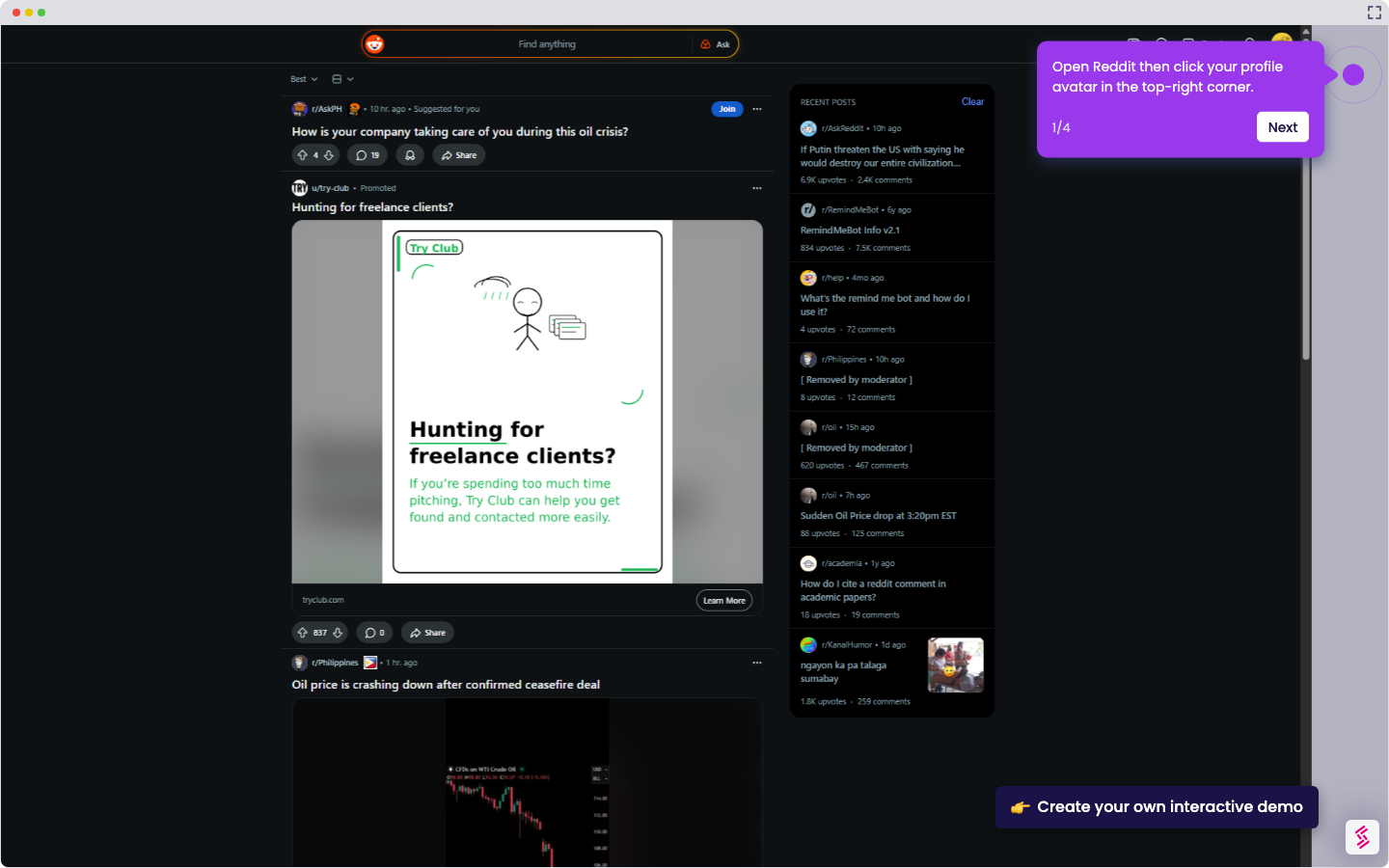
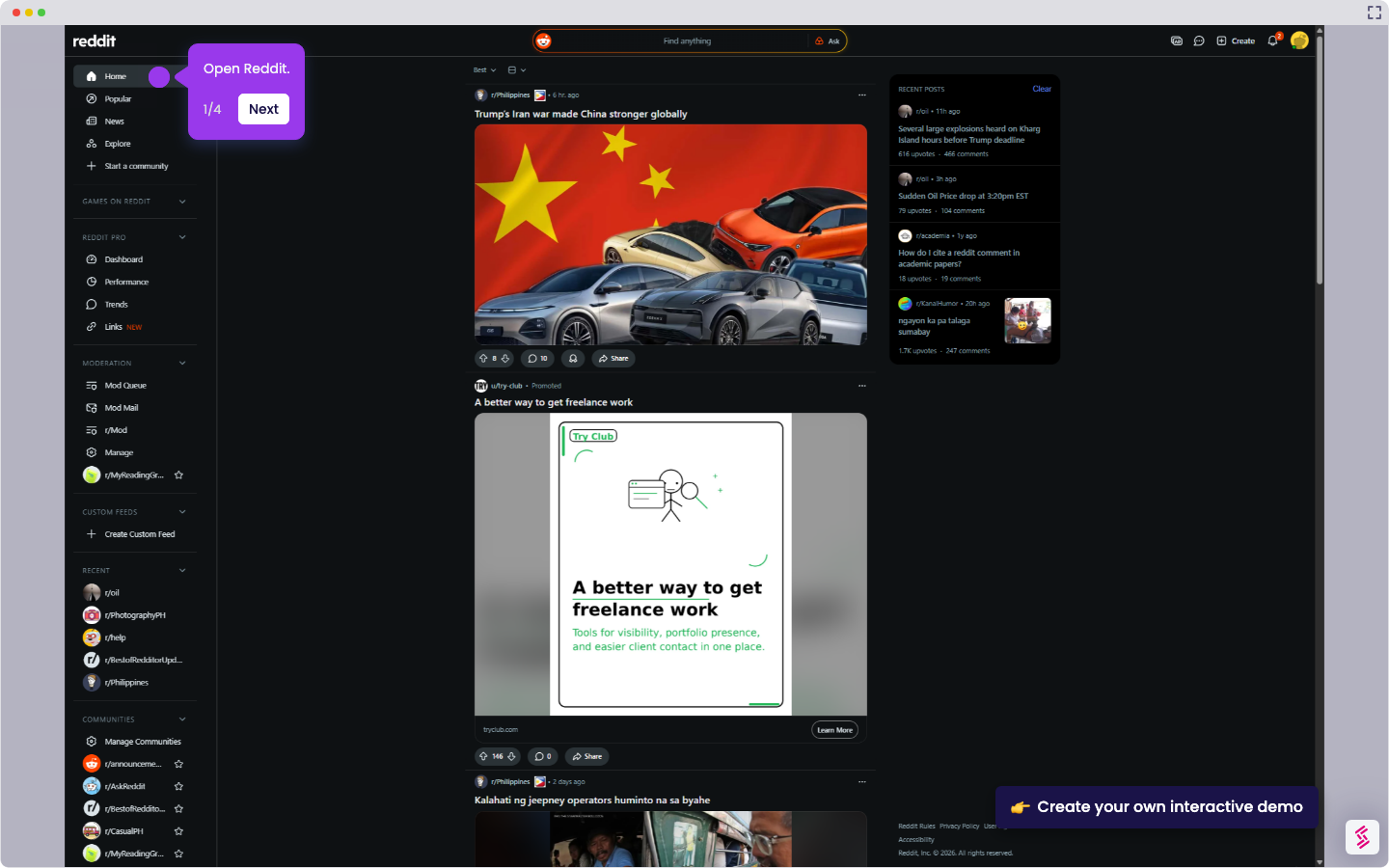
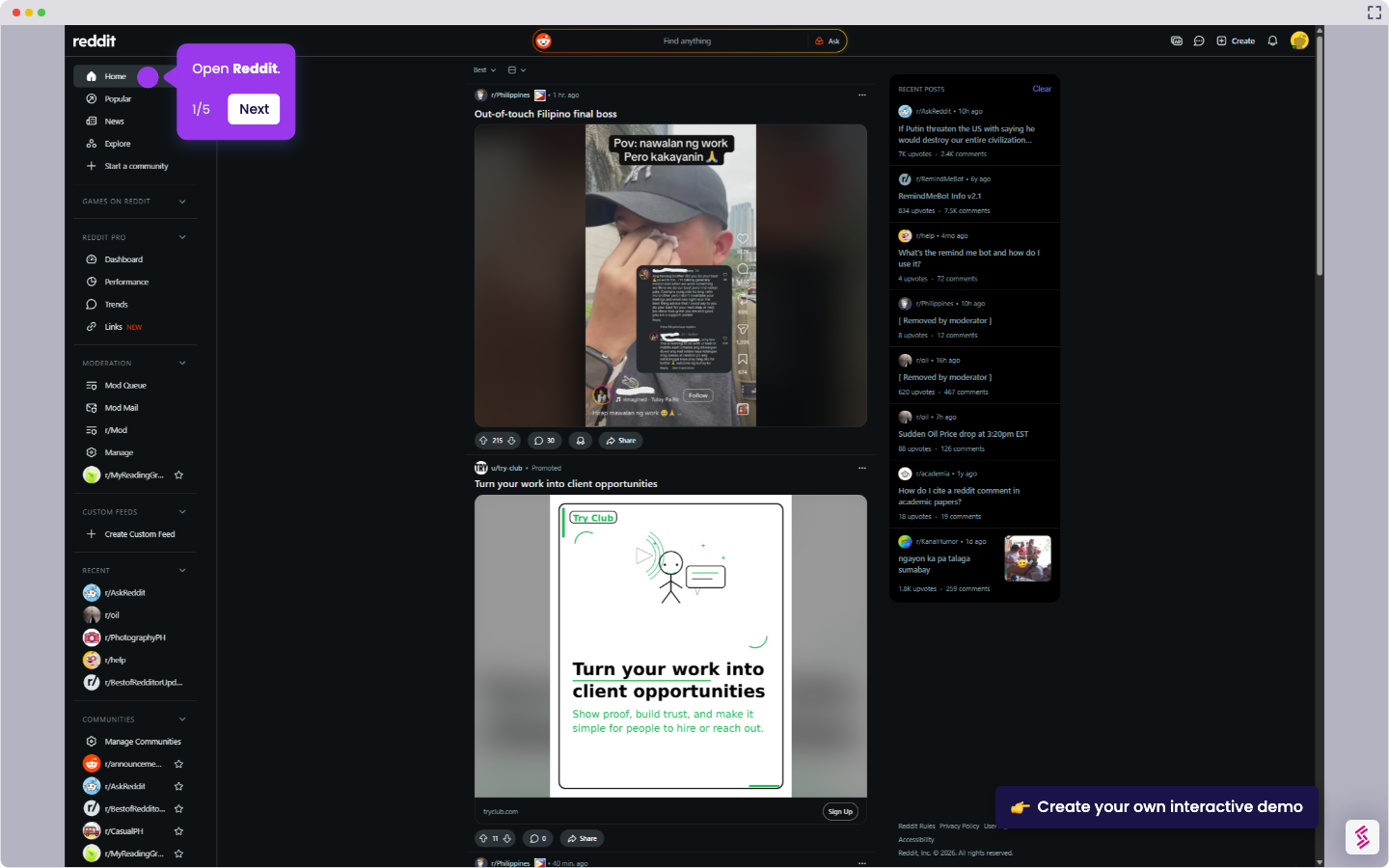
Use this step-by-step demo to learn how to connect discord to Reddit.
  1. Open Discord.
  2. Click the gear icon in the bottom-left corner to open User Settings.
  3. In the left sidebar, click Connections.
  4. In the Add Connection window, click Reddit.
  5. If prompted, sign in to your Reddit account.
  6. On the Reddit permission page, click Allow to authorize the connection.
  7. Return to Discord and confirm the Reddit account is now connected.

📌 Why this matters

Why This Matters

Connecting Discord to Reddit displays your Reddit username on your Discord profile and lets friends see which subreddits you're active in. Beyond basic social features, this integration becomes valuable for community moderators and content creators who want to establish credibility across platforms. When you join Discord servers related to your Reddit communities, members can instantly verify your Reddit reputation and post history. This cross-platform verification builds trust faster than starting from scratch, especially in gaming, tech, or hobby communities where your Reddit contributions demonstrate expertise.

Demo: https://app.storylane.io/share/prwdkmtvge7f

Your product deserves an interactive demo
Start free
Similar Articles
Reddit

How to Monetize on Reddit

Madhav Bhandari
Director of Marketing @ Storylane
Reddit

How to Share Your Reddit Profile Link

Madhav Bhandari
Director of Marketing @ Storylane
Reddit

How to Use the Reddit Remind Me Feature

Madhav Bhandari
Director of Marketing @ Storylane
No items found.
Platform
Interactive Demos
Sandbox Demos
Hubs
RepX
Integrations
Solutions
Product Marketers
Growth & Demand Gen
Sales Reps & AEs
Presales & SEs
Customer Success
Product Managers
Customers
Demo Showcase
Customer Stories
Finer Demos Club
Features
Demo Signals
Personalization
Deal Intelligence
Resources
Blog
The Plot
Tutorials
Help Docs
What’s New
Demo Dundies
Company
Careers
Pricing
Partners
Contact
Trust Center
Backed by
Chrome Extension Icon
Chrome extension
Download
Desktop app
Download
Built in San Francisco Bay Area - ©2026 Storylane
Privacy PolicyTerms & Conditions
X Corp (formerly Twitter)LinkedIn
This website uses cookies to ensure you get the best experience on our website. Learn More
Got it
This website uses cookies to ensure you get the best experience on our website. Learn More
Got it