This interactive demo was created free with Storylane in 2 minutes. Create your own demo
Start free
All Tutorials /Zoho

How To Connect Zoho CRM To Agentforce

Updated on:
June 5, 2026
By:
Madhav Bhandari
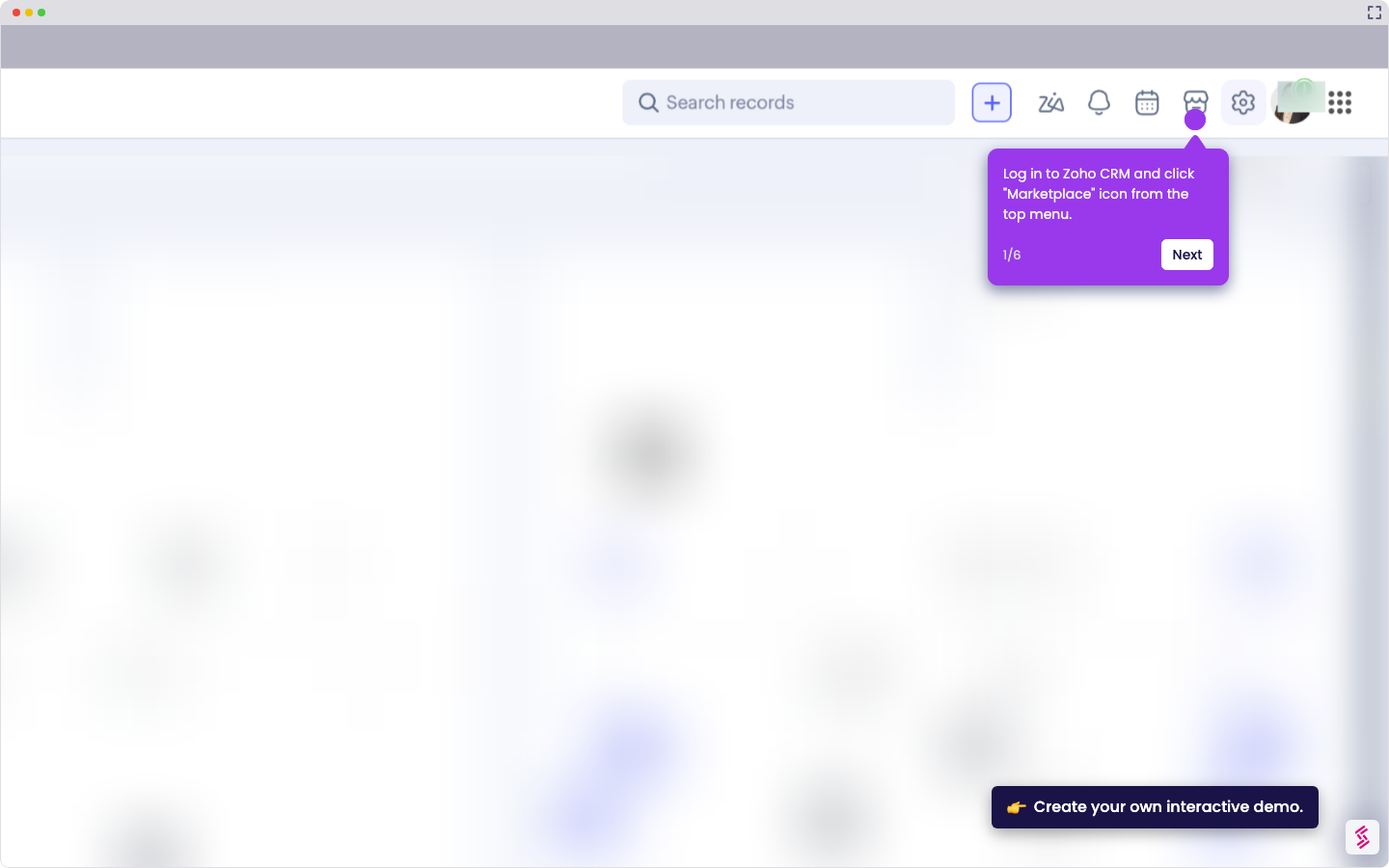
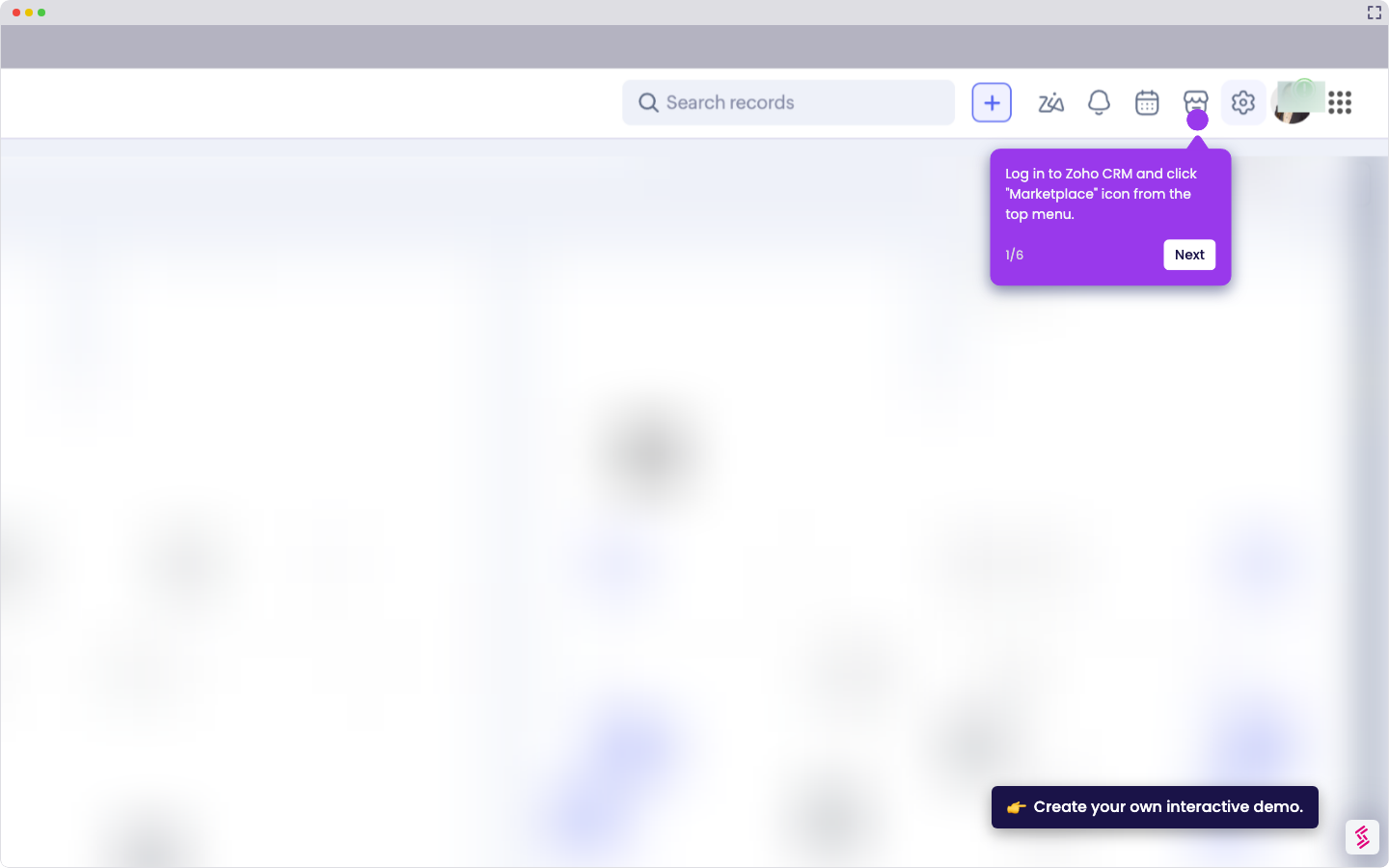
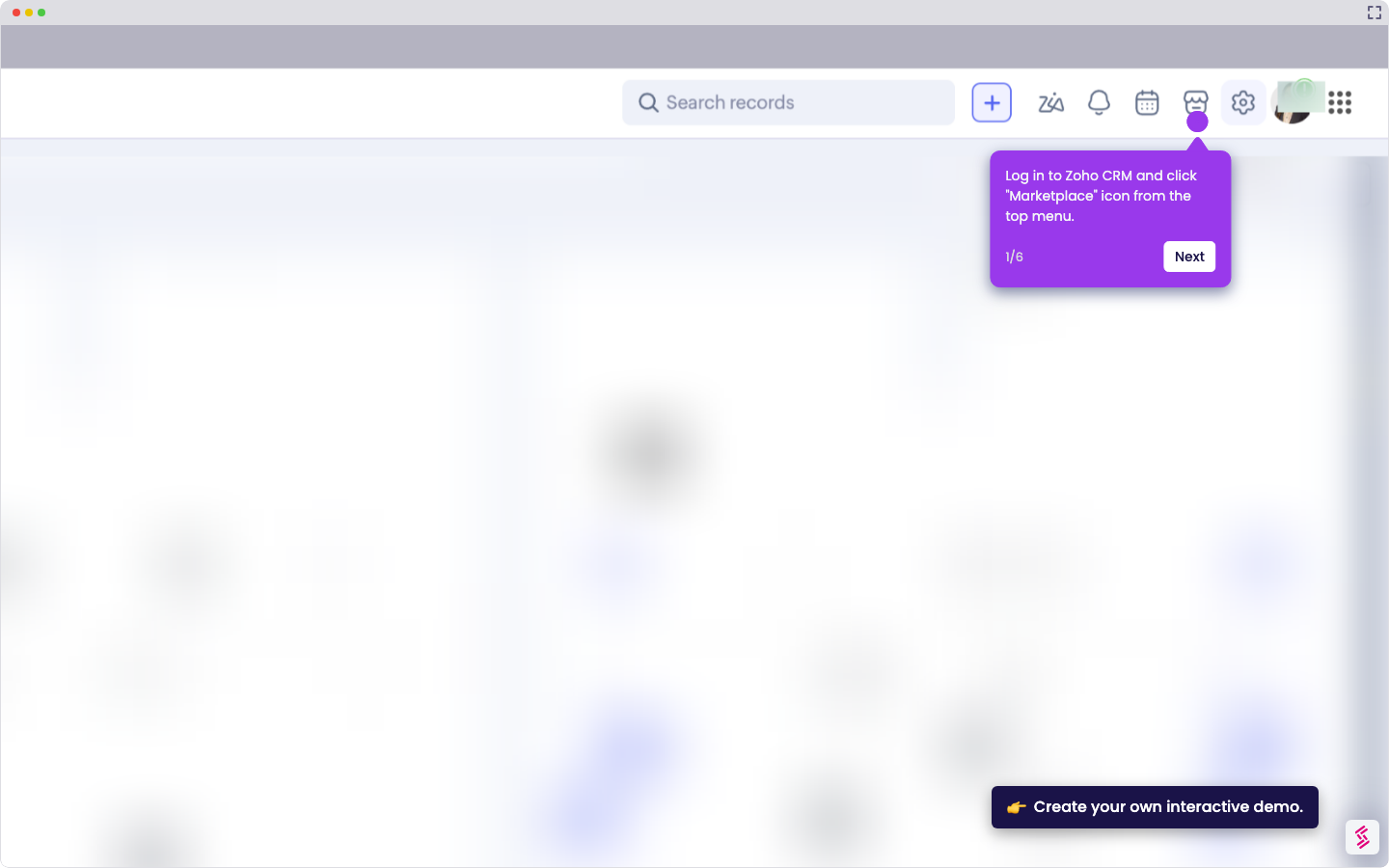
Try this guided demo to learn how to connect Zoho CRM to agentforce.
  1. Log in to Zapier, click “+ Create”, then select “Zaps”.
  2. Choose Salesforce as the trigger app.
  3. Select a trigger like New Record.
  4. Connect your Salesforce account to continue.
  5. Choose Zoho CRM as the action app.
  6. Select an action like Update Module Entry.
  7. Connect your Zoho CRM account to continue.
  8. Customize field mappings to ensure the right information lands in the right place.
  9. Review your setup, then click “Publish” to complete the integration.

📌 Why this matters

Connecting these platforms eliminates the manual data transfer that typically happens when sales teams use Salesforce while support or marketing teams rely on Zoho CRM. You'll maintain synchronized customer records across both systems automatically, ensuring everyone works with the same information. The real advantage emerges when you realize this creates a unified customer view that spans different departments - sales activities in Salesforce instantly inform customer service interactions in Zoho, while marketing campaigns can leverage the complete customer journey data from both platforms.

Your product deserves an interactive demo
Start free
Similar Articles
Zoho

How To Integrate MySQL With Zoho C RM

Madhav Bhandari
Director of Marketing @ Storylane
Zoho

How To Integrate Google Sheets With Zoho CRM

Madhav Bhandari
Director of Marketing @ Storylane
Zoho

How To Integrate ClickUp With Zoho CRM

Madhav Bhandari
Director of Marketing @ Storylane
No items found.
Platform
Interactive Demos
Sandbox Demos
Hubs
RepX
Integrations
Solutions
Product Marketers
Growth & Demand Gen
Sales Reps & AEs
Presales & SEs
Customer Success
Product Managers
Customers
Demo Showcase
Customer Stories
Finer Demos Club
Features
Demo Signals
Personalization
Deal Intelligence
Resources
Blog
The Plot
Tutorials
Help Docs
What’s New
Demo Dundies
Company
Careers
Pricing
Partners
Contact
Trust Center
Backed by
Chrome Extension Icon
Chrome extension
Download
Desktop app
Download
Built in San Francisco Bay Area - ©2026 Storylane
Privacy PolicyTerms & Conditions
X Corp (formerly Twitter)LinkedIn
This website uses cookies to ensure you get the best experience on our website. Learn More
Got it
This website uses cookies to ensure you get the best experience on our website. Learn More
Got it