This interactive demo was created free with Storylane in 2 minutes. Create your own demo
Start free
All Tutorials /Zoho

How To Connect Zoho CRM To LangChain

Updated on:
June 5, 2026
By:
Madhav Bhandari
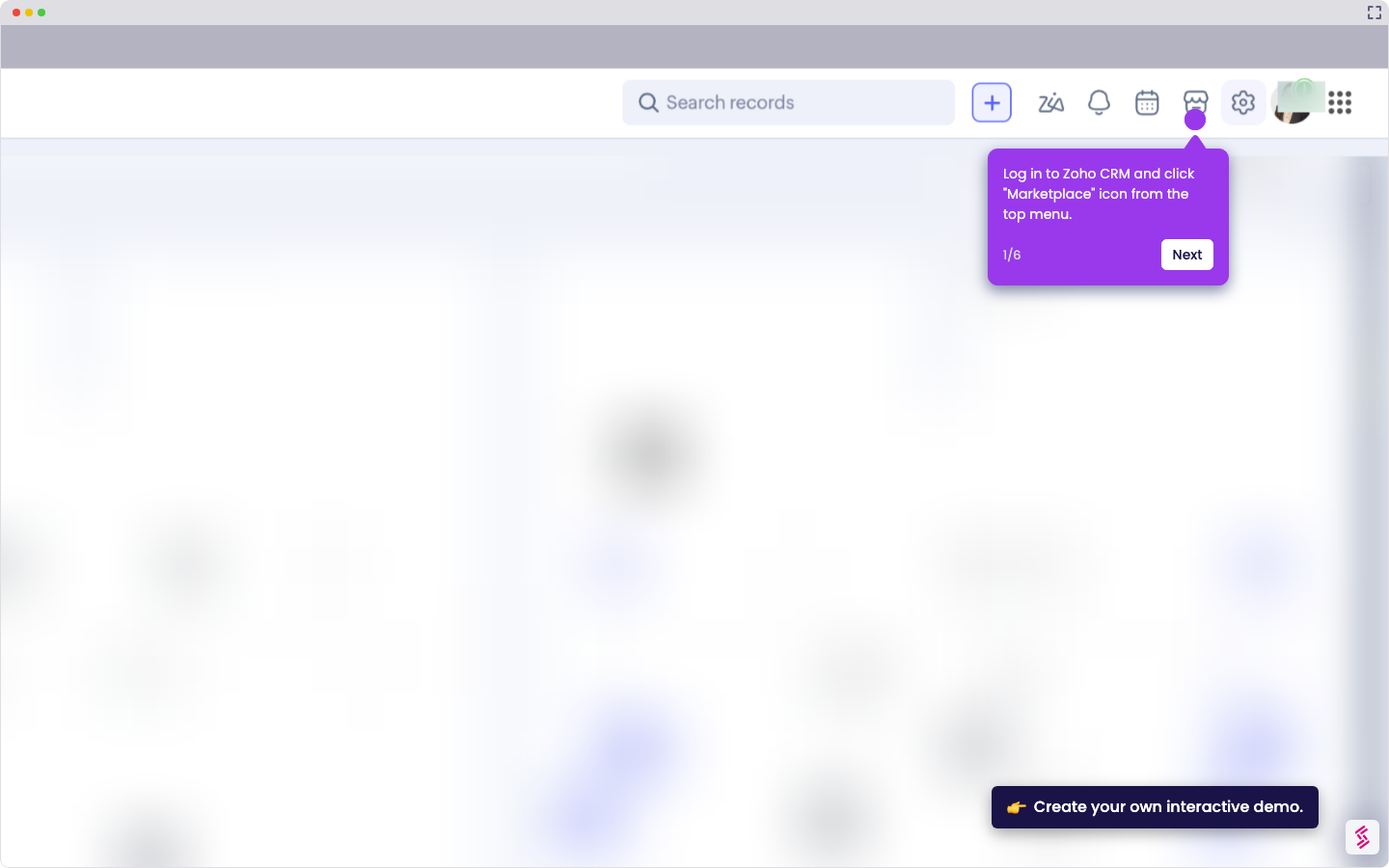
Try this interactive demo to learn how to connect Zoho CRM to langchain.
  1. Log in to Zapier, click “+ Create”, then select “Zaps”.
  2. Choose LangChain as the trigger app.
  3. Select a trigger like New Lead or New Dataset.
  4. Connect your LangChain account and click “Continue”.
  5. Verify your trigger is working correctly before going live.
  6. Choose Zoho CRM as the action app.
  7. Select an action like Update Module Entry.
  8. Connect your Zoho CRM account and click “Continue”.
  9. Map the required fields accordingly.
  10. Test your setup, then click “Publish”.

📌 Why this matters

Connecting these platforms automatically syncs AI-generated insights directly into your sales pipeline, eliminating manual data entry that often creates bottlenecks. You can instantly capture leads from language model interactions, chatbot conversations, or content analysis tools and route them straight to your CRM. The real advantage emerges when you realize this creates a feedback loop between your AI applications and sales data, enabling your language models to learn from actual customer conversion patterns and refine their lead qualification over time.

Your product deserves an interactive demo
Start free
Similar Articles
Zoho

How To Integrate MySQL With Zoho C RM

Madhav Bhandari
Director of Marketing @ Storylane
Zoho

How To Integrate Google Sheets With Zoho CRM

Madhav Bhandari
Director of Marketing @ Storylane
Zoho

How To Integrate ClickUp With Zoho CRM

Madhav Bhandari
Director of Marketing @ Storylane
No items found.
Platform
Interactive Demos
Sandbox Demos
Hubs
RepX
Integrations
Solutions
Product Marketers
Growth & Demand Gen
Sales Reps & AEs
Presales & SEs
Customer Success
Product Managers
Customers
Demo Showcase
Customer Stories
Finer Demos Club
Features
Demo Signals
Personalization
Deal Intelligence
Resources
Blog
The Plot
Tutorials
Help Docs
What’s New
Demo Dundies
Company
Careers
Pricing
Partners
Contact
Trust Center
Backed by
Chrome Extension Icon
Chrome extension
Download
Desktop app
Download
Built in San Francisco Bay Area - ©2026 Storylane
Privacy PolicyTerms & Conditions
X Corp (formerly Twitter)LinkedIn
This website uses cookies to ensure you get the best experience on our website. Learn More
Got it
This website uses cookies to ensure you get the best experience on our website. Learn More
Got it