This interactive demo was created free with Storylane in 2 minutes. Create your own demo
Start free
All Tutorials /Screaming Frog

How to Crawl a Sitemap in Screaming Frog

Updated on:
June 5, 2026
By:
Madhav Bhandari
Use this interactive demo to learn how to crawl and audit a sitemap using Screaming Frog's List mode.

Quick summary

Screaming Frog's List mode lets you crawl a sitemap by uploading or downloading an XML sitemap URL directly into the tool. Once crawled, you can instantly review key SEO elements across all URLs without a full site crawl.


Steps

  1. Click Mode then select List from the top menu to switch to List crawl mode.
  2. Click Upload then choose Download XML Sitemap to import your sitemap.
  3. Paste the sitemap URL into the input field, then click OK to confirm.
  4. Click OK again to begin the sitemap crawl.
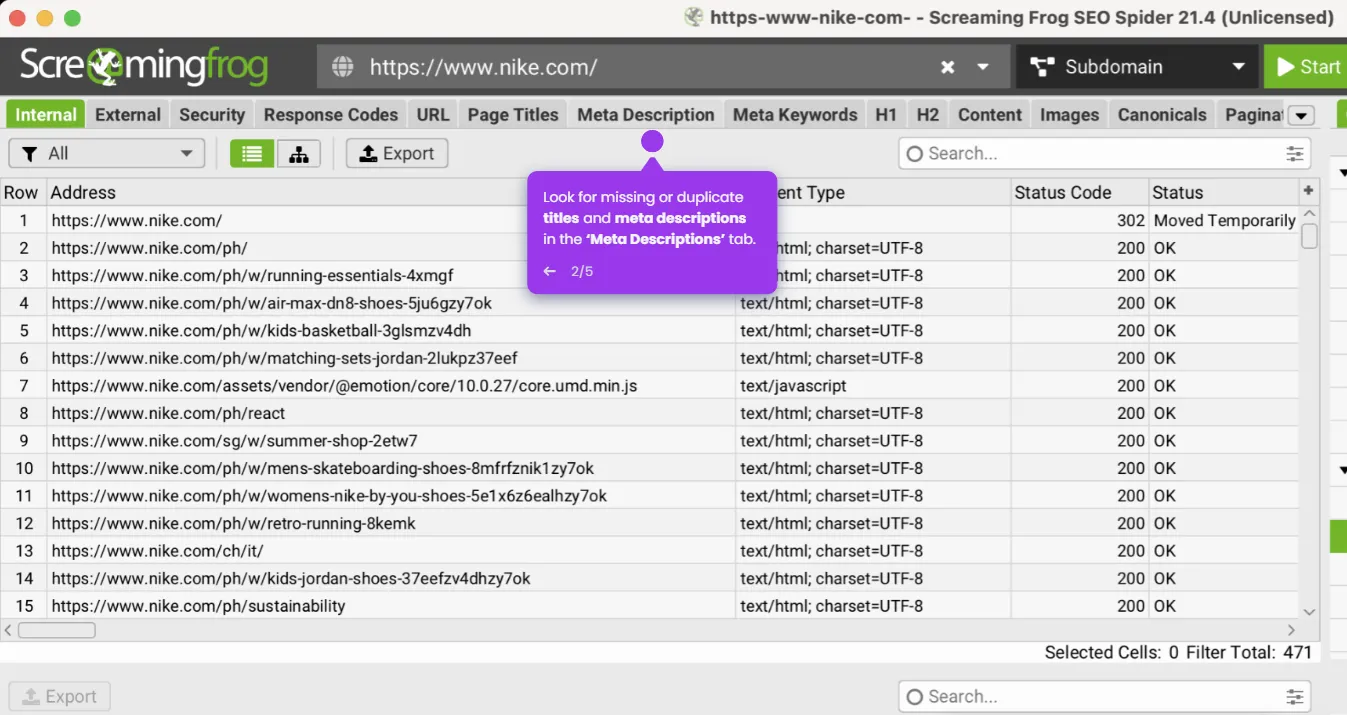
  5. Review the crawl results and check key SEO elements across all discovered URLs.
📌 Why this matters

Crawling a sitemap in Screaming Frog using List mode is one of the fastest ways to audit the exact URLs you care about without wasting crawl budget on irrelevant pages. By importing an XML sitemap directly, SEO professionals can instantly surface missing meta tags, broken links, duplicate content, and other critical on-page issues across an entire site. This targeted approach saves time during technical SEO audits and ensures no indexed page goes unchecked. Screaming Frog's List mode is an essential workflow for agencies and in-house teams that need precise, scalable sitemap analysis.
Your product deserves an interactive demo
Start free
Similar Articles
Screaming Frog

How to Use Screaming Frog to Improve on Page SEO

Madhav Bhandari
Director of Marketing @ Storylane
Screaming Frog

How to Remove 404 Pages Screaming Frog

Madhav Bhandari
Director of Marketing @ Storylane
Screaming Frog

How to Crawl Large Sites with Screaming Frog

Madhav Bhandari
Director of Marketing @ Storylane
No items found.
Platform
Interactive Demos
Sandbox Demos
Hubs
RepX
Integrations
Solutions
Product Marketers
Growth & Demand Gen
Sales Reps & AEs
Presales & SEs
Customer Success
Product Managers
Customers
Demo Showcase
Customer Stories
Finer Demos Club
Features
Demo Signals
Personalization
Deal Intelligence
Resources
Blog
The Plot
Tutorials
Help Docs
What’s New
Demo Dundies
Company
Careers
Pricing
Partners
Contact
Trust Center
Backed by
Chrome Extension Icon
Chrome extension
Download
Desktop app
Download
Built in San Francisco Bay Area - ©2026 Storylane
Privacy PolicyTerms & Conditions
X Corp (formerly Twitter)LinkedIn
This website uses cookies to ensure you get the best experience on our website. Learn More
Got it
This website uses cookies to ensure you get the best experience on our website. Learn More
Got it