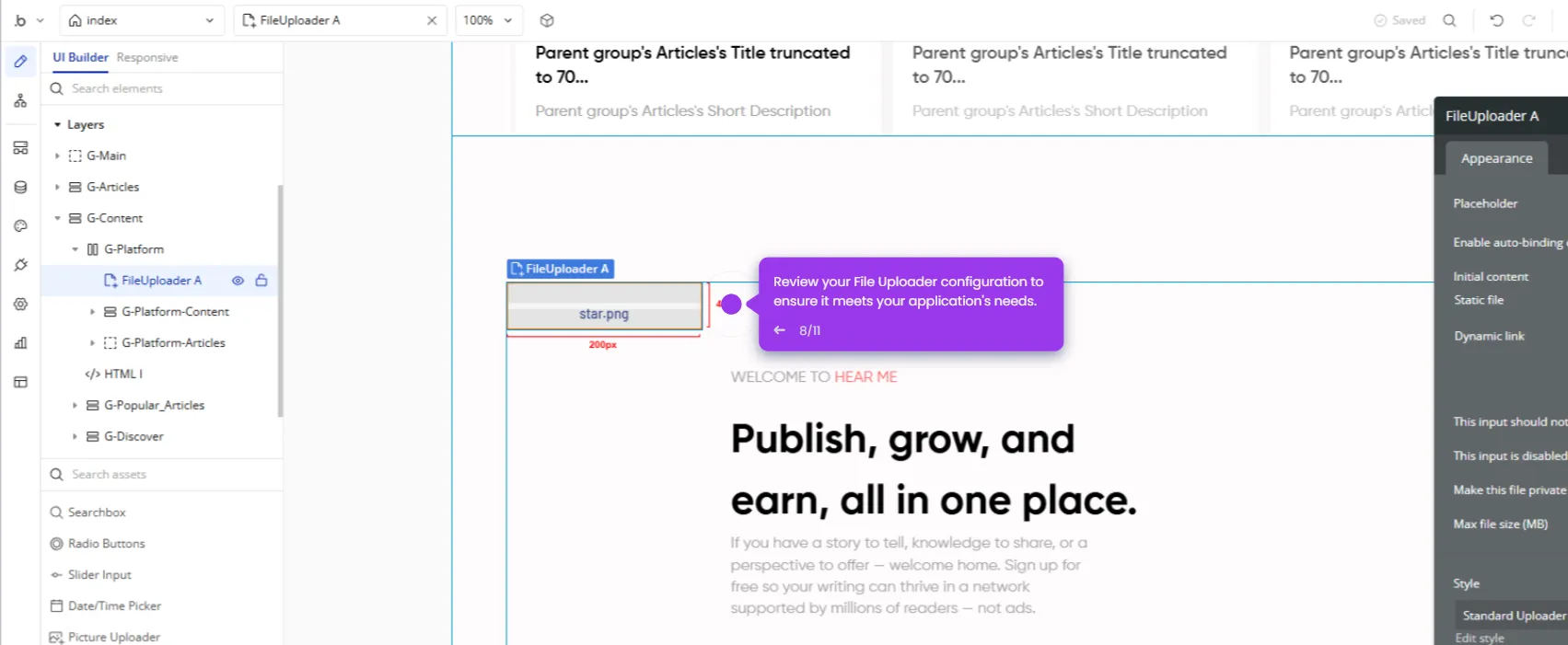
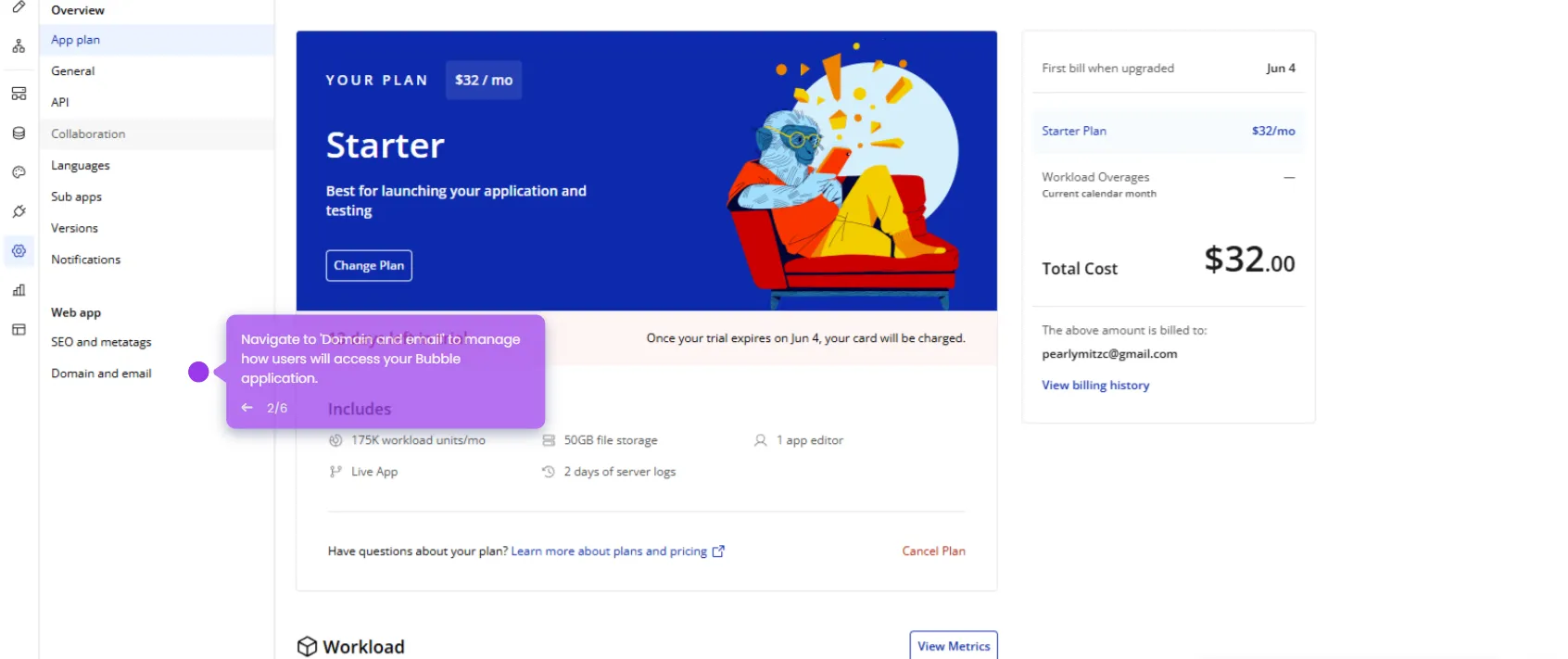
This interactive demo was created free with Storylane in 2 minutes. Create your own demo
Start free
All Tutorials /Bubble.io

How to Create Reusable Elements in Bubble.io

Updated on:
June 5, 2026
By:
Madhav Bhandari
Use this interactive demo to learn how to build and configure reusable components in Bubble.io.

Quick summary

Reusable elements in Bubble.io let no-code developers build UI components once and reuse them across multiple pages for consistency and faster development. This demo walks through creating, naming, designing, and deploying a reusable component with dynamic styling from scratch.


Steps

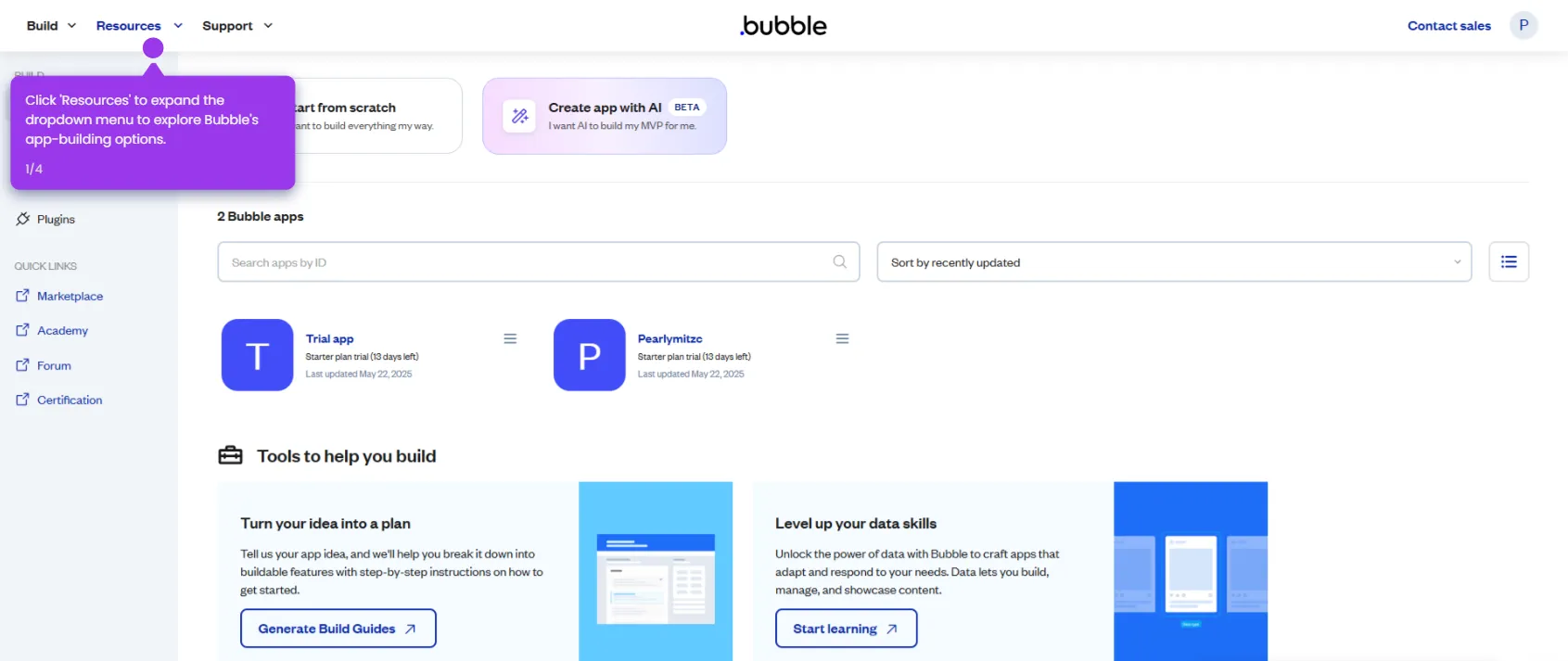
  1. Start your app-building journey by exploring a trial application.
  2. Navigate to the Reusable Elements section in the Bubble editor.
  3. Click + New Reusable to create a reusable element that builds efficiently and maintains consistency across your app.
  4. Enter a name for your reusable component in the profile field.
  5. Click Create to confirm your new reusable component and begin building it.
  6. Add design elements to your component from the toolbar.
  7. Enhance your component with additional functionality or properties.
  8. Add a Message functionality to enable communication within your app.
  9. Switch to custom settings for complete control over your component behavior.
  10. Customize background color using dynamic data for responsive design.
  11. Select Deploy to finalize your component by applying dynamic styling variables.
📌 Why this matters

Reusable elements in Bubble.io are a core no-code development feature that lets teams design a UI component once and deploy it consistently across every page of their app. This eliminates redundant design work, reduces the risk of inconsistencies, and speeds up iteration cycles — making it essential for scaling no-code applications efficiently. By combining dynamic data, custom properties, and styling variables, Bubble's reusable elements give citizen developers the same componentization power traditionally reserved for professional engineers. Teams evaluating no-code platforms will find this feature critical for building maintainable, production-ready web apps without writing code.
Your product deserves an interactive demo
Start free
Similar Articles
Bubble.io

How to Use API Connector in Bubble.io

Madhav Bhandari
Director of Marketing @ Storylane
Bubble.io

How to Set File Uploads in Bubble.io

Madhav Bhandari
Director of Marketing @ Storylane
Bubble.io

How to Add Custom Domains in Bubble.io

Madhav Bhandari
Director of Marketing @ Storylane
No items found.
Platform
Interactive Demos
Sandbox Demos
Hubs
RepX
Integrations
Solutions
Product Marketers
Growth & Demand Gen
Sales Reps & AEs
Presales & SEs
Customer Success
Product Managers
Customers
Demo Showcase
Customer Stories
Finer Demos Club
Features
Demo Signals
Personalization
Deal Intelligence
Resources
Blog
The Plot
Tutorials
Help Docs
What’s New
Demo Dundies
Company
Careers
Pricing
Partners
Contact
Trust Center
Backed by
Chrome Extension Icon
Chrome extension
Download
Desktop app
Download
Built in San Francisco Bay Area - ©2026 Storylane
Privacy PolicyTerms & Conditions
X Corp (formerly Twitter)LinkedIn
This website uses cookies to ensure you get the best experience on our website. Learn More
Got it
This website uses cookies to ensure you get the best experience on our website. Learn More
Got it