Quick summary
This tutorial shows how to delete a commit in Sourcetree using the built-in Reverse Commit feature. Developers can safely undo unwanted commits from the History view without rewriting branch history.
Steps
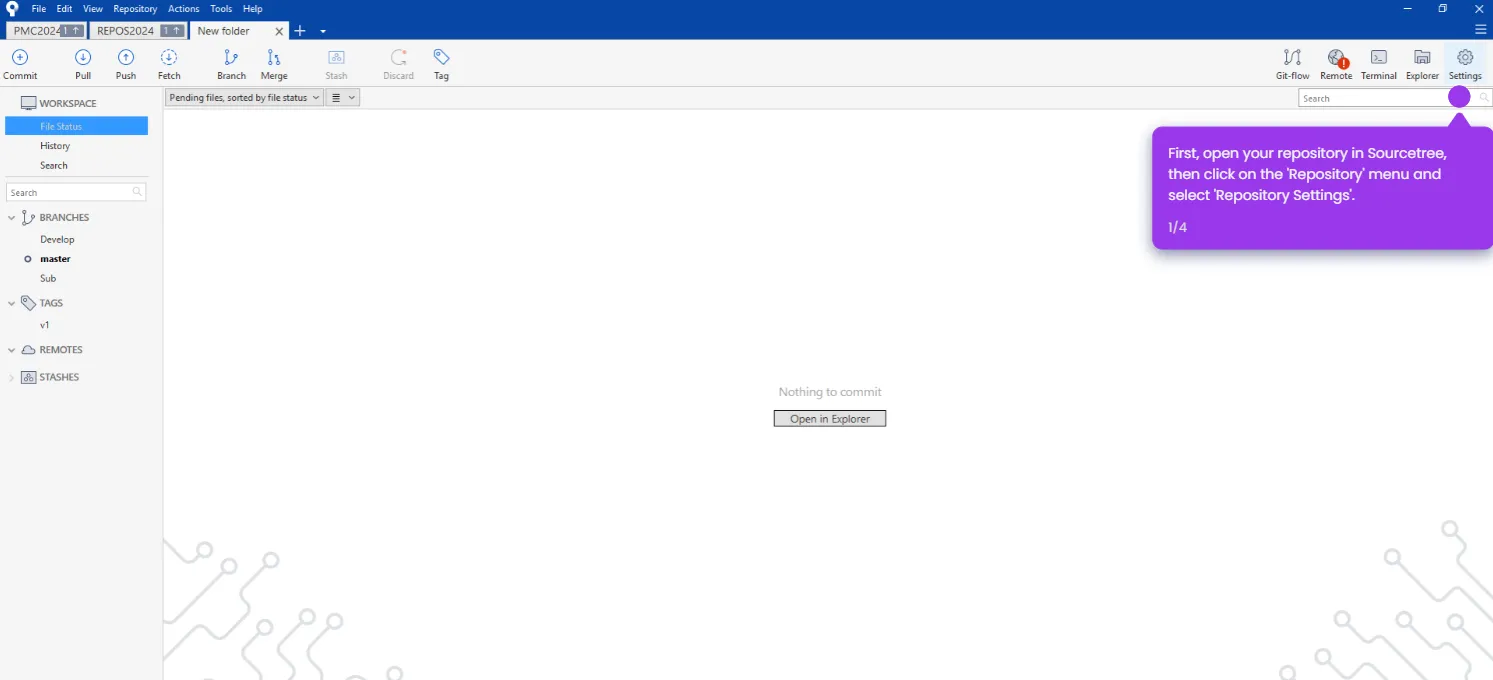
- Open your repository in Sourcetree.
- Navigate to the History view to see your commit log.
- Right-click the latest commit and select Reverse Commit.
- Click Yes to confirm and complete the commit reversal.