Quick summary
This guide shows you how to delete chats in Claude AI by navigating to the Recents section and using the Delete Selected option to permanently remove unwanted conversations.
Steps
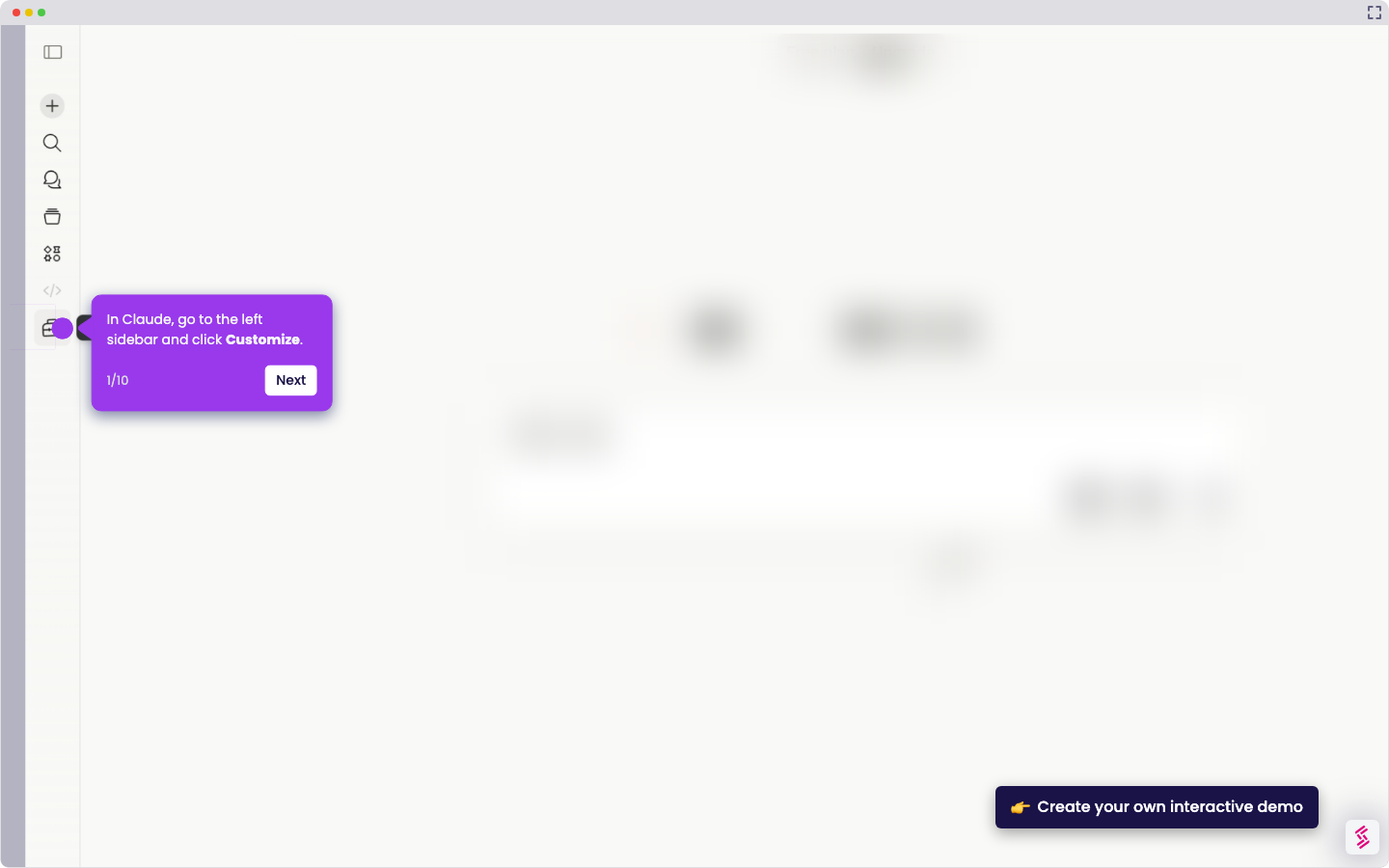
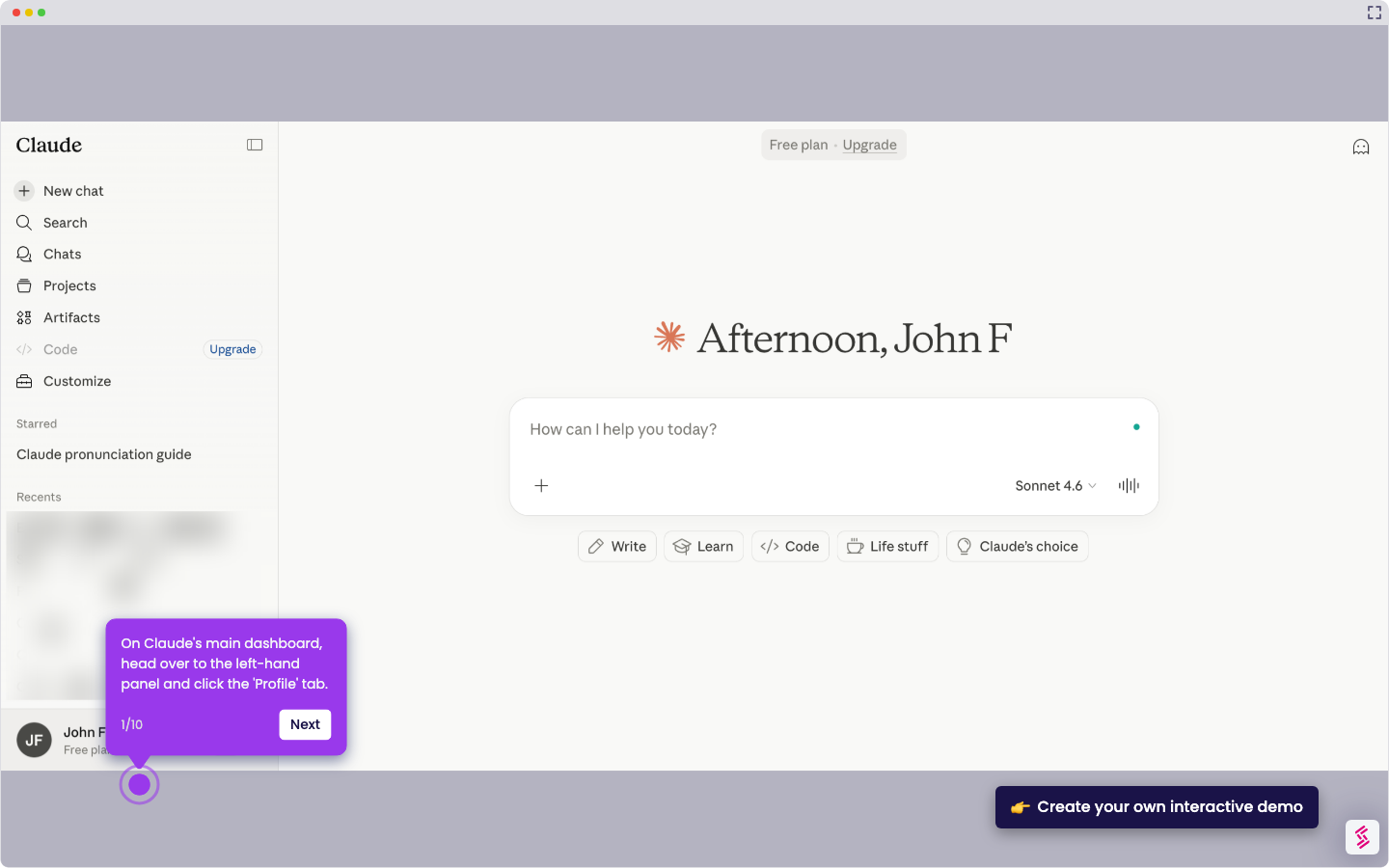
- Launch the Claude AI app or visit the Claude website.
- Open the menu or settings, navigate to the Recents section, and click View all.
- Find the specific chat interactions you want to remove and select them.
- Click the Delete Selected button to remove the chosen conversations.
- Confirm the deletion when prompted to permanently delete the selected chats.