Quick summary
You can download videos from YouTube Studio in just a few clicks by navigating to the Content section and selecting the Download option from a video's menu. This built-in feature lets creators save local copies of their uploaded videos without needing any third-party tools.
Steps
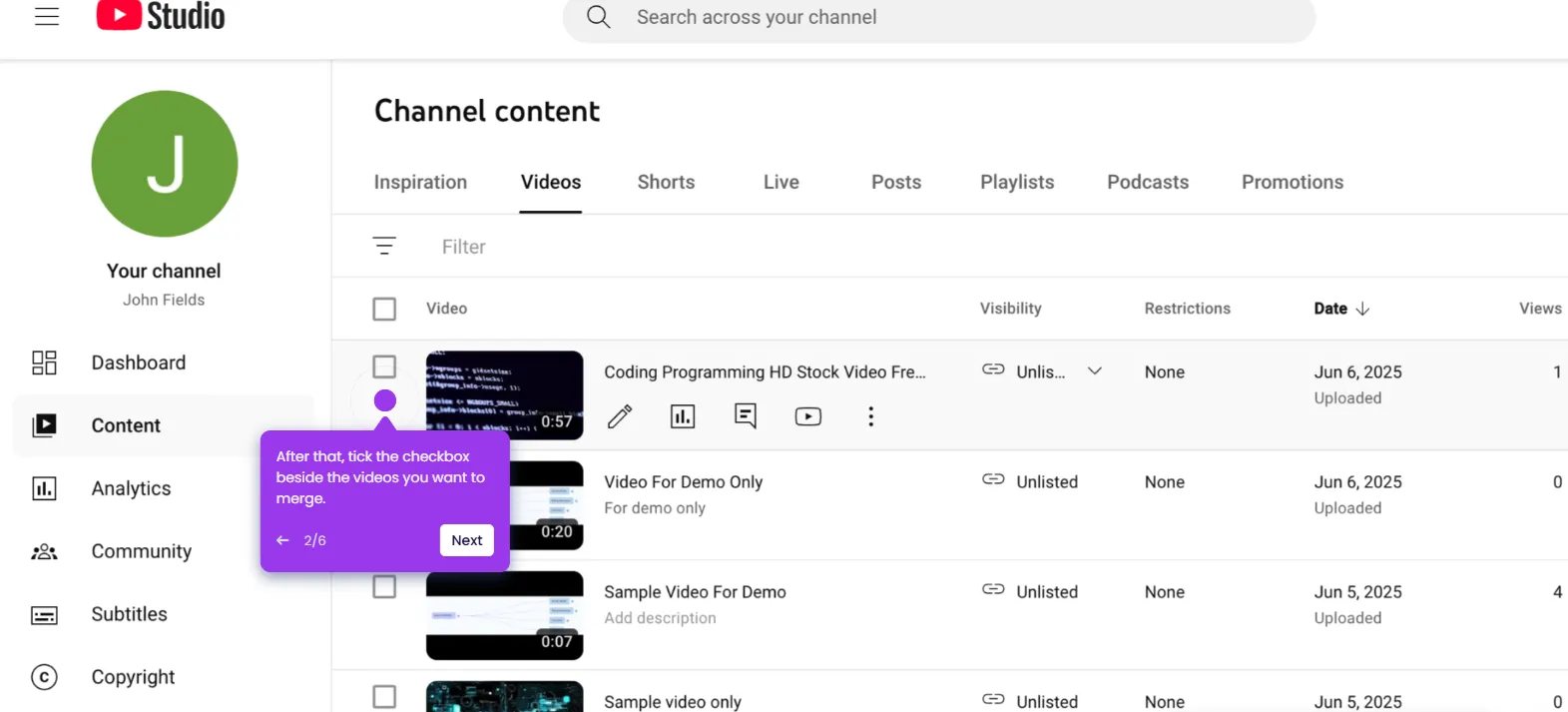
- Go to the left-side panel and click Content.
- Hover your mouse cursor over the video you want to download, then click its corresponding Options button.
- Pick Download from the list of options.
- After completing these steps, the selected video will be downloaded instantly.