This interactive demo was created free with Storylane in 2 minutes. Create your own demo
Start free
All Tutorials /Toggl

How to Edit the Time Log in Toggl

Updated on:
June 5, 2026
By:
Madhav Bhandari
Use this interactive demo to learn how to modify a recorded time entry in Toggl Track.

Quick summary

Editing a time log in Toggl lets you correct start and stop times for any project entry directly inside the Time Tracker. This ensures your tracked hours stay accurate without needing to delete and re-create entries.


Steps

  1. Go to the left-side panel and click the Time Tracker icon in the top-left corner.
  2. Hover over the project you want to edit and click its corresponding time log.
  3. Adjust the recorded time under Start and Stop fields to reflect the correct hours.
  4. Once changes are saved, your Toggl time log is updated based on your input.
📌 Why this matters

Accurate time tracking is critical for billing, payroll, and project reporting, yet human error when starting or stopping a timer is common. Toggl Track's ability to edit existing time log entries — adjusting precise start and stop times — means teams can correct mistakes instantly without losing historical data. This flexibility makes Toggl Track a reliable time management tool for freelancers, agencies, and distributed teams who depend on precise timesheet records. Keeping time logs accurate directly improves invoicing accuracy and project profitability analysis.
Your product deserves an interactive demo
Start free
Similar Articles
Toggl

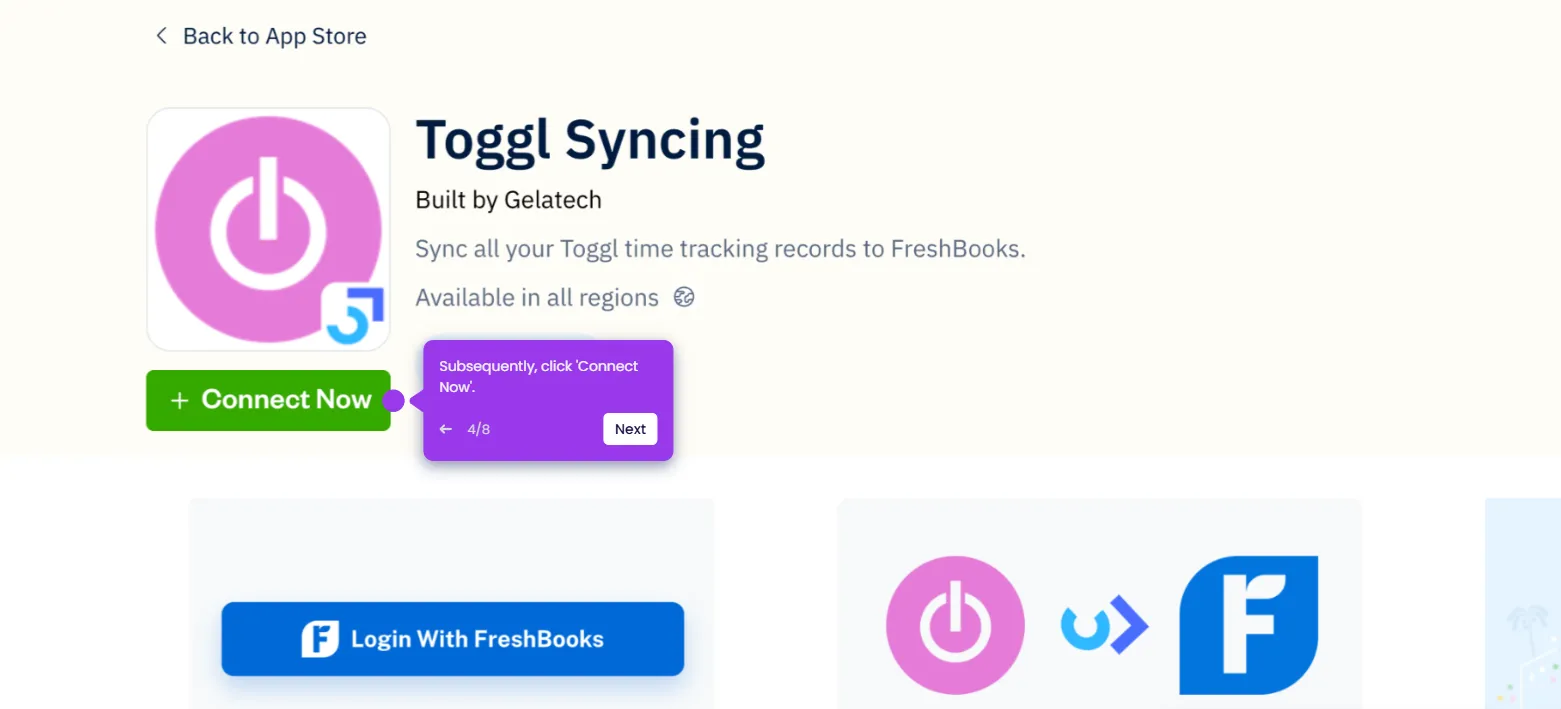
How to Integrate Toggl with FreshBooks

Madhav Bhandari
Director of Marketing @ Storylane
Toggl

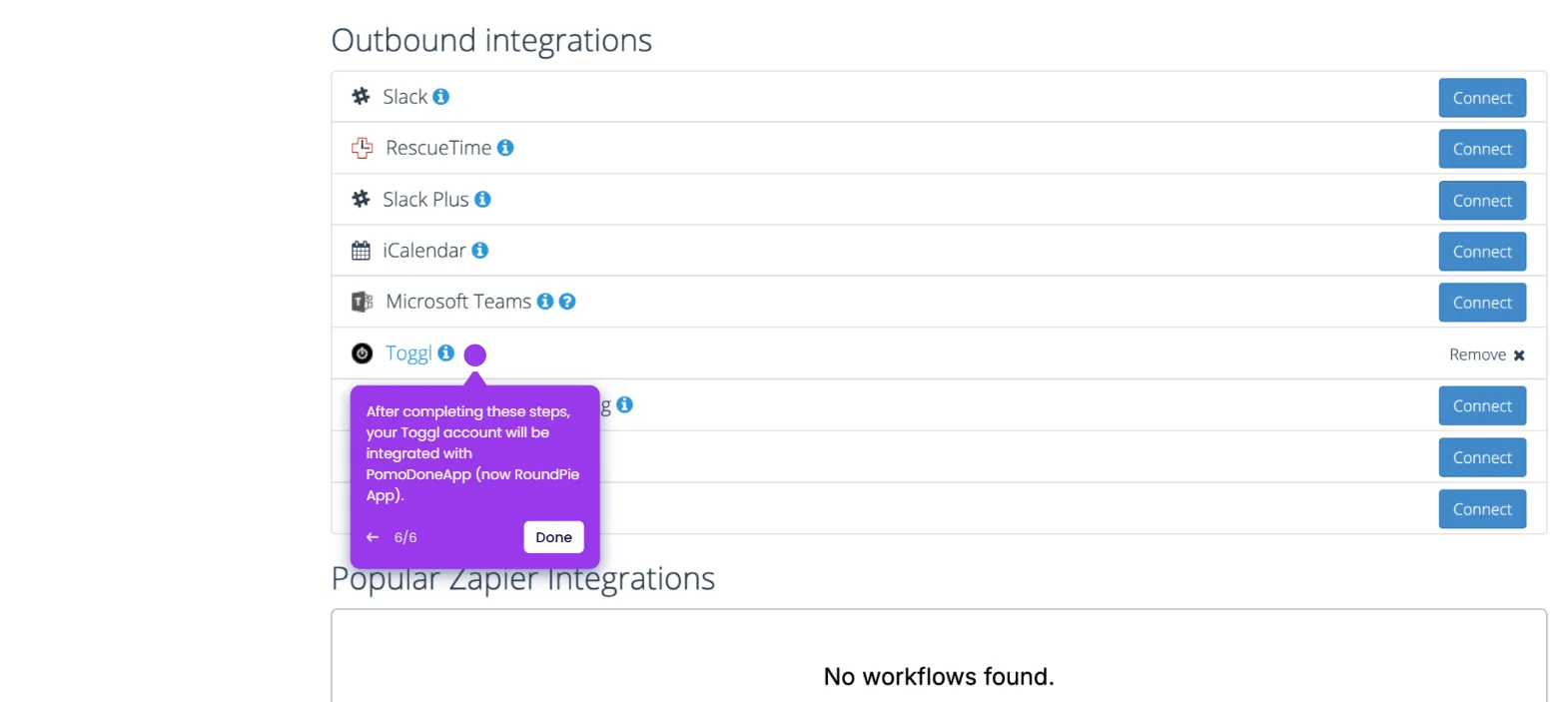
How to Integrate Toggl with PomoDoneApp

Madhav Bhandari
Director of Marketing @ Storylane
Toggl

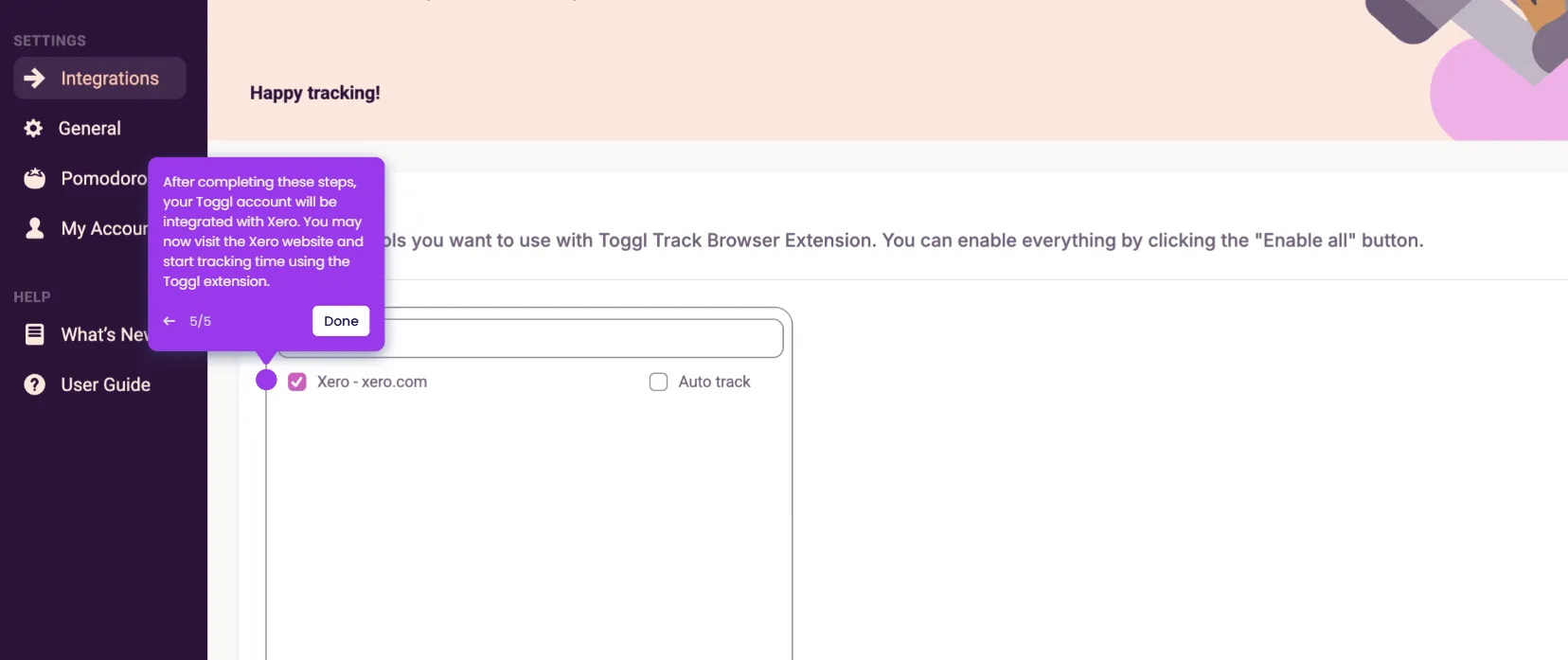
How to Integrate Toggl with Xero

Madhav Bhandari
Director of Marketing @ Storylane
No items found.
Platform
Interactive Demos
Sandbox Demos
Hubs
RepX
Integrations
Solutions
Product Marketers
Growth & Demand Gen
Sales Reps & AEs
Presales & SEs
Customer Success
Product Managers
Customers
Demo Showcase
Customer Stories
Finer Demos Club
Features
Demo Signals
Personalization
Deal Intelligence
Resources
Blog
The Plot
Tutorials
Help Docs
What’s New
Demo Dundies
Company
Careers
Pricing
Partners
Contact
Trust Center
Backed by
Chrome Extension Icon
Chrome extension
Download
Desktop app
Download
Built in San Francisco Bay Area - ©2026 Storylane
Privacy PolicyTerms & Conditions
X Corp (formerly Twitter)LinkedIn
This website uses cookies to ensure you get the best experience on our website. Learn More
Got it
This website uses cookies to ensure you get the best experience on our website. Learn More
Got it