Quick summary
Universal Content in Klaviyo lets you manage reusable email content blocks that can be updated once and applied across multiple campaigns. This demo shows how to locate, edit, and customize a Universal Content block directly within the Klaviyo email editor.
Steps
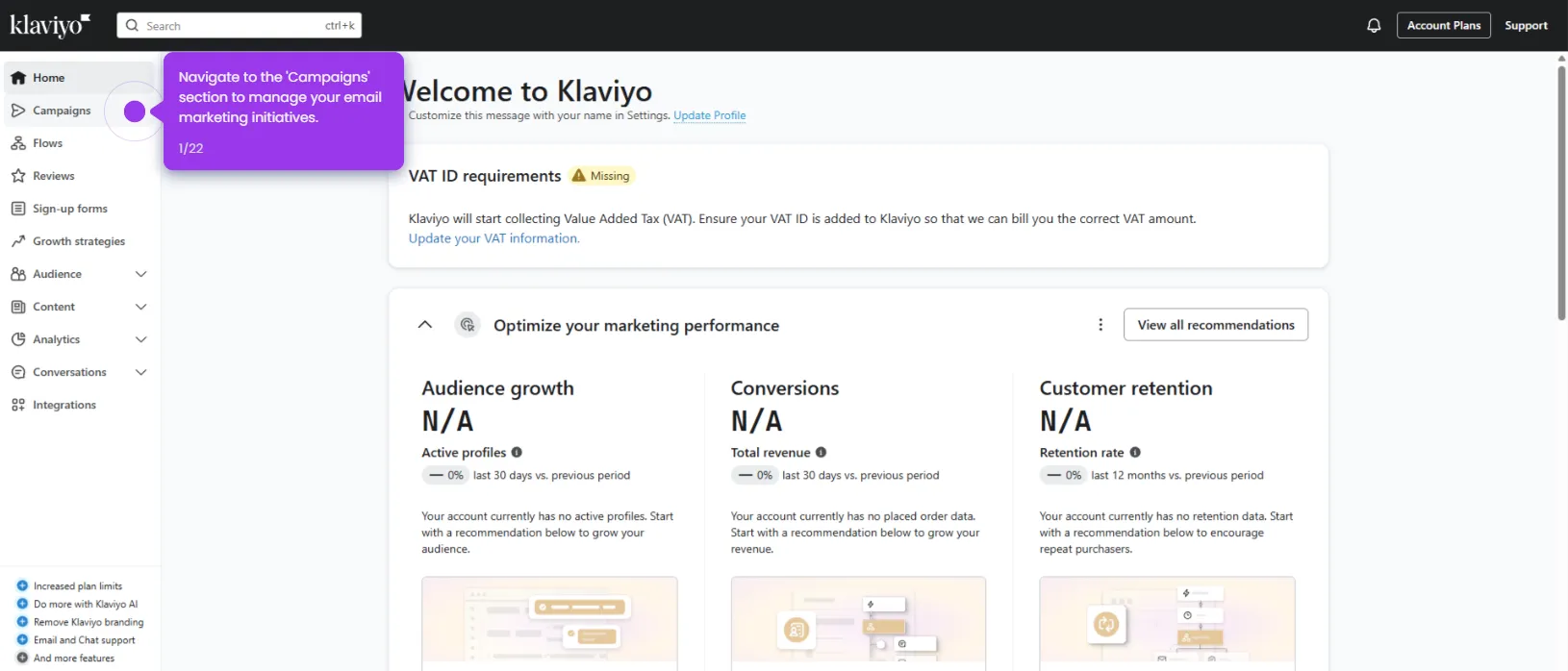
- Navigate to the Campaigns hub where your email marketing workflows are managed.
- Explore your existing email templates and select the campaign you want to customize.
- In the left sidebar, click Content and select Universal to access your reusable content library.
- Browse the list of all your Universal Content blocks and click the block you want to update.
- Customize the selected block to align with your brand messaging, then click Unlink and edit independently to make campaign-specific changes.
- Click Preview and next to finalize your image selection and review the updated content before sending.