Quick summary
Enabling the Dialogflow API integration unlocks programmatic access to your agent, allowing developers to connect external apps and services. This is done by toggling Beta Features and API on in the agent's General settings and saving the change.
Steps
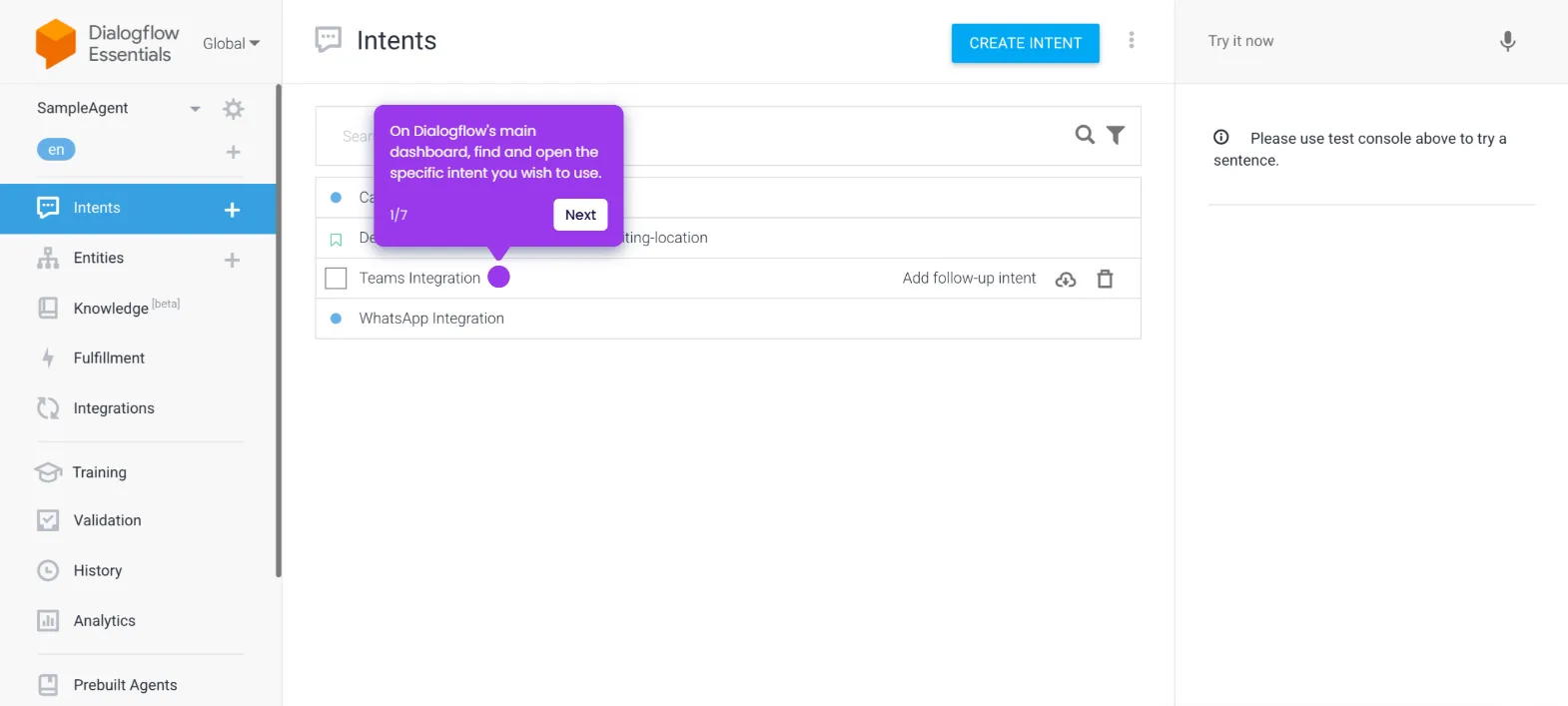
- On the Dialogflow main dashboard, navigate to the left-side panel and click the Settings icon next to your Agent name.
- Under the General tab, switch on the toggle beside Enable Beta Features and API.
- Click Save in the top-right corner to apply the changes.
- The Dialogflow API integration will be enabled instantly after completing these steps.