Quick summary
Grouping objects in FigJam lets you organize related elements on your board by selecting and enclosing them within a shared bounding box. This makes it easier to move, manage, and collaborate on structured content in Figma's whiteboard tool.
Steps
- Launch your FigJam board in Figma.
- Select multiple objects by clicking and dragging across them.
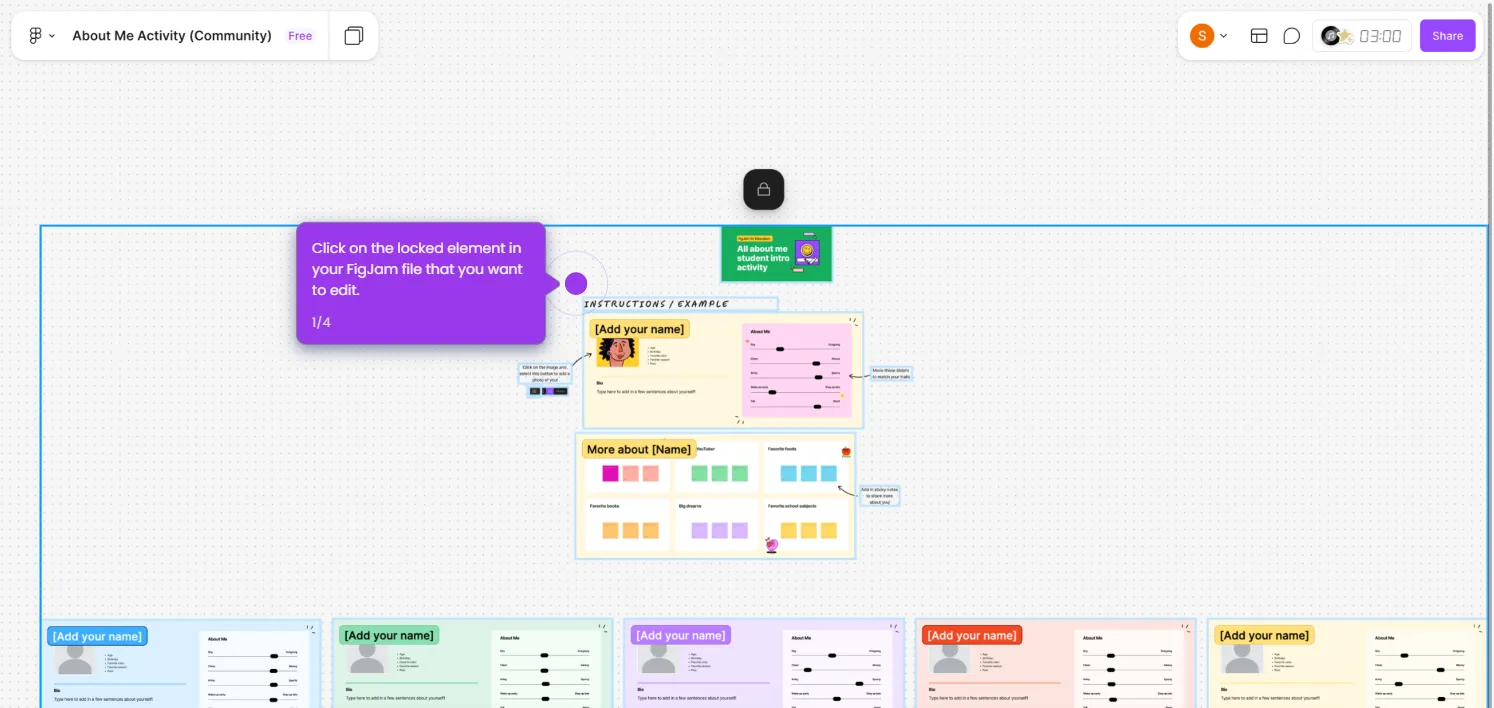
- Ensure a large bounding box appears around the objects to confirm they are grouped.