This interactive demo was created free with Storylane in 2 minutes. Create your own demo
Start free
All Tutorials /Insightly

How to Import Contacts into Insightly

Updated on:
June 5, 2026
By:
Madhav Bhandari
Use this interactive demo to learn how to bulk import contacts into your Insightly CRM via CSV.

Quick summary

Insightly CRM lets you import contacts in bulk by uploading a CSV file directly through the Contacts module. The step-by-step import wizard guides you through file selection, data formatting review, and finalizing the migration to populate your CRM instantly.


Steps

  1. Navigate to the Contacts module, where all your customer information is centralized.
  2. Click the Import Contacts and Notes link in the right sidebar to access the CRM's import tools.
  3. Choose Import Contacts from a CSV File as your import method.
  4. Select your file location to begin the contact import process.
  5. Click Next to proceed to the next step of the import wizard.
  6. Review data formatting to ensure clean, accurate contact records.
  7. Confirm your import preferences and click Start This Import to finalize your contact migration.
  8. Complete the import to instantly populate your CRM with valuable customer data.
📌 Why this matters

Importing contacts into Insightly CRM allows sales and operations teams to quickly migrate existing customer data without manual data entry, saving hours of work and reducing the risk of errors. Insightly's CSV import wizard provides guided field mapping and data formatting review, ensuring clean, accurate contact records from day one. For businesses switching CRMs or consolidating customer lists, this feature enables a fast, reliable transition that keeps pipelines moving. Centralized contact management in Insightly means your entire team has immediate access to up-to-date customer information the moment the import is complete.
Your product deserves an interactive demo
Start free
Similar Articles
Insightly

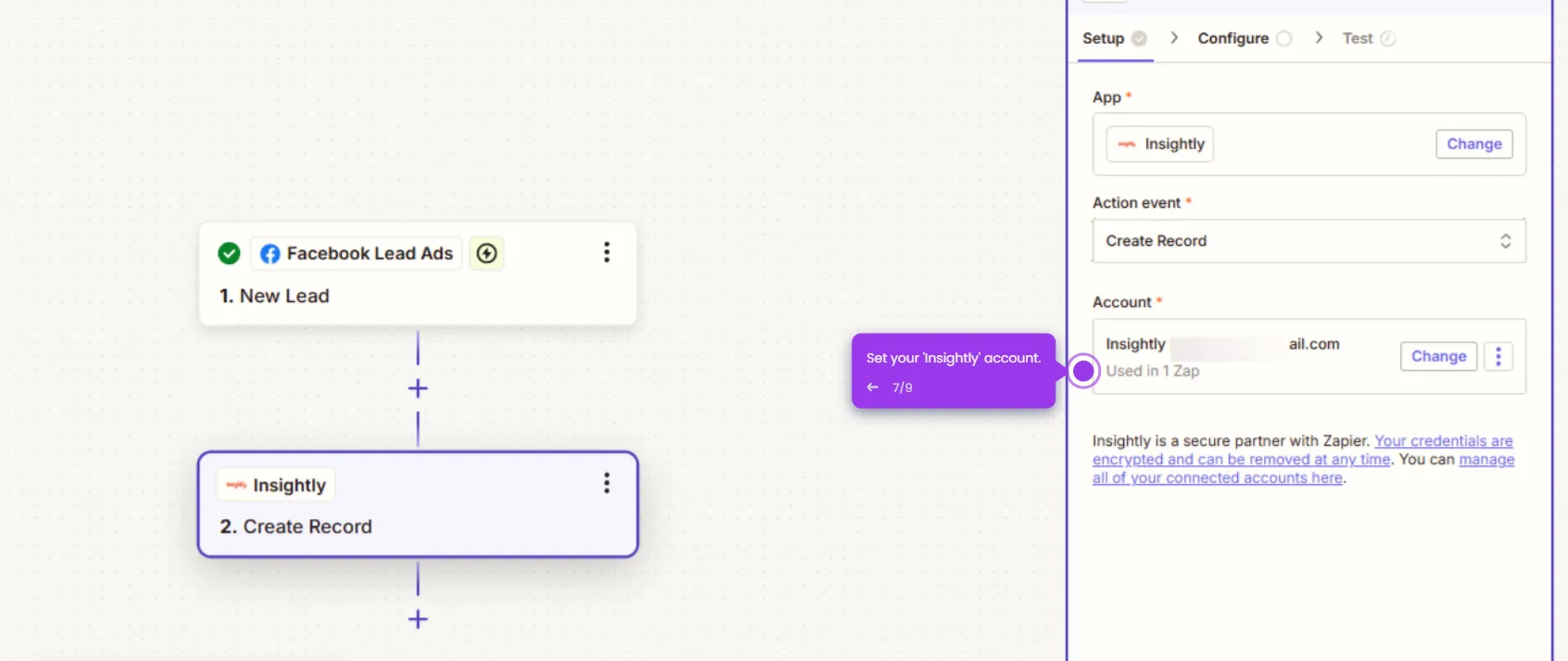
How to Connect Facebook Leads to Insightly CRM

Madhav Bhandari
Director of Marketing @ Storylane
Insightly

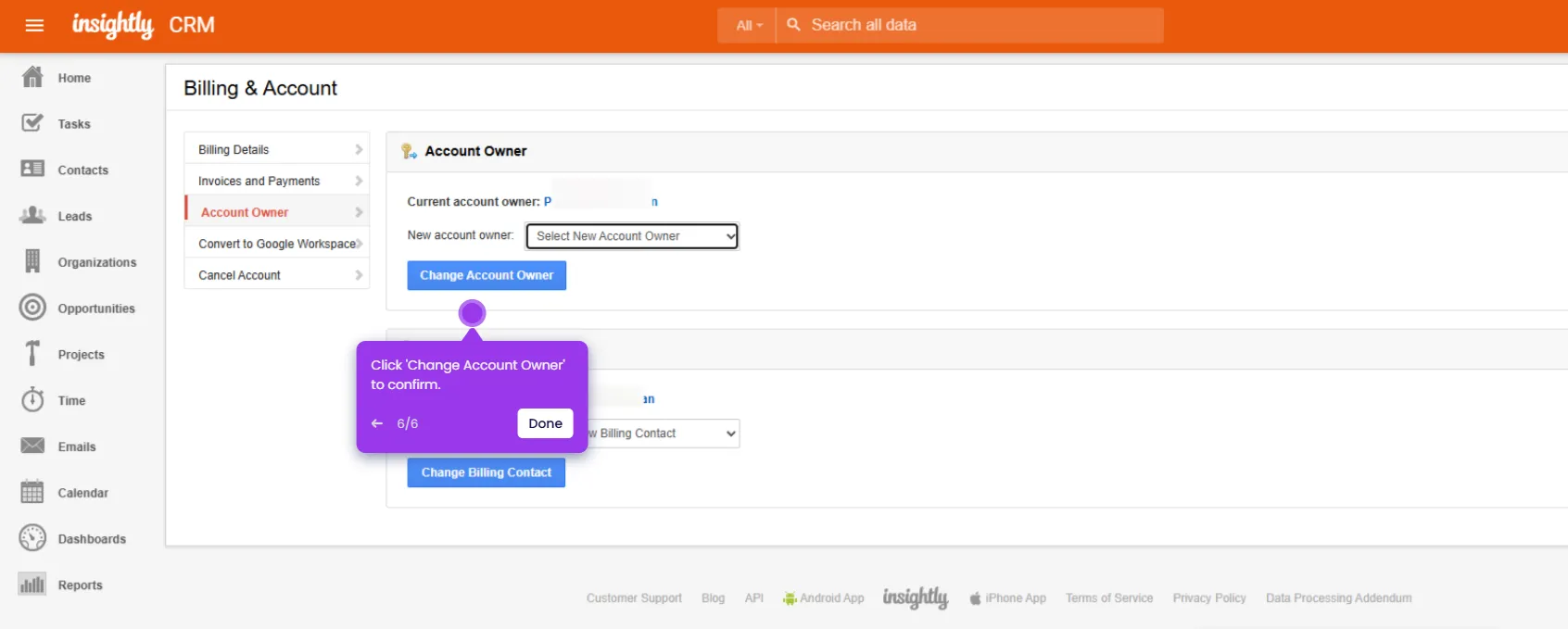
How to Change Account Owner Insightly

Madhav Bhandari
Director of Marketing @ Storylane
Insightly

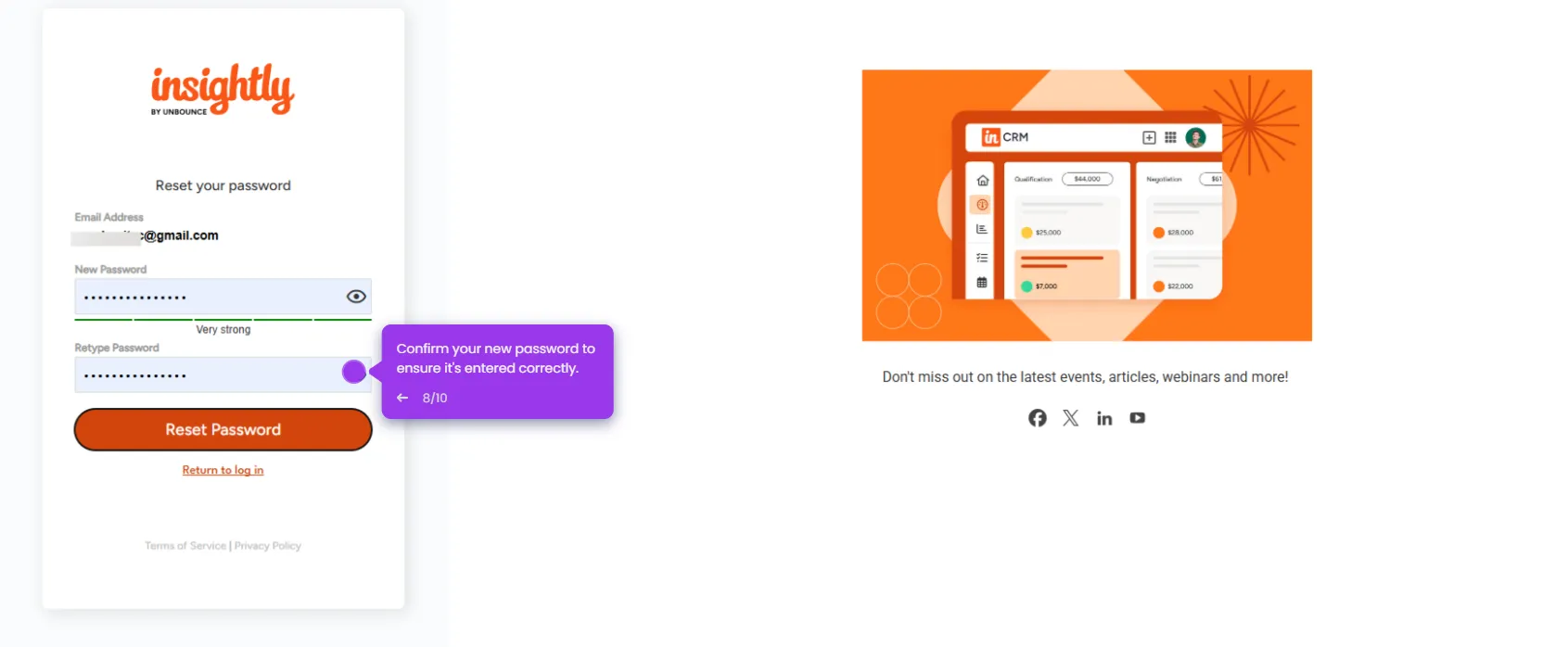
How to Change Password in Insightly

Madhav Bhandari
Director of Marketing @ Storylane
No items found.
Platform
Interactive Demos
Sandbox Demos
Hubs
RepX
Integrations
Solutions
Product Marketers
Growth & Demand Gen
Sales Reps & AEs
Presales & SEs
Customer Success
Product Managers
Customers
Demo Showcase
Customer Stories
Finer Demos Club
Features
Demo Signals
Personalization
Deal Intelligence
Resources
Blog
The Plot
Tutorials
Help Docs
What’s New
Demo Dundies
Company
Careers
Pricing
Partners
Contact
Trust Center
Backed by
Chrome Extension Icon
Chrome extension
Download
Desktop app
Download
Built in San Francisco Bay Area - ©2026 Storylane
Privacy PolicyTerms & Conditions
X Corp (formerly Twitter)LinkedIn
This website uses cookies to ensure you get the best experience on our website. Learn More
Got it
This website uses cookies to ensure you get the best experience on our website. Learn More
Got it