


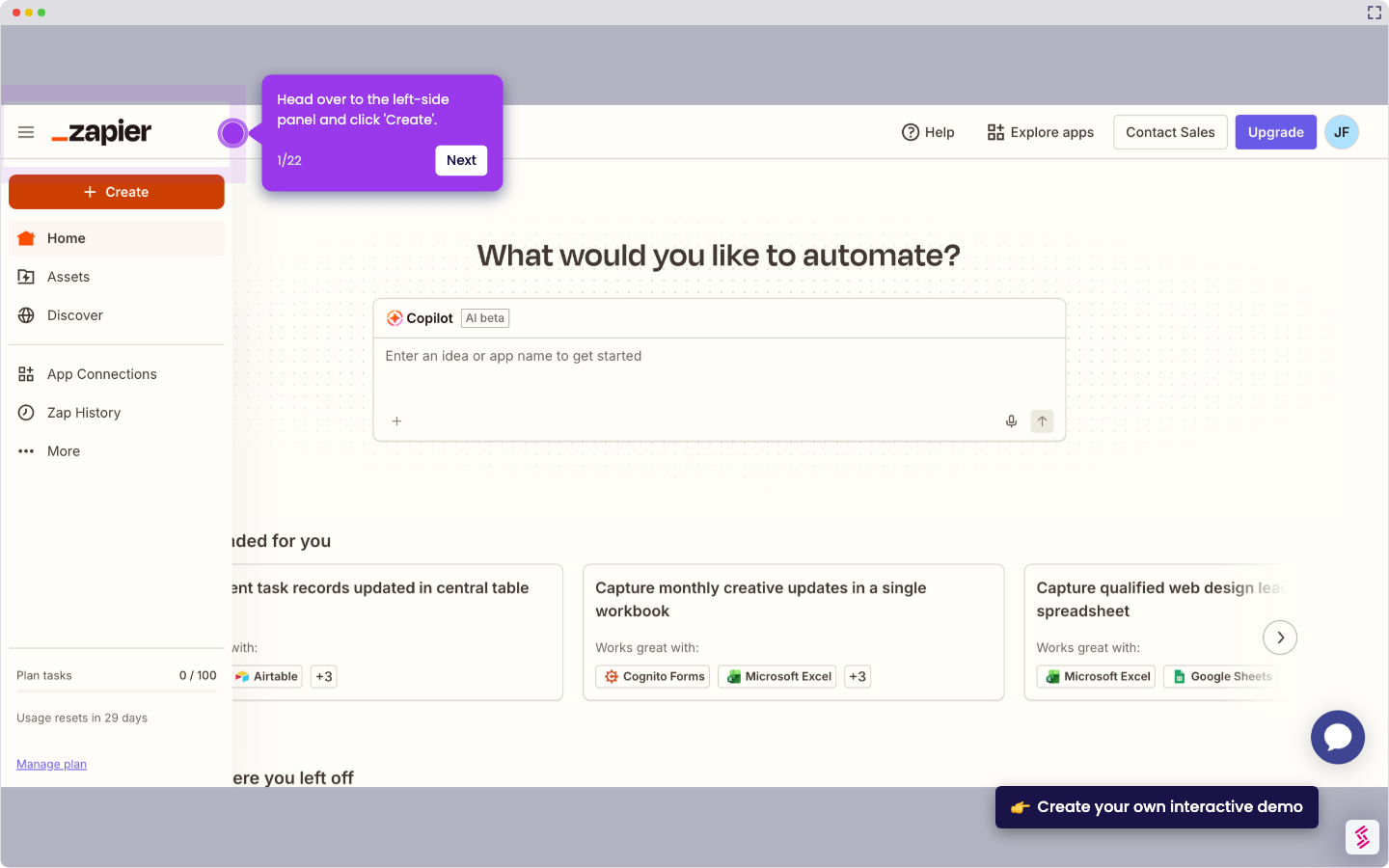
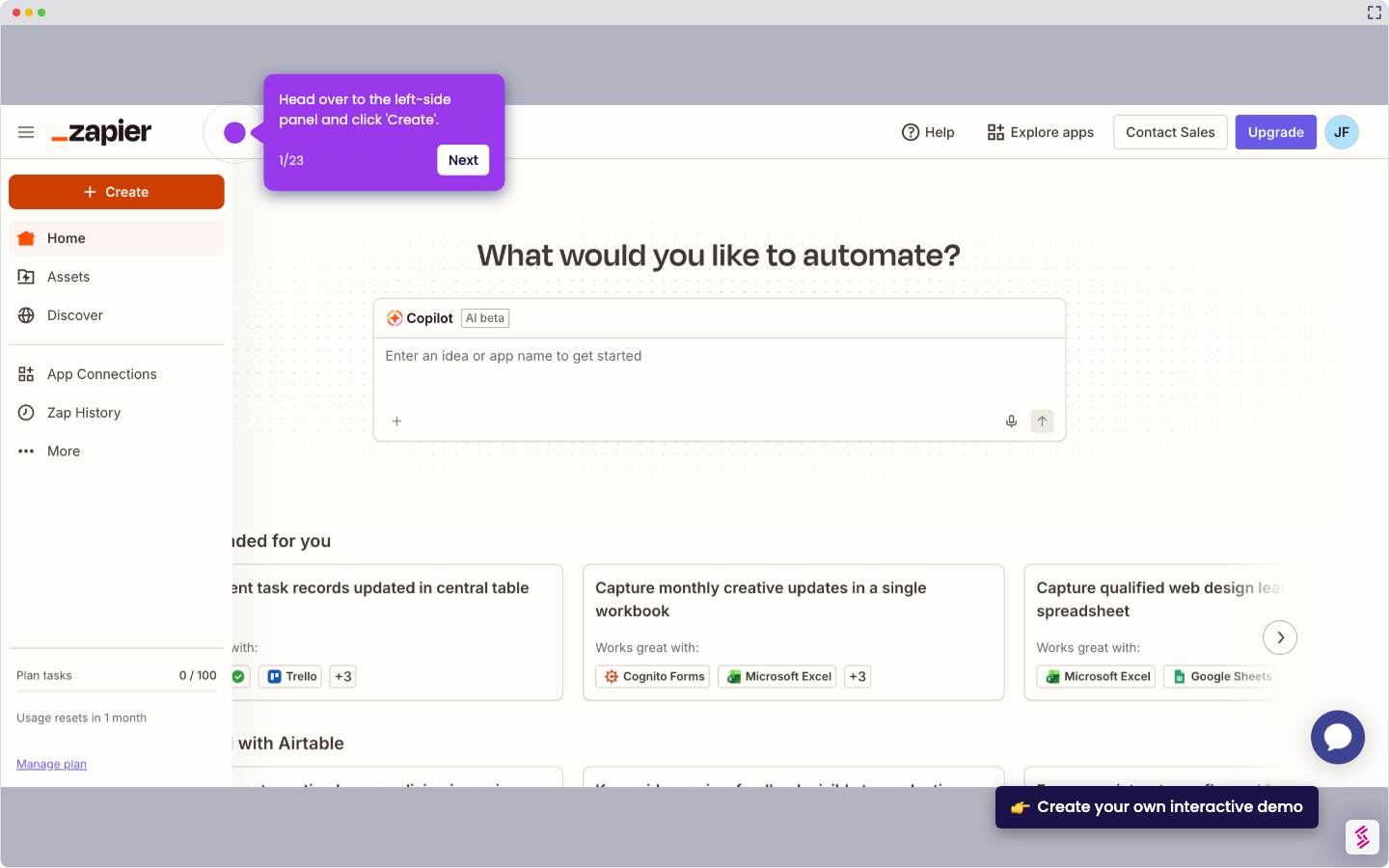
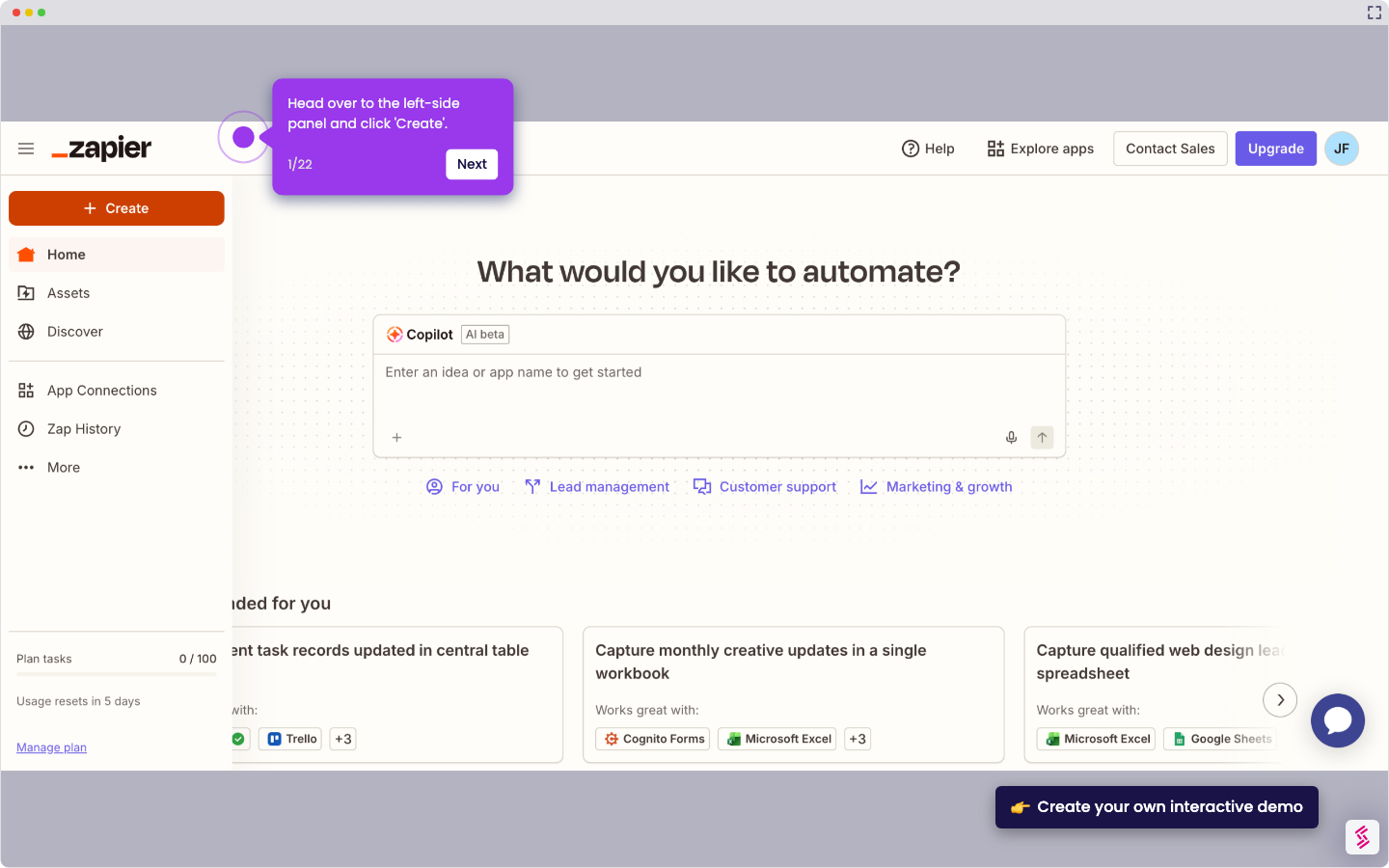
- Head over to the left-side panel and click 'Create'.
- Choose 'Zaps' from the list of options.
- After that, click the 'Trigger' tab to start the integration process.
- Search for 'Airtable' and select it from the suggested results.
- Next, specify your preferred 'Trigger Event'.
- Tap 'Sign In' afterwards, then log in to your Airtable account.
- Subsequently, set your preferred access. Click 'Add All Resources' or 'Add a Base'.
- Once done, tap 'Grant Access' to allow the necessary permissions.
- Click ‘Continue’ to move forward.
- Following that, provide all the required details to set up the Trigger. Enter them into their respective input fields.
- Tap ‘Continue’ afterwards.
- Subsequently, tap 'Test Trigger' to run your input.
- Choose the record you prefer to use, then click 'Continue With Records' afterwards.
- Following that, search for ‘Wufoo’ and select it as the Action app.
- Next, click the drop-down menu and pick the 'Action Event' you wish to execute.
- Click 'Sign In' afterwards to connect your account.
- Subsequently, provide your Wufoo user credentials. Enter the details into their respective input fields.
- Once done, click 'Yes Continue to Wufoo'.
- Tap ‘Continue’ to move forward.
- Fill out the input field with the required information.
- Once done, tap 'Continue' to publish and enable the integration.
- Finally, your Airtable account will be integrated with Wufoo.
How to Integrate Airtable with Wufoo
Walk through this interactive demo to learn how to integrate Airtable with wufoo.
📌 Why this matters
Connecting your form responses directly to your database eliminates the manual copy-paste work that eats up hours each week. Beyond saving time, this integration transforms how you handle data quality and follow-up workflows. When form submissions automatically populate your organized base with proper field mapping, you can set up sophisticated automations like instant email sequences, task assignments, or inventory updates. Your forms become the front door to a comprehensive system rather than isolated data collection points, turning what used to be administrative overhead into streamlined business processes.
Your product deserves an interactive demo
Similar Articles
No items found.