This interactive demo was created free with Storylane in 2 minutes. Create your own demo
Start free
All Tutorials /Zoho

How To Integrate Amazon S3 With Zoho CRM

Updated on:
June 5, 2026
By:
Madhav Bhandari
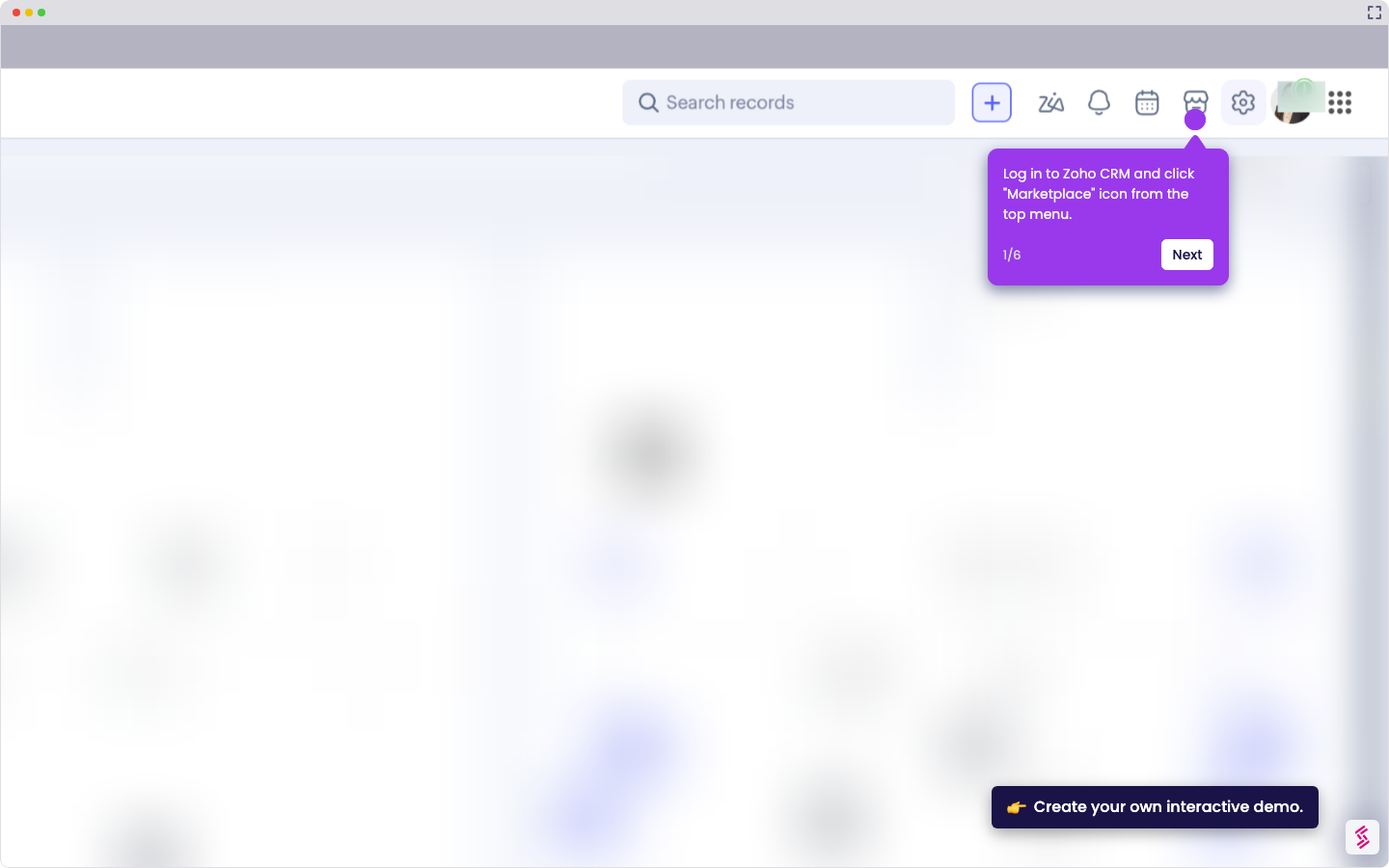
Try this guided demo to learn how to integrate amazon s3 with Zoho CRM.
  1. Log in to Zapier, click “+ Create”, then select “Zaps”.
  2. Click "Trigger”.
  3. Choose Amazon S3 as the trigger app.
  4. Select a trigger like "New or Updated File”.
  5. Connect your Amazon S3 account securely to enable monitoring
  6. Click "Action".
  7. Select Zoho CRM as the action app.
  8. Choose an action like "Add Attachment".
  9. Connect your Zoho CRM account and click "Continue".
  10. Map which S3 files attach to specific CRM records
  11. Click "Test step".
  12. Click "Publish" to activate the Zap.

📌 Why this matters

This integration automatically turns your cloud storage into a smart CRM attachment system, eliminating manual file uploads and reducing data entry errors. When contracts, proposals, or customer documents land in S3, they instantly appear in the relevant CRM records without human intervention. The real advantage goes beyond convenience—you create an audit trail that captures document timing and customer interactions automatically. This means your sales team always has the latest files at their fingertips, while you maintain compliance records that update themselves as deals progress.

Your product deserves an interactive demo
Start free
Similar Articles
Zoho

How To Integrate MySQL With Zoho C RM

Madhav Bhandari
Director of Marketing @ Storylane
Zoho

How To Integrate Google Sheets With Zoho CRM

Madhav Bhandari
Director of Marketing @ Storylane
Zoho

How To Integrate ClickUp With Zoho CRM

Madhav Bhandari
Director of Marketing @ Storylane
No items found.
Platform
Interactive Demos
Sandbox Demos
Hubs
RepX
Integrations
Solutions
Product Marketers
Growth & Demand Gen
Sales Reps & AEs
Presales & SEs
Customer Success
Product Managers
Customers
Demo Showcase
Customer Stories
Finer Demos Club
Features
Demo Signals
Personalization
Deal Intelligence
Resources
Blog
The Plot
Tutorials
Help Docs
What’s New
Demo Dundies
Company
Careers
Pricing
Partners
Contact
Trust Center
Backed by
Chrome Extension Icon
Chrome extension
Download
Desktop app
Download
Built in San Francisco Bay Area - ©2026 Storylane
Privacy PolicyTerms & Conditions
X Corp (formerly Twitter)LinkedIn
This website uses cookies to ensure you get the best experience on our website. Learn More
Got it
This website uses cookies to ensure you get the best experience on our website. Learn More
Got it