Quick summary
This tutorial shows how to integrate Canva with Google Slides by exporting a Canva template as a PPTX file and uploading it to Google Drive for use in Google Slides. The process takes just a few steps and requires no third-party tools.
Steps
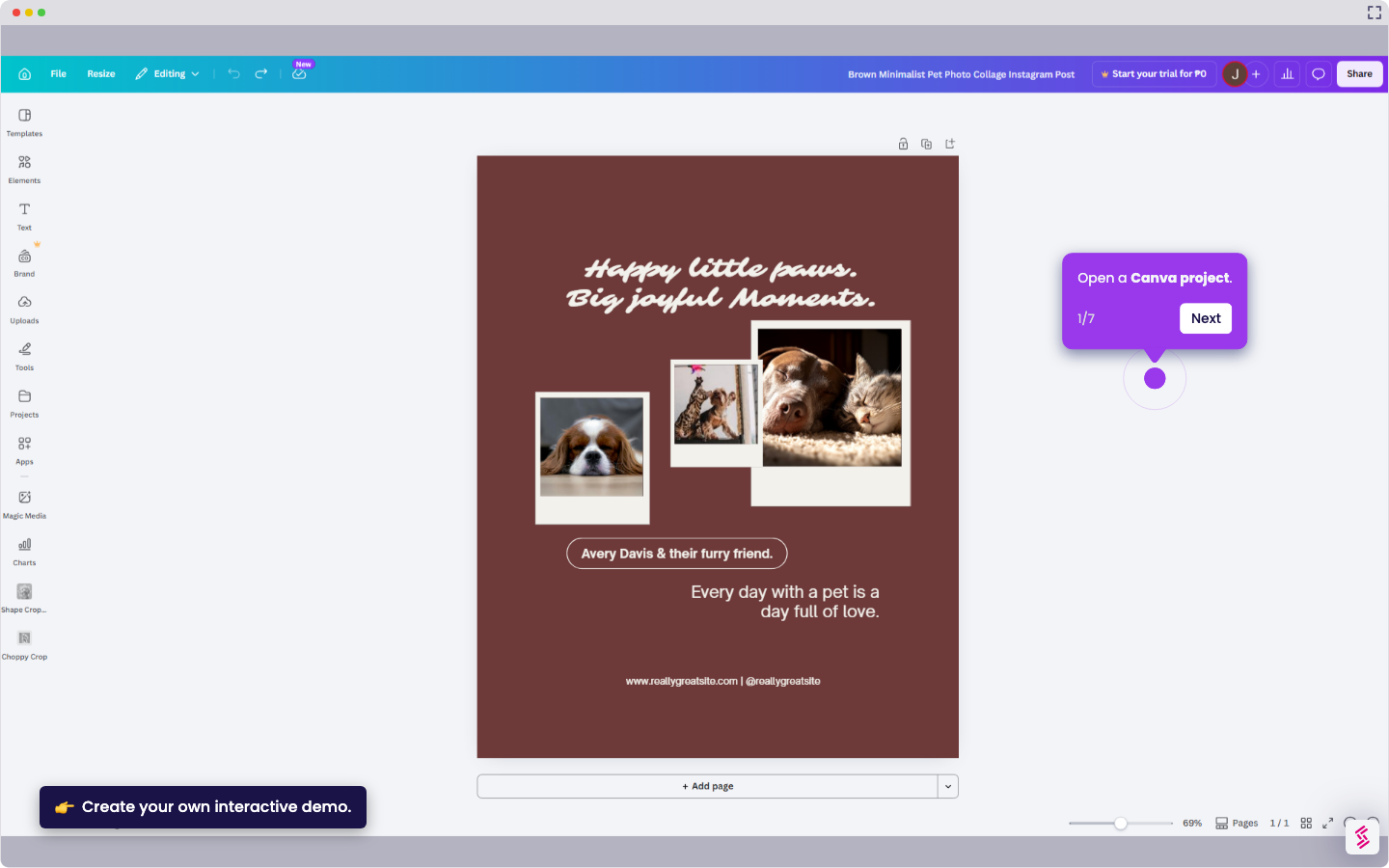
- Open your Canva template.
- In the top right, click Share then click Download.
- Click the drop-down and set the file format to PPTX.
- Click Download and wait for the file to finish downloading.
- Upload the PPTX file to Google Drive.
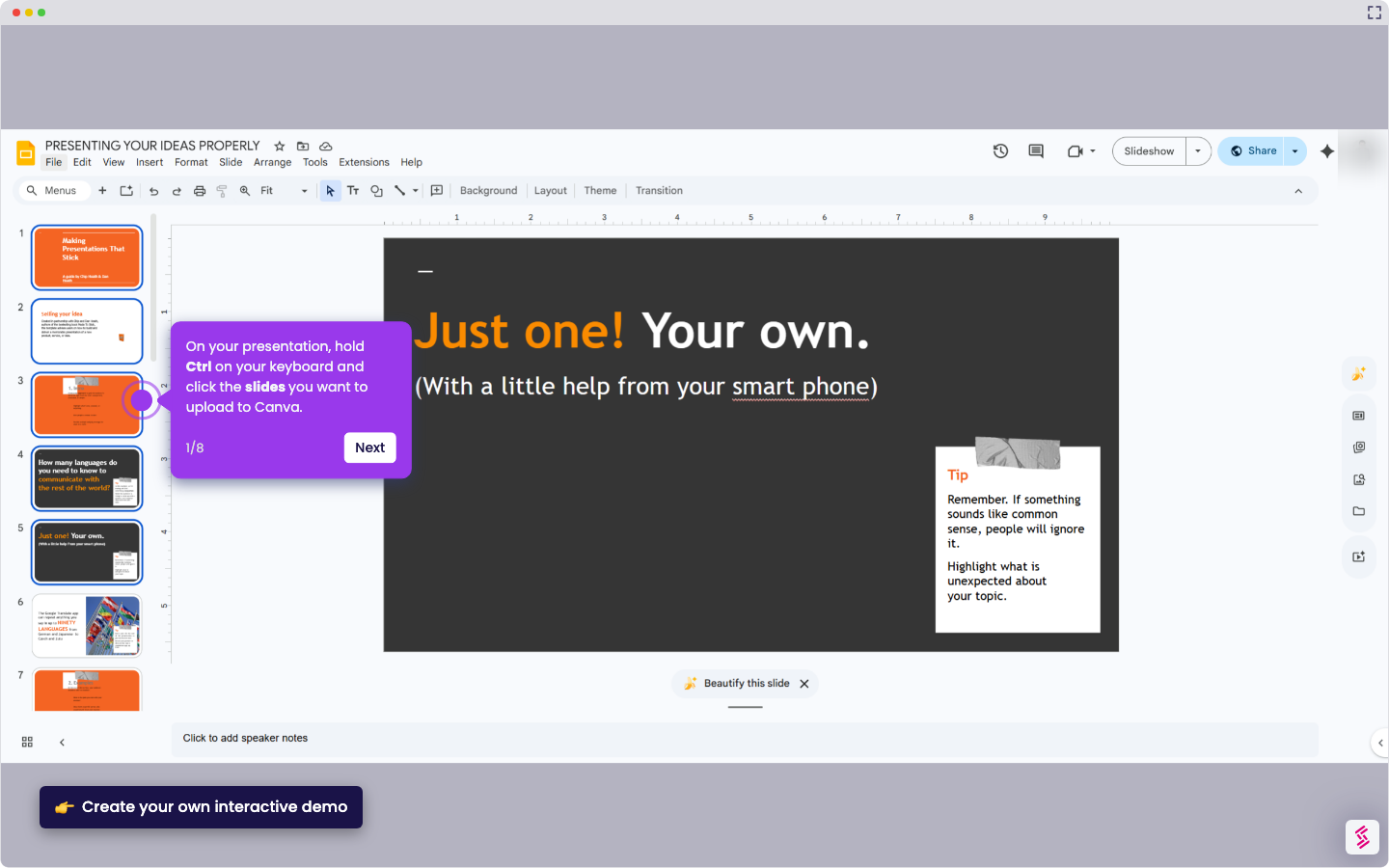
- Open your presentation in Google Slides.
- In the menu bar, click File then click Open.
- Go to My Drive, find the uploaded file, select it, and open it in your presentation.
- Wait for the PPTX file to load — your Canva template is now live in Google Slides.