This interactive demo was created free with Storylane in 2 minutes. Create your own demo
Start free
All Tutorials /Lovable

How to Integrate Lovable with WordPress

Updated on:
June 5, 2026
By:
Madhav Bhandari
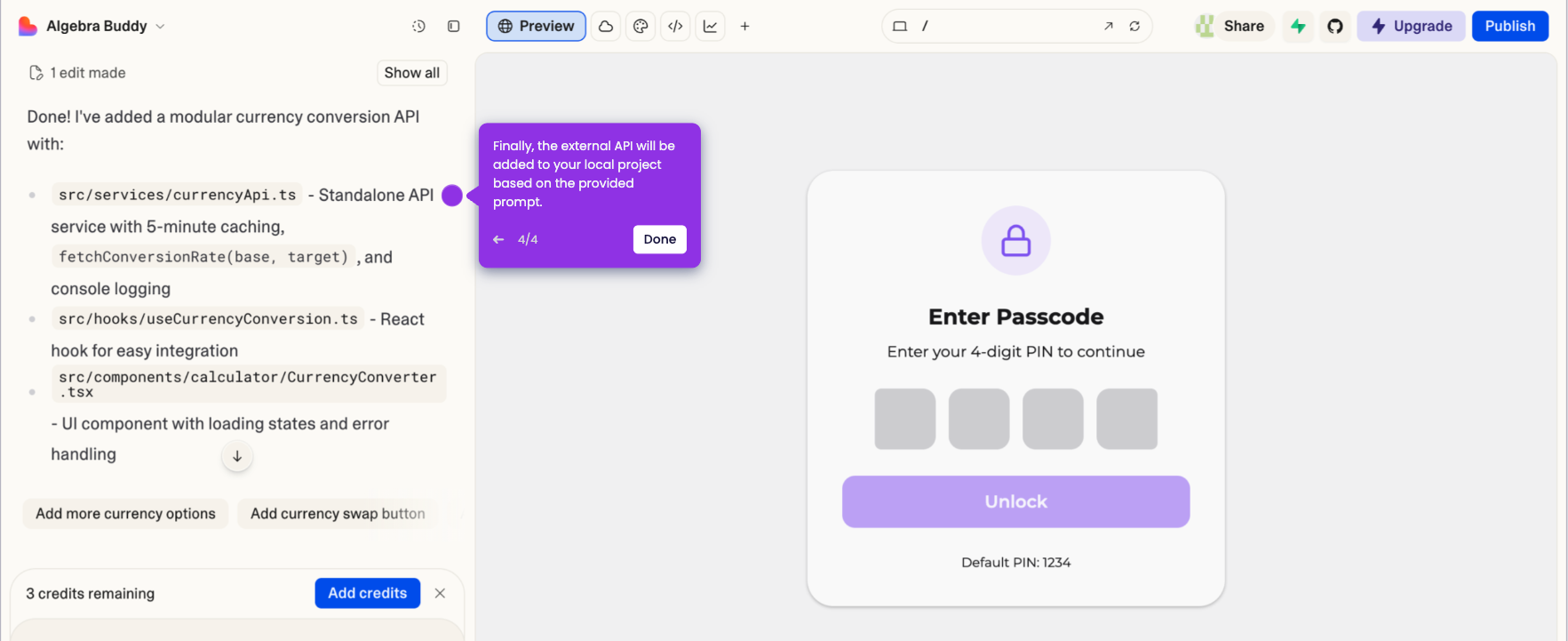
Use this interactive demo to learn how to connect your Lovable project to a WordPress site.

Quick summary

Integrating Lovable with WordPress lets you connect an AI-built project to your WordPress site by submitting a natural-language prompt and entering your integration credentials. The entire process takes just a few steps inside Lovable's chat interface, requiring no manual code changes.


Steps

  1. Write a well-crafted prompt in the chat box on the left-side panel, asking Lovable to integrate your selected project with WordPress.
  2. Review your prompt carefully to ensure it fully explains the details of your integration request.
  3. Fill out the input fields with the required integration credentials when prompted.
  4. Click the Submit button to proceed and establish the connection between Lovable and WordPress.
  5. Confirm that your Lovable project is now successfully integrated with WordPress.

📌 Why this matters

Connecting Lovable to WordPress allows developers and non-technical users alike to publish AI-generated web applications directly within a WordPress environment, eliminating the need for manual backend configuration. This Lovable–WordPress integration streamlines the deployment of AI-built projects, saving significant development time and reducing technical complexity. For teams using Lovable to rapidly prototype and build apps, the ability to integrate with the world's most widely used CMS expands their publishing options and accelerates time-to-launch. Understanding this workflow is essential for anyone looking to combine the power of AI-driven development with the flexibility and reach of the WordPress ecosystem.
Your product deserves an interactive demo
Start free
Similar Articles
Lovable

How to Integrate Lovable with Webflow

Madhav Bhandari
Director of Marketing @ Storylane
Lovable

How to Integrate Lovable with HubSpot

Madhav Bhandari
Director of Marketing @ Storylane
Lovable

How to Connect Lovable Projects to an External API

Madhav Bhandari
Director of Marketing @ Storylane
No items found.
Platform
Interactive Demos
Sandbox Demos
Hubs
RepX
Integrations
Solutions
Product Marketers
Growth & Demand Gen
Sales Reps & AEs
Presales & SEs
Customer Success
Product Managers
Customers
Demo Showcase
Customer Stories
Finer Demos Club
Features
Demo Signals
Personalization
Deal Intelligence
Resources
Blog
The Plot
Tutorials
Help Docs
What’s New
Demo Dundies
Company
Careers
Pricing
Partners
Contact
Trust Center
Backed by
Chrome Extension Icon
Chrome extension
Download
Desktop app
Download
Built in San Francisco Bay Area - ©2026 Storylane
Privacy PolicyTerms & Conditions
X Corp (formerly Twitter)LinkedIn
This website uses cookies to ensure you get the best experience on our website. Learn More
Got it
This website uses cookies to ensure you get the best experience on our website. Learn More
Got it