This interactive demo was created free with Storylane in 2 minutes. Create your own demo
Start free
All Tutorials /Marketo

How to Integrate Marketo with Google Ads

Updated on:
June 9, 2026
By:
Madhav Bhandari
Follow this interactive demo to learn how to integrate Marketo with Google Ads.
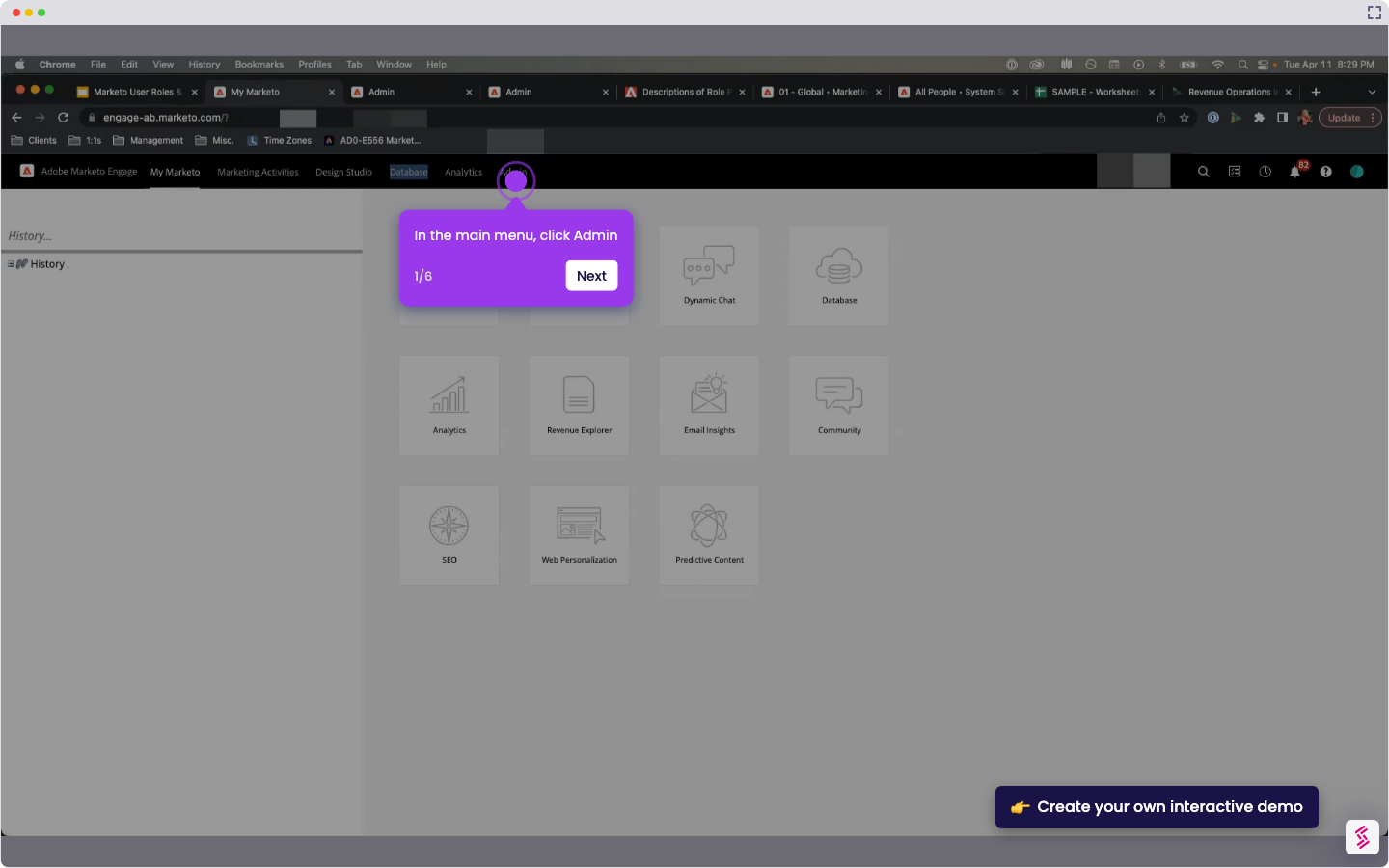
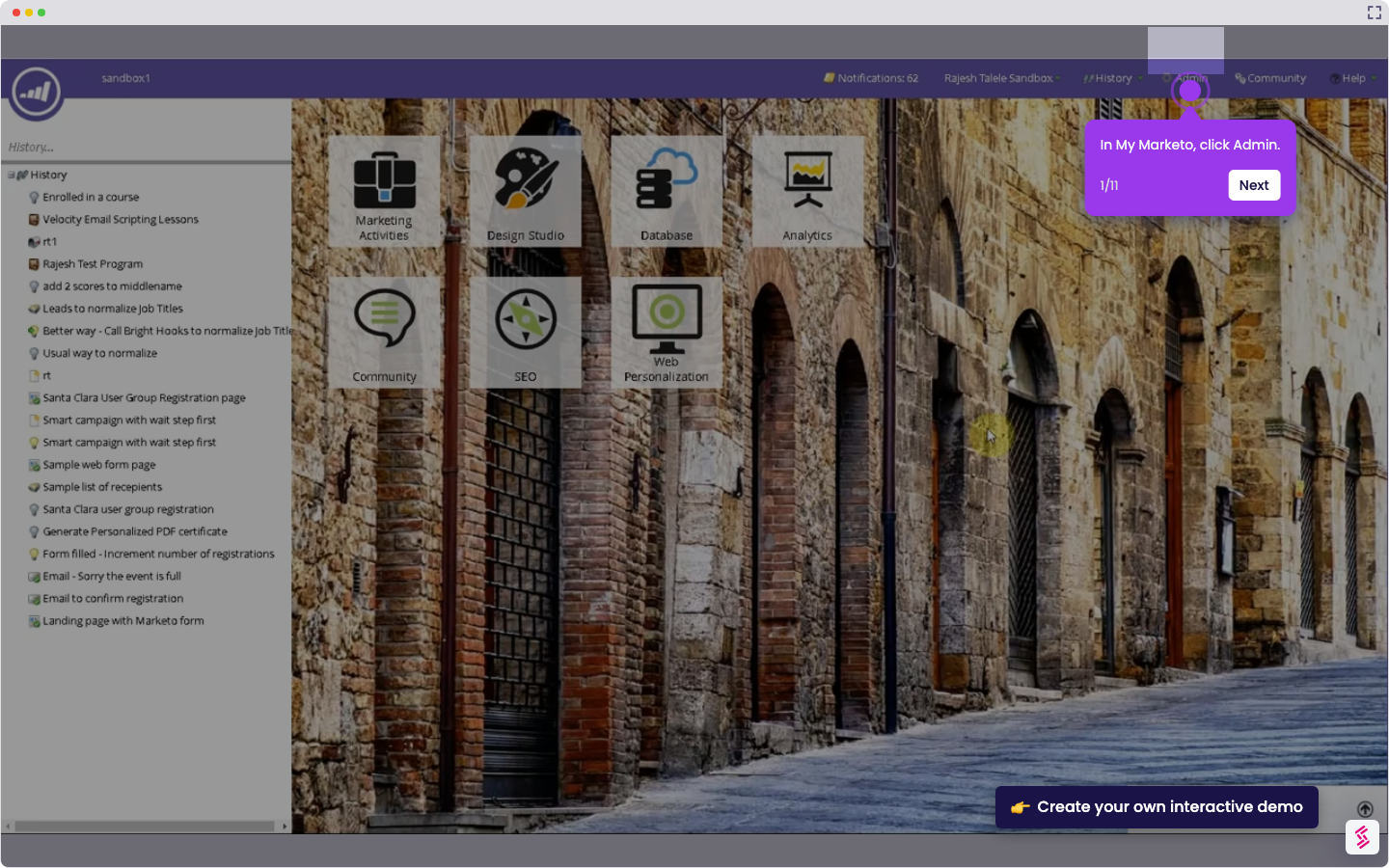
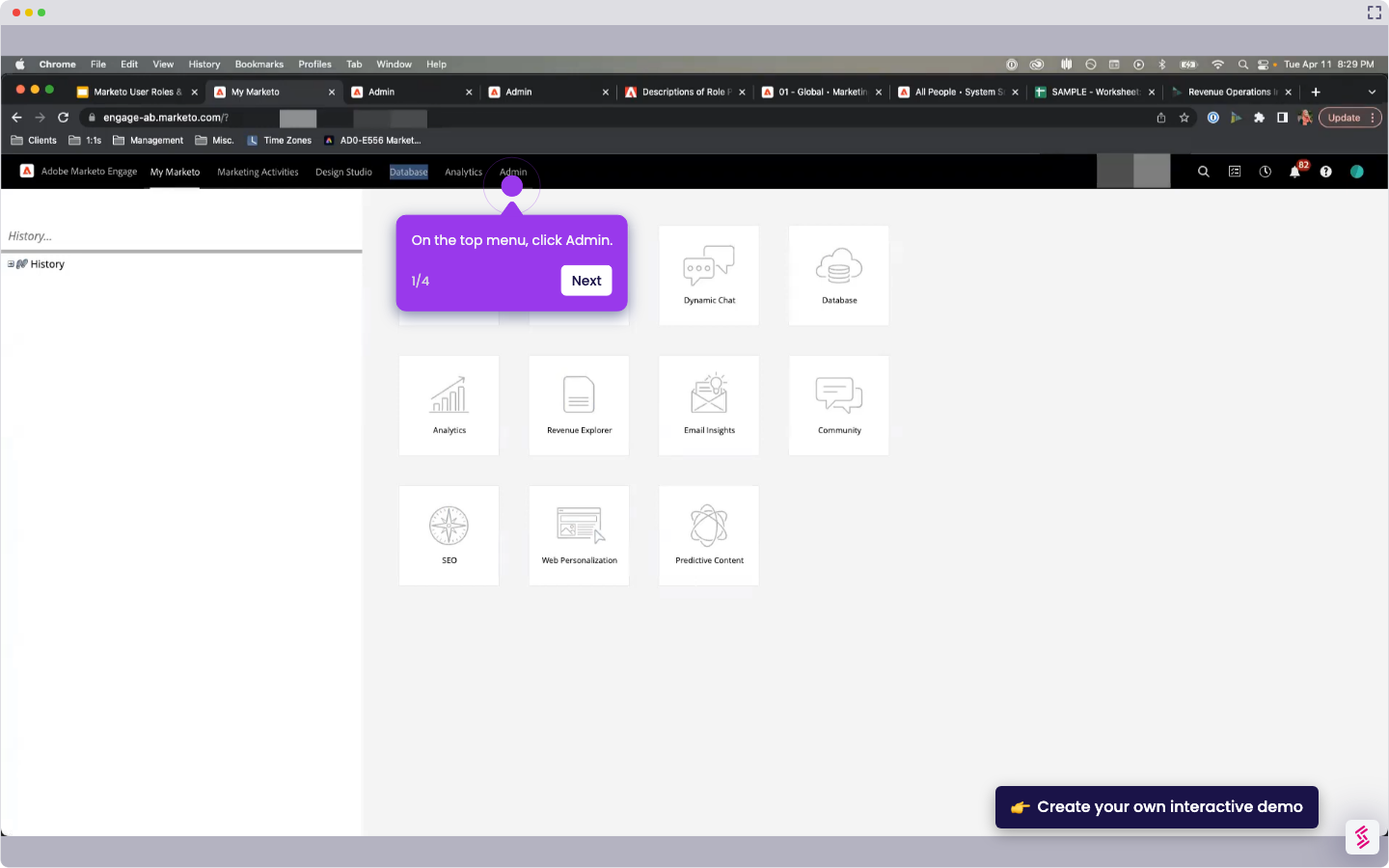
  1. In My Marketo, click Admin.
  2. Open LaunchPoint to view Installed Services.
  3. On the top menu, click New, then select New Service.
  4. In the New Service window, enter a display name and select Google AdWords as the service.
  5. Click Authorize Marketo.
  6. Choose your Google account and click Accept to grant access.
  7. Once the authorization is successful, click Next.
  8. Configure the conversion settings, including Send Frequency, Ad Attribution, and Auto-Tagging.
  9. Click Next.
  10. Select the Google Ads accounts you want to update.
  11. Click Create.

📌 Why this matters

Why This Matters

This integration creates a closed-loop system where you can track which leads from your Google Ads actually convert into customers, not just clicks or form fills. You'll see the complete customer journey from ad click to final sale, enabling you to optimize ad spend based on actual revenue rather than vanity metrics. The real advantage comes from automatic bid adjustments - Google Ads can now optimize for your highest-value leads and customers, dramatically improving your return on ad spend.

Demo: https://app.storylane.io/share/gcfchezrofvj

Your product deserves an interactive demo
Start free
Similar Articles
Marketo

How to Integrate Marketo with Zoom

Madhav Bhandari
Director of Marketing @ Storylane
Marketo

How to Integrate Marketo with LinkedIn

Madhav Bhandari
Director of Marketing @ Storylane
Marketo

How to Set Up Munchkin Tracking in Marketo

Madhav Bhandari
Director of Marketing @ Storylane
No items found.
Platform
Interactive Demos
Sandbox Demos
Hubs
RepX
Integrations
Solutions
Product Marketers
Growth & Demand Gen
Sales Reps & AEs
Presales & SEs
Customer Success
Product Managers
Customers
Demo Showcase
Customer Stories
Finer Demos Club
Features
Demo Signals
Personalization
Deal Intelligence
Resources
Blog
The Plot
Tutorials
Help Docs
What’s New
Demo Dundies
Company
Careers
Pricing
Partners
Contact
Trust Center
Backed by
Chrome Extension Icon
Chrome extension
Download
Desktop app
Download
Built in San Francisco Bay Area - ©2026 Storylane
Privacy PolicyTerms & Conditions
X Corp (formerly Twitter)LinkedIn
This website uses cookies to ensure you get the best experience on our website. Learn More
Got it
This website uses cookies to ensure you get the best experience on our website. Learn More
Got it