This interactive demo was created free with Storylane in 2 minutes. Create your own demo
Start free
All Tutorials /MS Teams

How to Integrate Microsoft Teams with Zoho

Updated on:
June 5, 2026
By:
Madhav Bhandari
Use this interactive demo to learn how to connect Zoho with Microsoft Teams using Make.com.

Quick summary

This guide shows how to integrate Microsoft Teams with Zoho using Make.com to automate real-time notifications. By connecting a Zoho trigger to a Teams action, teams can stay updated on important CRM events without manual effort.


Steps

  1. Go to your Make.com dashboard and click '+Create a new scenario'.
  2. In the scenario editor, click the add icon, search for 'Zoho', and click on it.
  3. Choose a trigger event for Zoho.
  4. Click 'Create a connection' to link your Zoho account.
  5. Select an account to continue to Zoho.
  6. Edit your scenario by adding the relevant details for Zoho and click 'OK'.
  7. In the scenario editor, click the add icon, search for 'Microsoft Teams', and click on it.
  8. Choose an action event from Microsoft Teams.
  9. Set up the workflow to define how Zoho triggers result in actions in Microsoft Teams and click 'OK'.
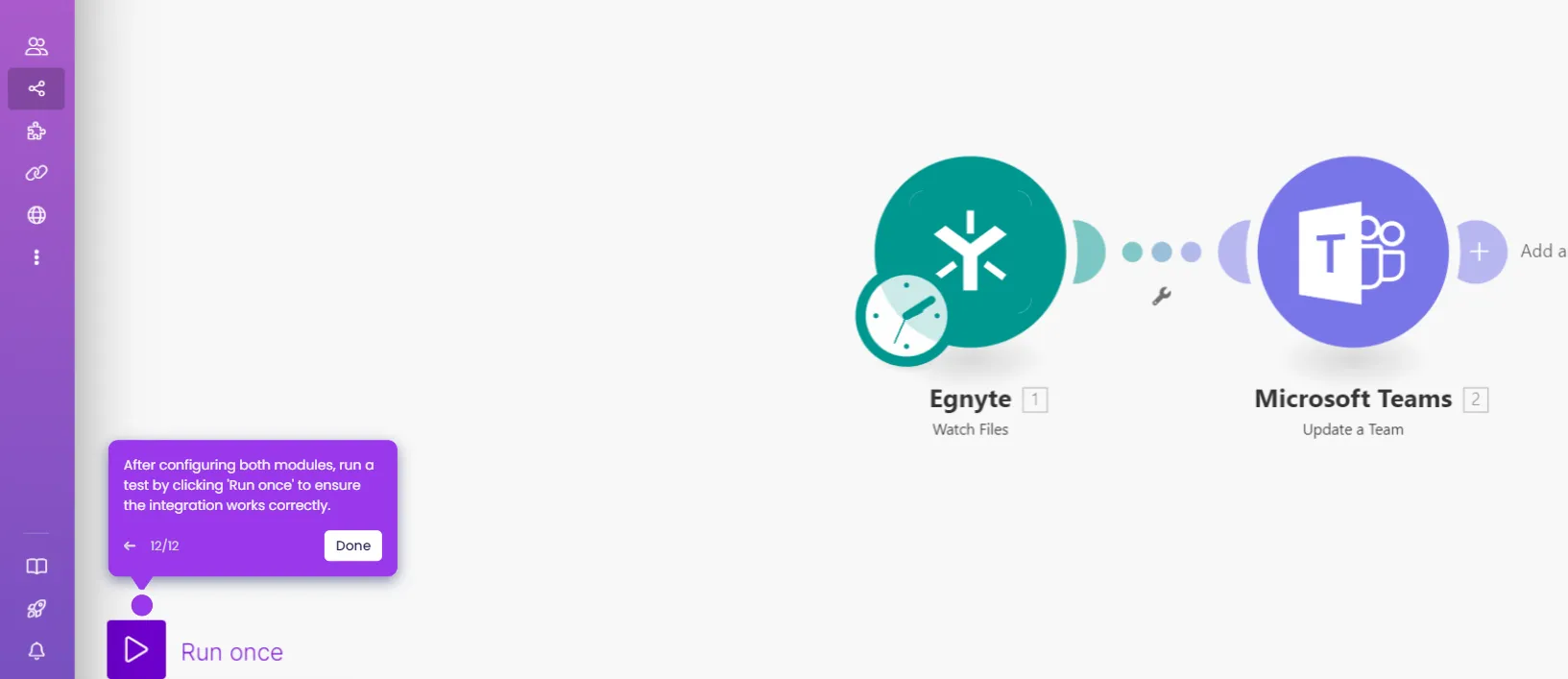
  10. Click 'Run Once' to test the integration and confirm that the workflow sends the correct message to Microsoft Teams based on Zoho objects.
  11. Confirm the integration is live — your team will now receive automated real-time notifications in Microsoft Teams based on Zoho activity.

📌 Why this matters

Integrating Microsoft Teams with Zoho via Make.com eliminates manual status updates by automatically pushing real-time CRM alerts directly into Teams channels. This Zoho-to-Teams automation ensures sales and support teams are instantly notified of new leads, deals, or record changes without switching between apps. By connecting Zoho triggers to Teams actions in a no-code scenario, businesses can reduce response times and keep cross-functional teams aligned on critical CRM data. Make.com's visual workflow builder makes setting up and testing this integration fast, reliable, and scalable.
Your product deserves an interactive demo
Start free
Similar Articles
MS Teams

How to Integrate Microsoft Teams with Pipedrive

Madhav Bhandari
Director of Marketing @ Storylane
MS Teams

How to Integrate Microsoft Teams with Basecamp

Madhav Bhandari
Director of Marketing @ Storylane
MS Teams

How to Integrate Microsoft Teams with Egnyte

Madhav Bhandari
Director of Marketing @ Storylane
No items found.
Platform
Interactive Demos
Sandbox Demos
Hubs
RepX
Integrations
Solutions
Product Marketers
Growth & Demand Gen
Sales Reps & AEs
Presales & SEs
Customer Success
Product Managers
Customers
Demo Showcase
Customer Stories
Finer Demos Club
Features
Demo Signals
Personalization
Deal Intelligence
Resources
Blog
The Plot
Tutorials
Help Docs
What’s New
Demo Dundies
Company
Careers
Pricing
Partners
Contact
Trust Center
Backed by
Chrome Extension Icon
Chrome extension
Download
Desktop app
Download
Built in San Francisco Bay Area - ©2026 Storylane
Privacy PolicyTerms & Conditions
X Corp (formerly Twitter)LinkedIn
This website uses cookies to ensure you get the best experience on our website. Learn More
Got it
This website uses cookies to ensure you get the best experience on our website. Learn More
Got it