Quick summary
This guide walks you through integrating Smartsheet with Aha! using a Zapier Zap, so that row-level triggers in Smartsheet automatically drive actions in your Aha! product roadmap. Setting up this no-code automation takes just minutes and eliminates the need for manual data entry between the two platforms.
Steps
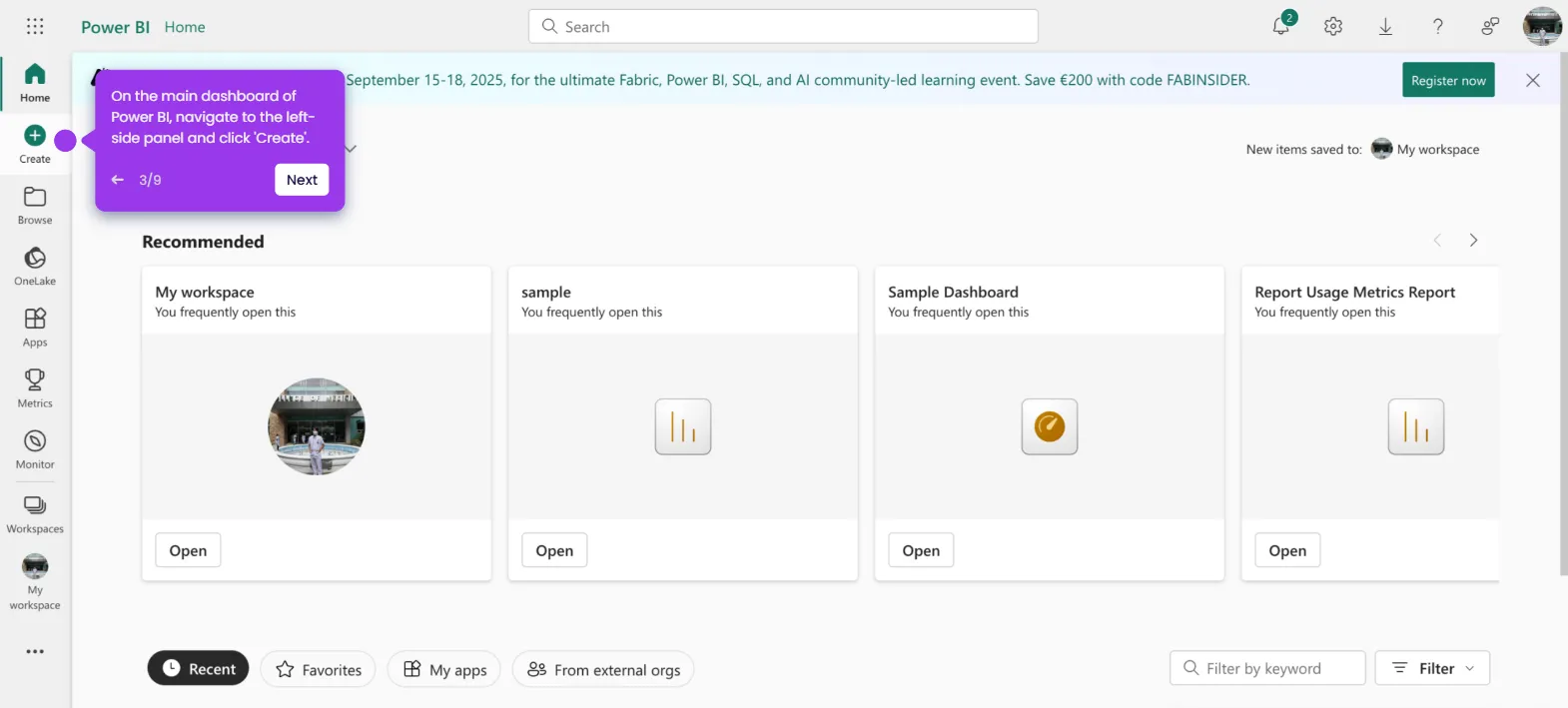
- Navigate to the left-side panel and click Create.
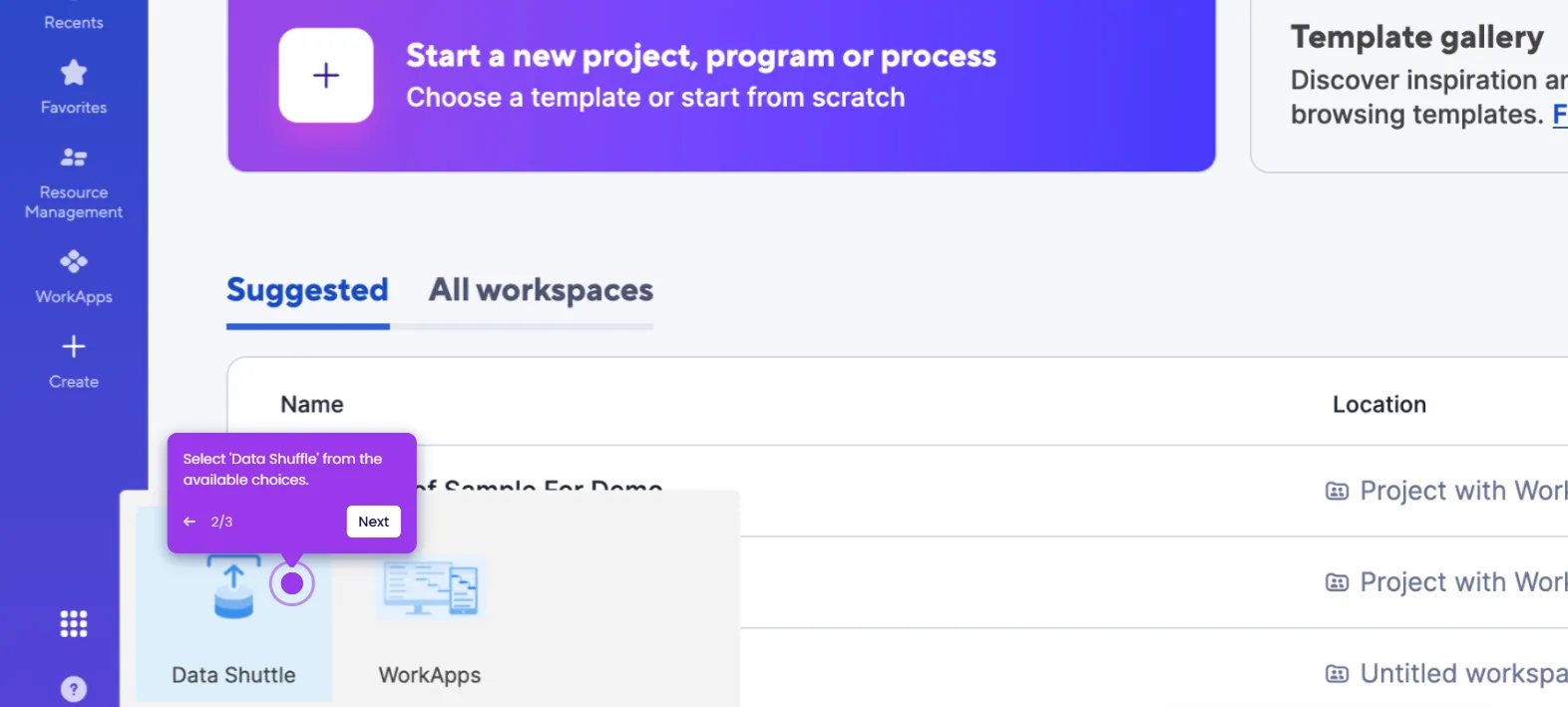
- Select Zaps from the list of options.
- Click the Trigger tab to start the integration process.
- Search for Smartsheet and select it from the recommended matches.
- Specify your preferred Trigger Event using the drop-down menu.
- Tap Sign In and log in to your Smartsheet account.
- Click Allow to accept the terms and grant the necessary permissions.
- Provide the information needed to set up the Trigger, including selecting a Sheet.
- Click Continue to run your input and test the Trigger.
- Choose the record you wish to use, then click Continue With Selected Record.
- Search for Aha! and select it as the Action app.
- Open the drop-down menu and choose the specific Action Event you want to execute.
- Click Sign In and log in to your Aha! account.
- Click Authorize to agree to the terms and allow the required access.
- Fill out the input fields with the necessary information one by one.
- Click Continue to publish and enable the integration.
- Your Smartsheet account is now fully integrated with Aha! via a live Zap.