


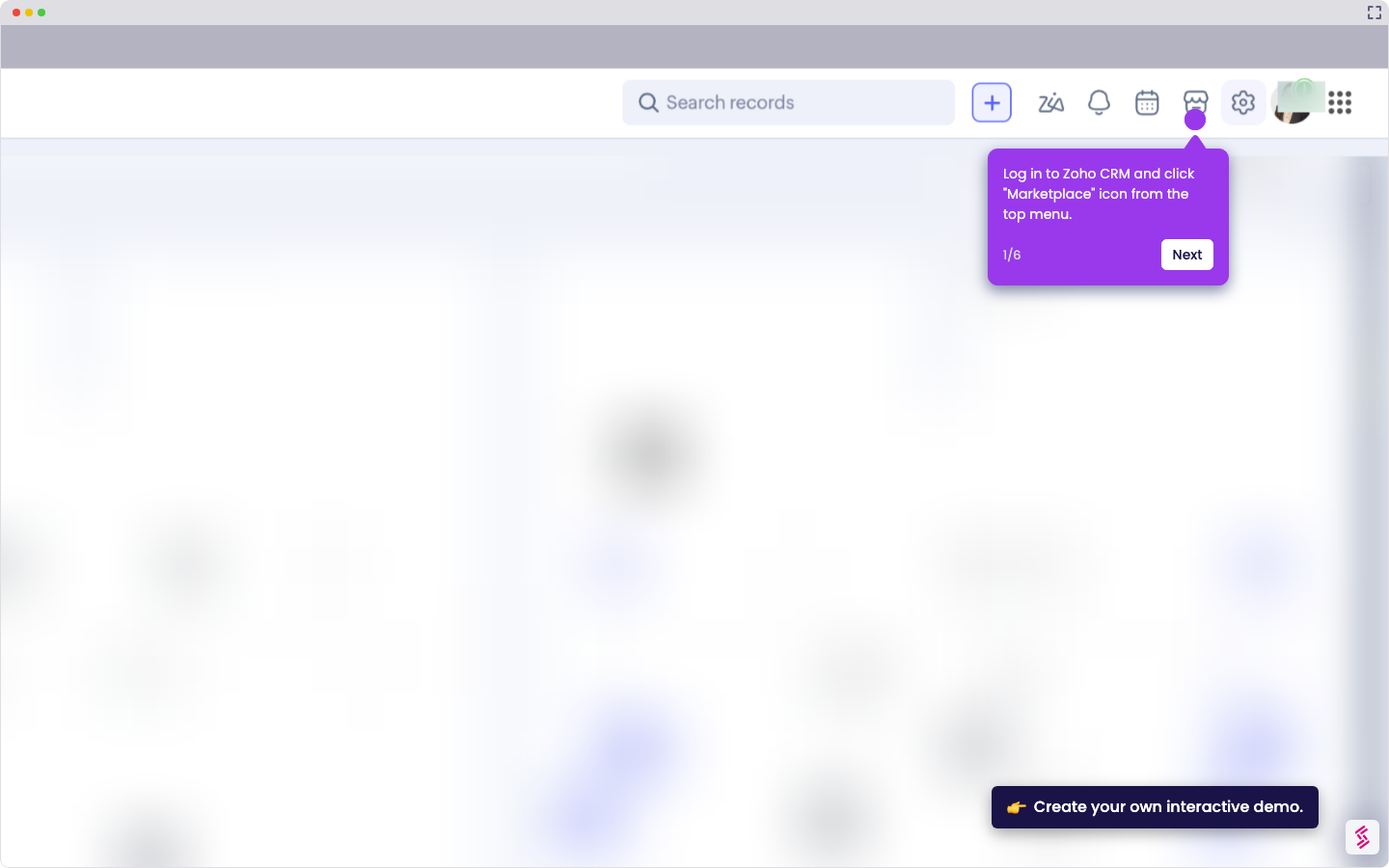
- Log in to Zoho Inventory, and click the connect icon.
- Go to your Save My Leads and click "Create connection".
- Select the data source "TikTok".
- Scroll down and select where you want to transfer the data. In this case, choose “Zoho Inventory”.
- You need to connect your TikTok account to Same my Leads.
- Login to your TikTok account and grant access.
- Enter the required details, select the account you want, then click “Continue”.
- Connect your Zoho Inventory account to Save My lead.
- Log in to your Zoho Inventory account and grant access.
- Enter the required details.
- After filling in the required fields, scroll down and click “Continue”.
- Check the data before sending to your Zoho account, then click “Finish setup”. If needed, go back to edit or send a test.
How To Integrate Tiktok Shop With Zoho Inventory
Use this step-by-step demo to learn how to integrate TikTok shop with Zoho inventory.
📌 Why this matters
Connecting TikTok Shop to your inventory system eliminates the manual work of tracking stock levels across platforms and prevents overselling disasters. When orders pour in from viral TikTok content, you'll have real-time inventory updates instead of scrambling to fulfill orders for products that are already out of stock. This integration also captures valuable customer data from TikTok purchases, letting you build comprehensive customer profiles and identify buying patterns that can inform your broader marketing strategy beyond just social commerce.
Your product deserves an interactive demo
Similar Articles
No items found.