Quick summary
Logging out of Sourcetree is done through the File menu using the Exit Sourcetree option. This quick process lets you fully close and sign out of the Sourcetree application in seconds.
Steps
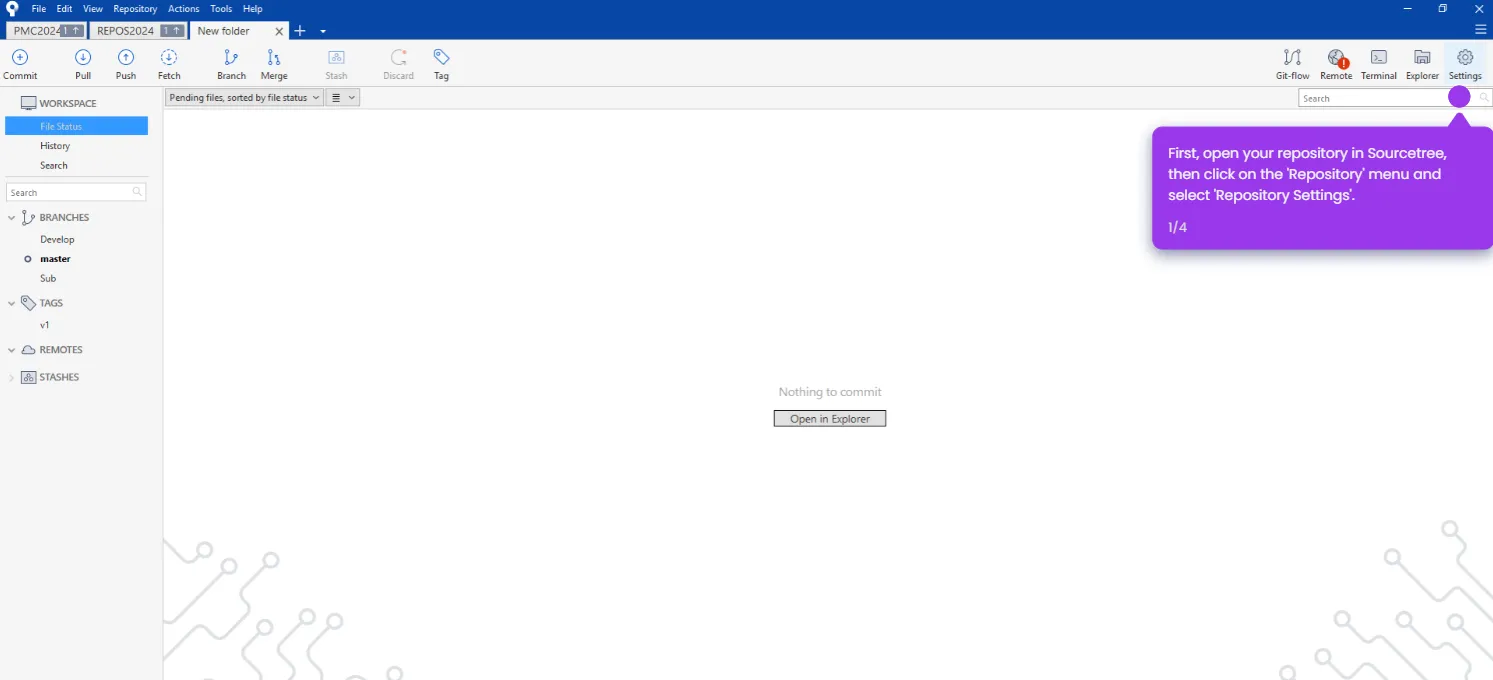
- Open Sourcetree on your desktop.
- Navigate to the File tab in the top menu bar.
- Click Exit Sourcetree to log out of and close the application.