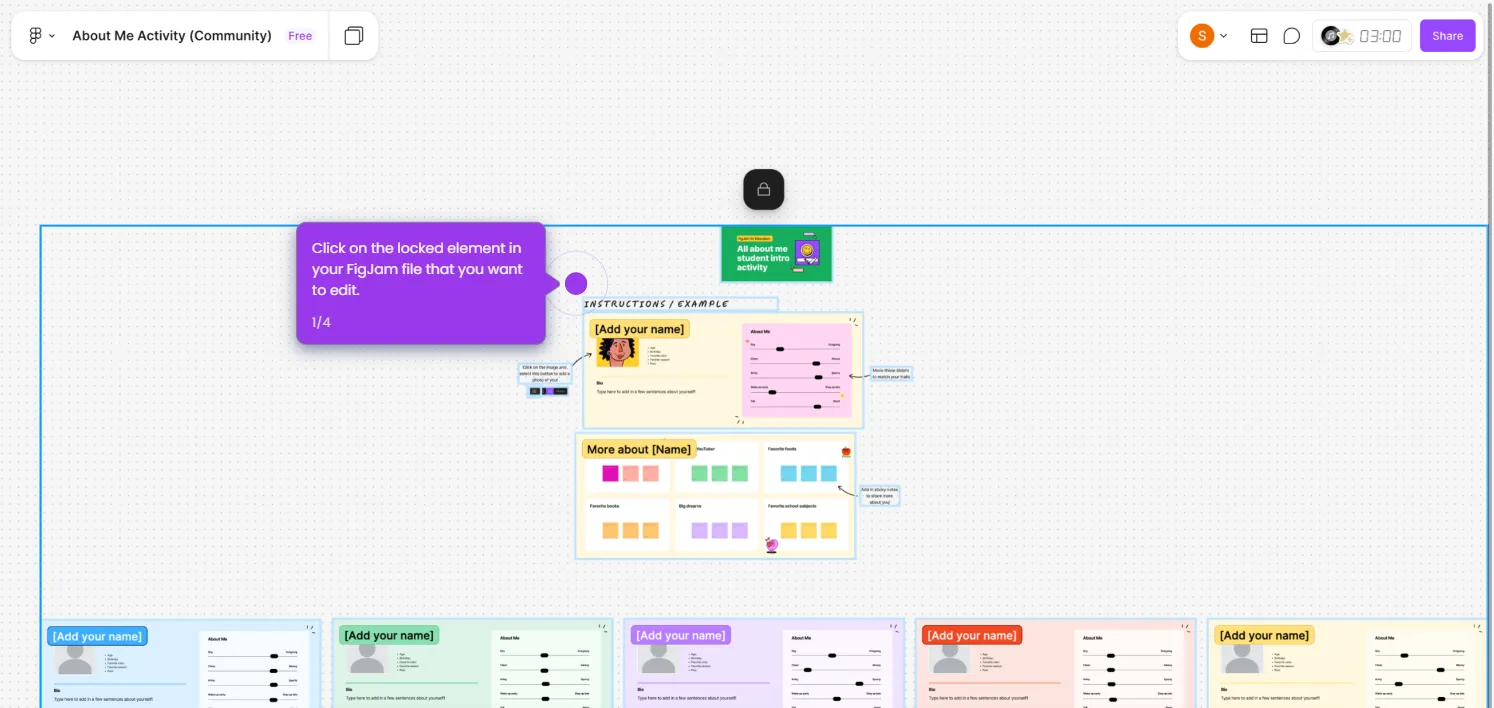
This interactive demo was created free with Storylane in 2 minutes. Create your own demo
Start free
All Tutorials /Figjam

How to Merge Rows in Figjam Table

Updated on:
June 5, 2026
By:
Madhav Bhandari
Use this interactive demo to learn how to simulate merged rows in a FigJam table using shapes and borders.

Quick summary

FigJam does not support native row merging in tables, but you can simulate merged cells by layering shapes and adjusting borders within your FigJam board. This workaround lets teams create clean, presentation-ready tables without leaving FigJam.


Steps

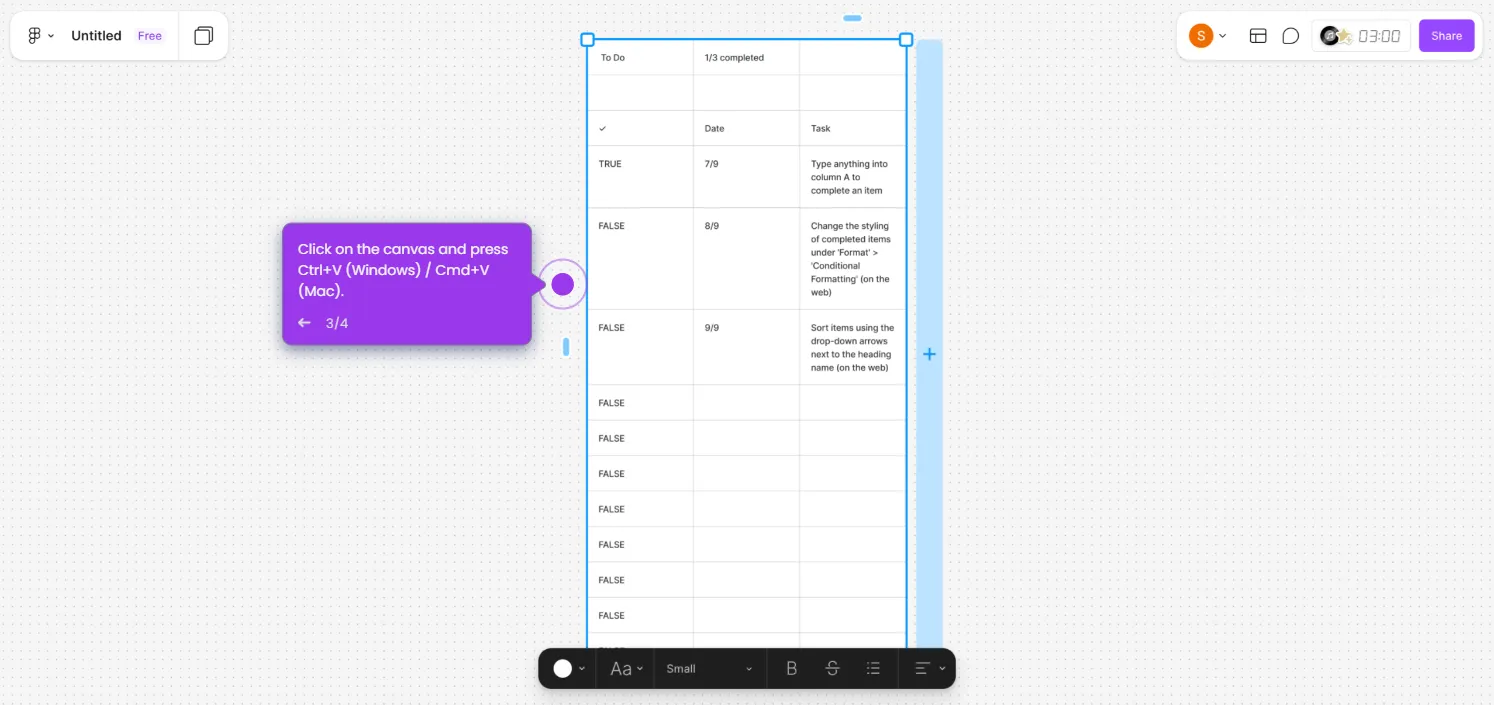
  1. Use the table tool or insert a pre-made table onto your FigJam board.
  2. Place a shape or text box over the target rows to visually represent the merged area.
  3. Adjust the borders of the shape and select "None" to hide internal dividing lines.
  4. Resize the shape to match the table's row height and span the correct columns.
  5. Add your text on top of the shape to complete the look of the combined cell.
📌 Why this matters

FigJam is a widely used collaborative whiteboarding tool, but it lacks a native cell-merging feature for tables — a common need when teams create structured diagrams, project plans, or data layouts. Knowing how to simulate merged rows in FigJam using shapes and border adjustments allows designers and teams to build cleaner, more professional-looking boards without switching tools. This technique saves time, keeps workflows inside FigJam, and improves the visual clarity of collaborative documents shared across teams.
Your product deserves an interactive demo
Start free
Similar Articles
Figjam

How to Upload Image to FigJam

Madhav Bhandari
Director of Marketing @ Storylane
Figjam

How to Unlock a FigJam File

Madhav Bhandari
Director of Marketing @ Storylane
Figjam

How to Transfer Spreadsheet to FigJam Sticky Notes

Madhav Bhandari
Director of Marketing @ Storylane
No items found.
Platform
Interactive Demos
Sandbox Demos
Hubs
RepX
Integrations
Solutions
Product Marketers
Growth & Demand Gen
Sales Reps & AEs
Presales & SEs
Customer Success
Product Managers
Customers
Demo Showcase
Customer Stories
Finer Demos Club
Features
Demo Signals
Personalization
Deal Intelligence
Resources
Blog
The Plot
Tutorials
Help Docs
What’s New
Demo Dundies
Company
Careers
Pricing
Partners
Contact
Trust Center
Backed by
Chrome Extension Icon
Chrome extension
Download
Desktop app
Download
Built in San Francisco Bay Area - ©2026 Storylane
Privacy PolicyTerms & Conditions
X Corp (formerly Twitter)LinkedIn
This website uses cookies to ensure you get the best experience on our website. Learn More
Got it
This website uses cookies to ensure you get the best experience on our website. Learn More
Got it