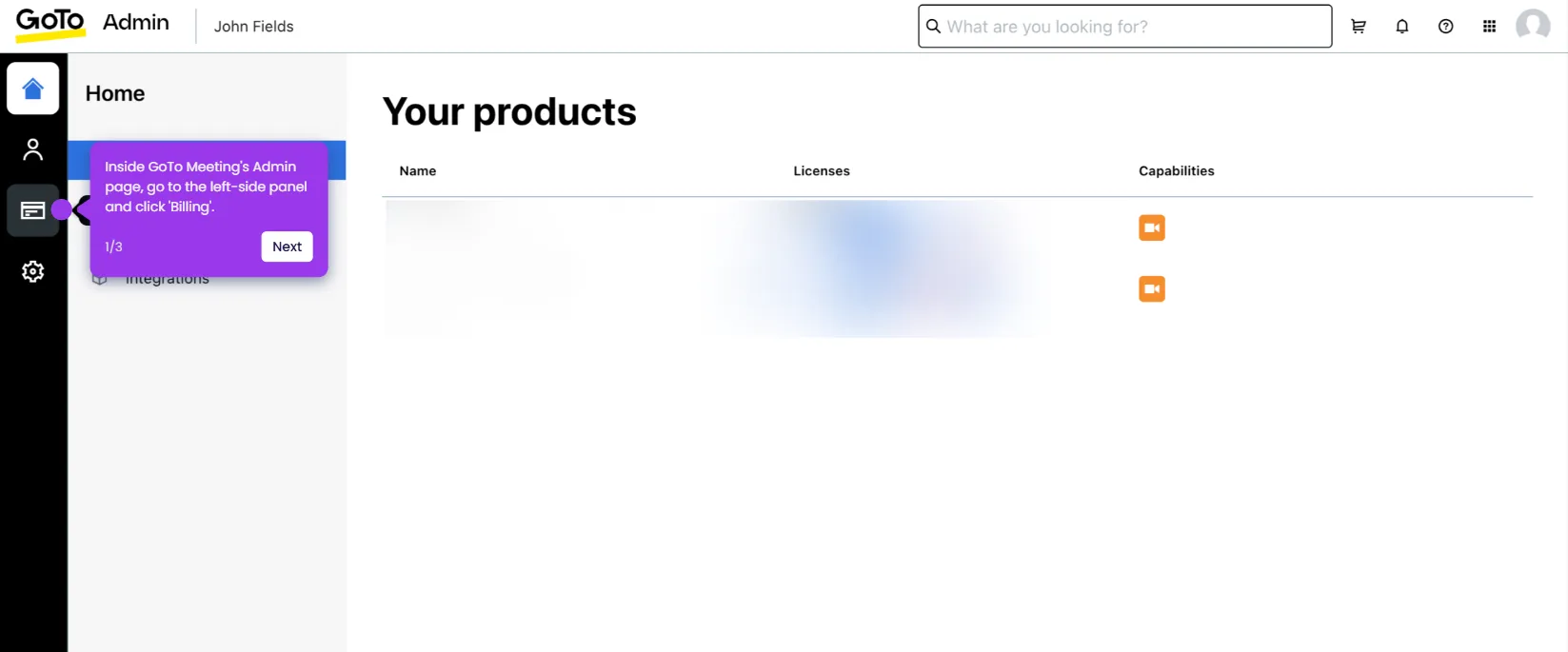
This interactive demo was created free with Storylane in 2 minutes. Create your own demo
Start free
All Tutorials /GoTo Meeting

How to Mute Everyone on GoTo Meeting

Updated on:
June 5, 2026
By:
Madhav Bhandari
Use this interactive demo to learn how to silence all participants in a GoTo Meeting session.

Quick summary

The Mute Everyone feature in GoTo Meeting lets hosts instantly silence all participants to eliminate background noise and maintain meeting control. Hosts can access this option through the People menu in just a few clicks during a live session.


Steps

  1. In the GoTo Meeting dashboard, locate your scheduled meeting and click the Start button.
  2. Configure your meeting settings as needed, then click OK, I'm Ready to launch the session.
  3. In the top menu bar, click People to open participant options.
  4. Click the More option within the People panel to expand additional controls.
  5. Select Mute Everybody from the list of available options.
  6. Set the unmute permission for participants as desired, then click Mute All to confirm.
  7. All participants in your GoTo Meeting session are now muted for the duration of the call.

📌 Why this matters

The ability to mute all participants in GoTo Meeting is essential for hosts managing large or noisy virtual meetings. By silencing everyone at once through the People menu, hosts can eliminate disruptive background noise and maintain a focused, professional environment. This feature gives meeting organizers granular control over unmute permissions, ensuring participants can only speak when appropriate. For teams running webinars, all-hands meetings, or client calls, the Mute Everyone function is a critical tool for keeping sessions productive and on-track.
Your product deserves an interactive demo
Start free
Similar Articles
GoTo Meeting

How to Integrate GoTo Meeting with Salesforce

Madhav Bhandari
Director of Marketing @ Storylane
GoTo Meeting

How to Cancel the GoTo Meeting Subscription

Madhav Bhandari
Director of Marketing @ Storylane
GoTo Meeting

How to Create Breakout Rooms in GoTo Meeting

Madhav Bhandari
Director of Marketing @ Storylane
No items found.
Platform
Interactive Demos
Sandbox Demos
Hubs
RepX
Integrations
Solutions
Product Marketers
Growth & Demand Gen
Sales Reps & AEs
Presales & SEs
Customer Success
Product Managers
Customers
Demo Showcase
Customer Stories
Finer Demos Club
Features
Demo Signals
Personalization
Deal Intelligence
Resources
Blog
The Plot
Tutorials
Help Docs
What’s New
Demo Dundies
Company
Careers
Pricing
Partners
Contact
Trust Center
Backed by
Chrome Extension Icon
Chrome extension
Download
Desktop app
Download
Built in San Francisco Bay Area - ©2026 Storylane
Privacy PolicyTerms & Conditions
X Corp (formerly Twitter)LinkedIn
This website uses cookies to ensure you get the best experience on our website. Learn More
Got it
This website uses cookies to ensure you get the best experience on our website. Learn More
Got it