Quick summary
Publishing an Unbounce landing page takes just a few clicks inside the Unbounce workspace. Open your page, click the Publish button, and confirm to make your page live instantly.
Steps
- Inside Unbounce's main workspace, find and open the landing page you wish to publish.
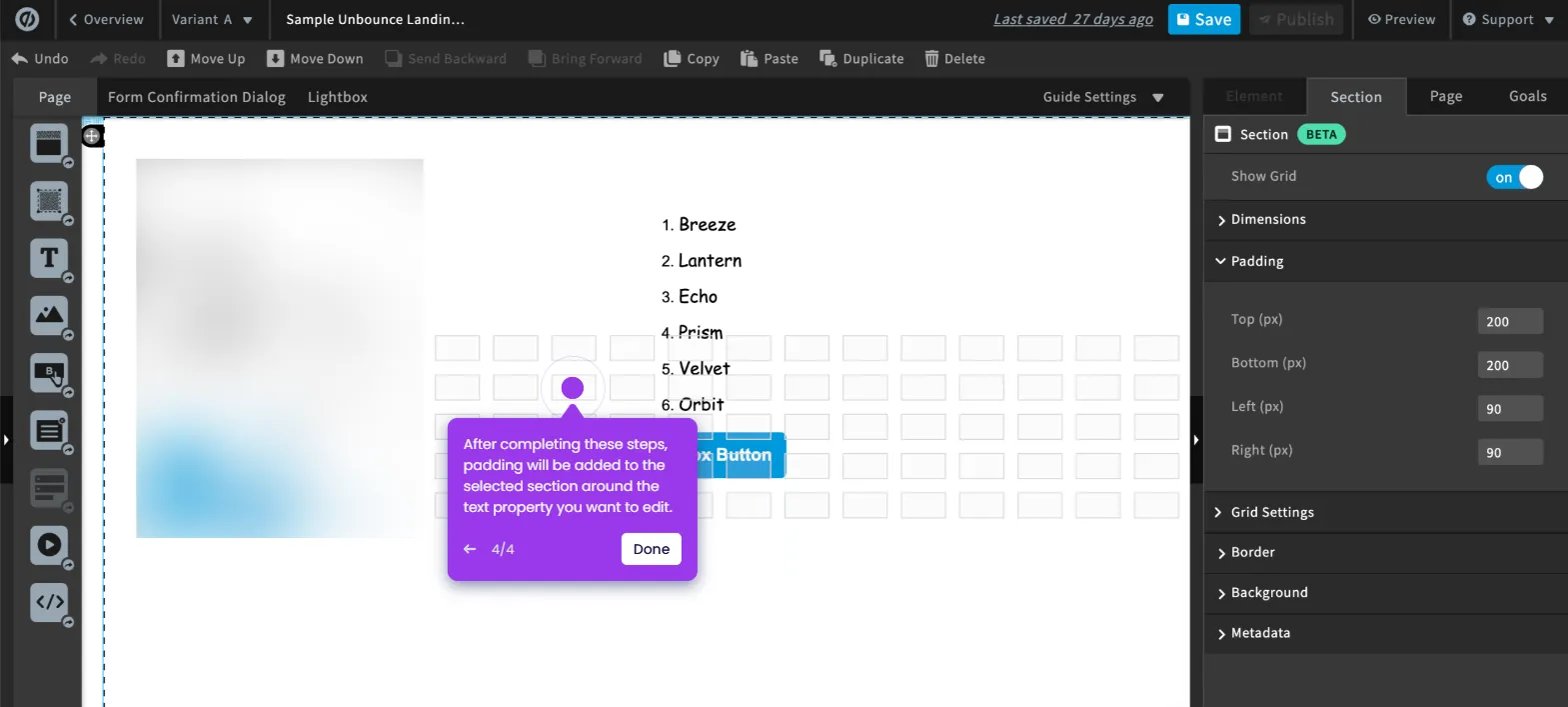
- Click Publish in the top-right corner of the page overview.
- Tap Publish Page to confirm your request.
- Once confirmed, your selected Unbounce landing page will be successfully published and live.