
This interactive demo was created free with Storylane in 2 minutes. Create your own demo
Start free
All Tutorials /Postman

How to Publish the Documentation in Postman

Updated on:
June 5, 2026
By:
Madhav Bhandari
Use this interactive demo to learn how to publish collection documentation directly in Postman.

Quick summary

Publishing API documentation in Postman lets teams share structured, publicly accessible references straight from a collection. This step-by-step walkthrough covers how to configure and confirm publication settings so your docs go live in minutes.


Steps

  1. In Postman's main workspace, open the left-side panel and click Collections.
  2. Find and select the collection that contains the documentation you want to publish.
  3. Click View Complete Documentation to open the full documentation view.
  4. Review the documentation content and make any final adjustments if needed.
  5. Click Publish at the top-right corner to open the publication options.
  6. Configure the publication settings based on your preferences.
  7. Tap Publish again to confirm and proceed with publishing.
  8. Your selected Postman documentation is now successfully published and accessible.
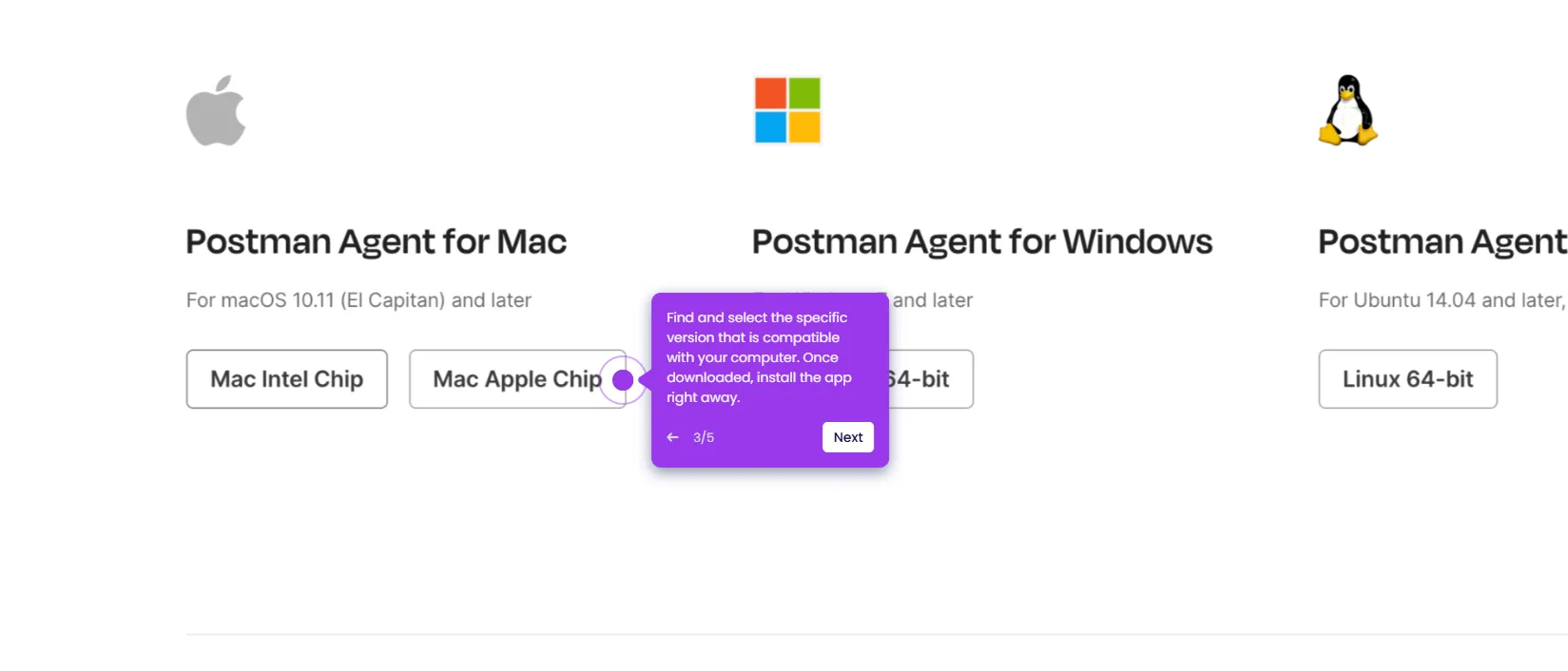
📌 Why this matters

Publishing API documentation directly from a Postman collection gives development and product teams a fast, reliable way to share structured API references without manual export or third-party tools. Publicly published Postman docs are automatically formatted, versioned, and accessible via a shareable URL, reducing friction for external developers and API consumers. This feature matters because keeping documentation in sync with your actual API collections eliminates outdated references and speeds up developer onboarding. For teams managing multiple APIs, Postman's built-in documentation publishing is a scalable alternative to maintaining separate documentation platforms.
Your product deserves an interactive demo
Start free
Similar Articles
Postman

How to Use the Postman Desktop Agent

Madhav Bhandari
Director of Marketing @ Storylane
Postman

How to Remove Team Members From a Workspace in Postman

Madhav Bhandari
Director of Marketing @ Storylane
Postman

How to Add Team Members to a Workspace in Postman

Madhav Bhandari
Director of Marketing @ Storylane
No items found.
Platform
Interactive Demos
Sandbox Demos
Hubs
RepX
Integrations
Solutions
Product Marketers
Growth & Demand Gen
Sales Reps & AEs
Presales & SEs
Customer Success
Product Managers
Customers
Demo Showcase
Customer Stories
Finer Demos Club
Features
Demo Signals
Personalization
Deal Intelligence
Resources
Blog
The Plot
Tutorials
Help Docs
What’s New
Demo Dundies
Company
Careers
Pricing
Partners
Contact
Trust Center
Backed by
Chrome Extension Icon
Chrome extension
Download
Desktop app
Download
Built in San Francisco Bay Area - ©2026 Storylane
Privacy PolicyTerms & Conditions
X Corp (formerly Twitter)LinkedIn
This website uses cookies to ensure you get the best experience on our website. Learn More
Got it
This website uses cookies to ensure you get the best experience on our website. Learn More
Got it