Quick summary
Pulling in Sourcetree lets you fetch and merge changes from a remote repository into your local branch without using the command line. This step-by-step guide walks you through the entire pull workflow in Sourcetree's graphical interface.
Steps
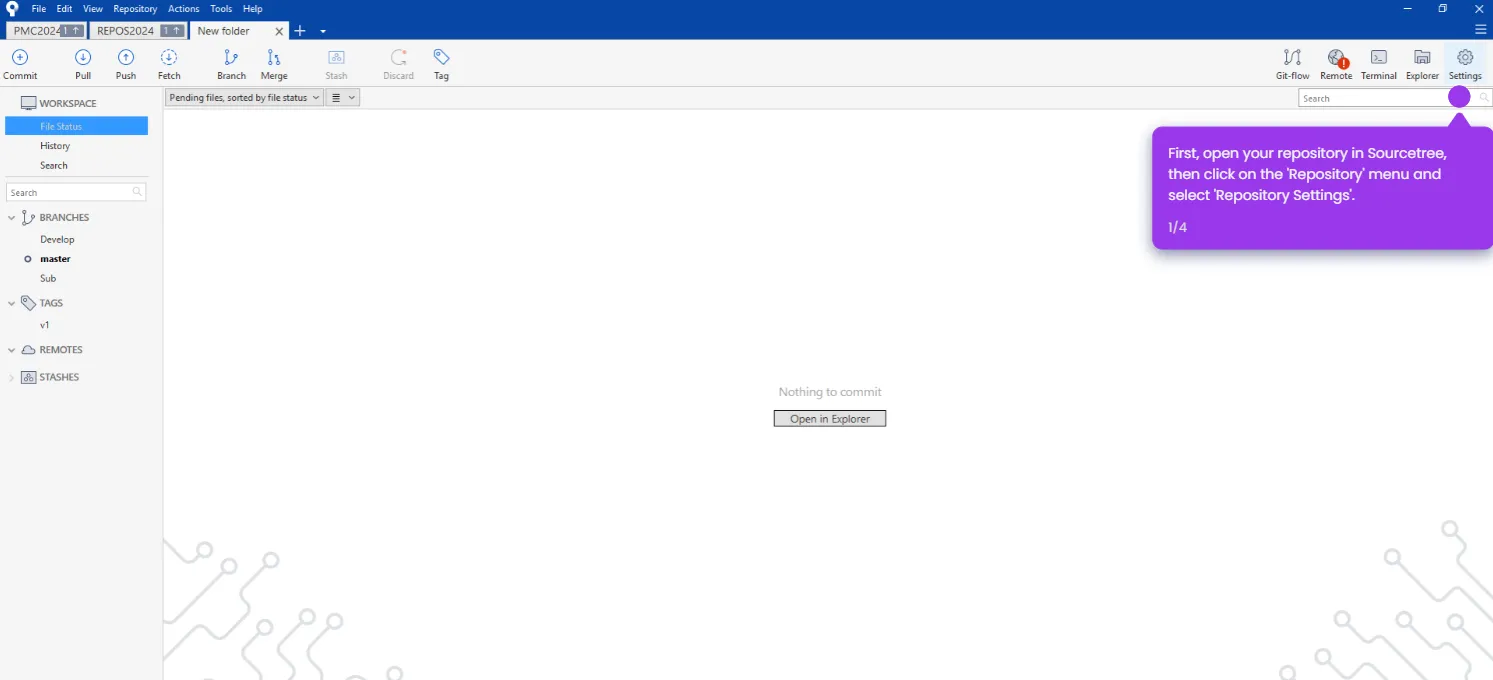
- Launch Sourcetree and open your local repository.
- Check the branch dropdown in the top left corner to verify you're on the branch you want to update.
- Click the Pull button located in the top toolbar.
- Review the Pull dialog that opens and configure your pull settings.
- Click the Pull option to fetch and merge changes from the remote branch into your local branch.