Quick summary
This tutorial shows how to push code to Bitbucket using Sourcetree by configuring a remote origin, committing changes, and using the Push button to sync your local branch with a remote Bitbucket repository.
Steps
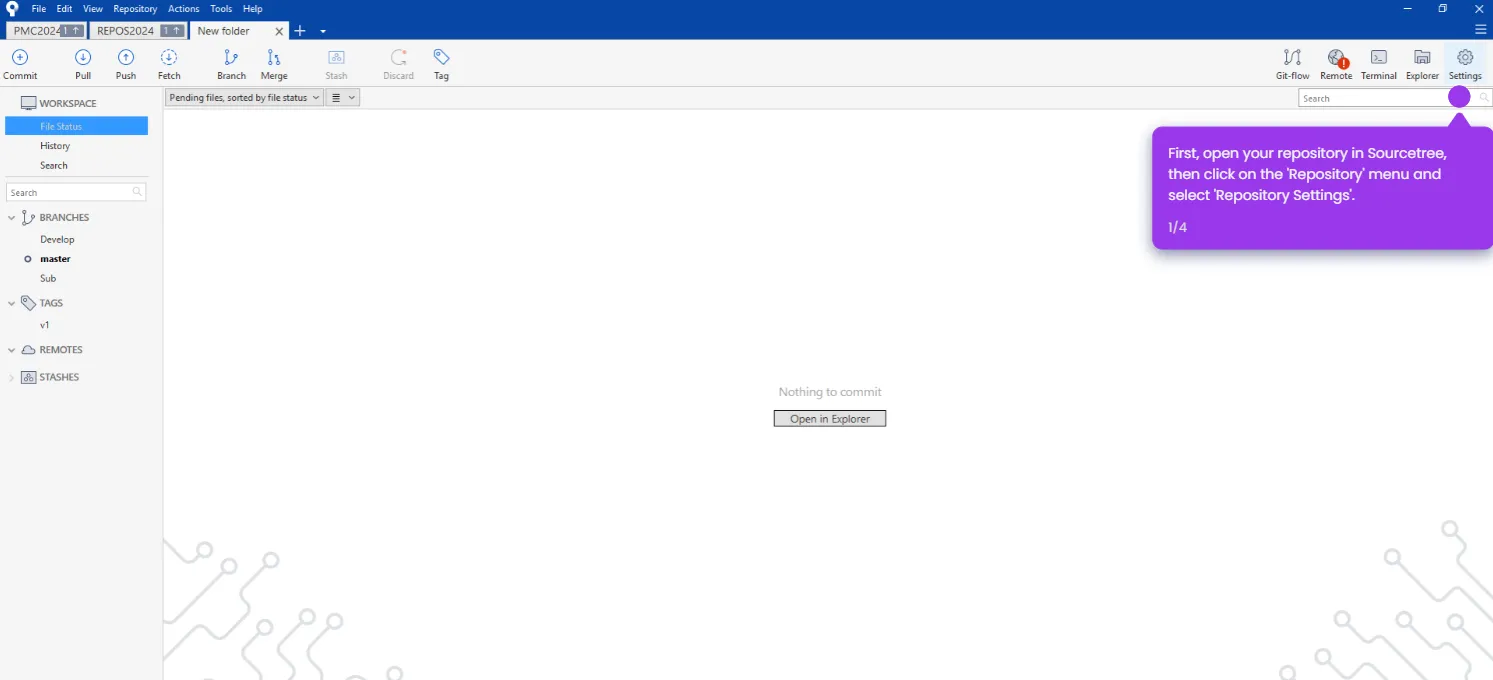
- Launch Sourcetree and open the local repository you want to push.
- Go to the Repository settings menu.
- Under the Remotes repository paths tab, verify there is a remote called Origin and that the URL matches your Bitbucket repository URL.
- Click OK to save the remote settings.
- Enter a commit message for your changes.
- Click Commit to commit your changes to the local repository.
- Click the Push button in the Sourcetree toolbar.
- In the Push dialog, confirm the correct remote is selected and choose the branch you want to push.
- Click Push to upload your code — your changes are now live in your Bitbucket repository.