Quick summary
This guide walks you through how to reauthenticate Klaviyo in Shopify by navigating to the Integrations section and using the Update Integration button to restore your data sync. Completing this process ensures your Klaviyo account stays connected to Shopify so customer and order data continues to flow without interruption.
Steps
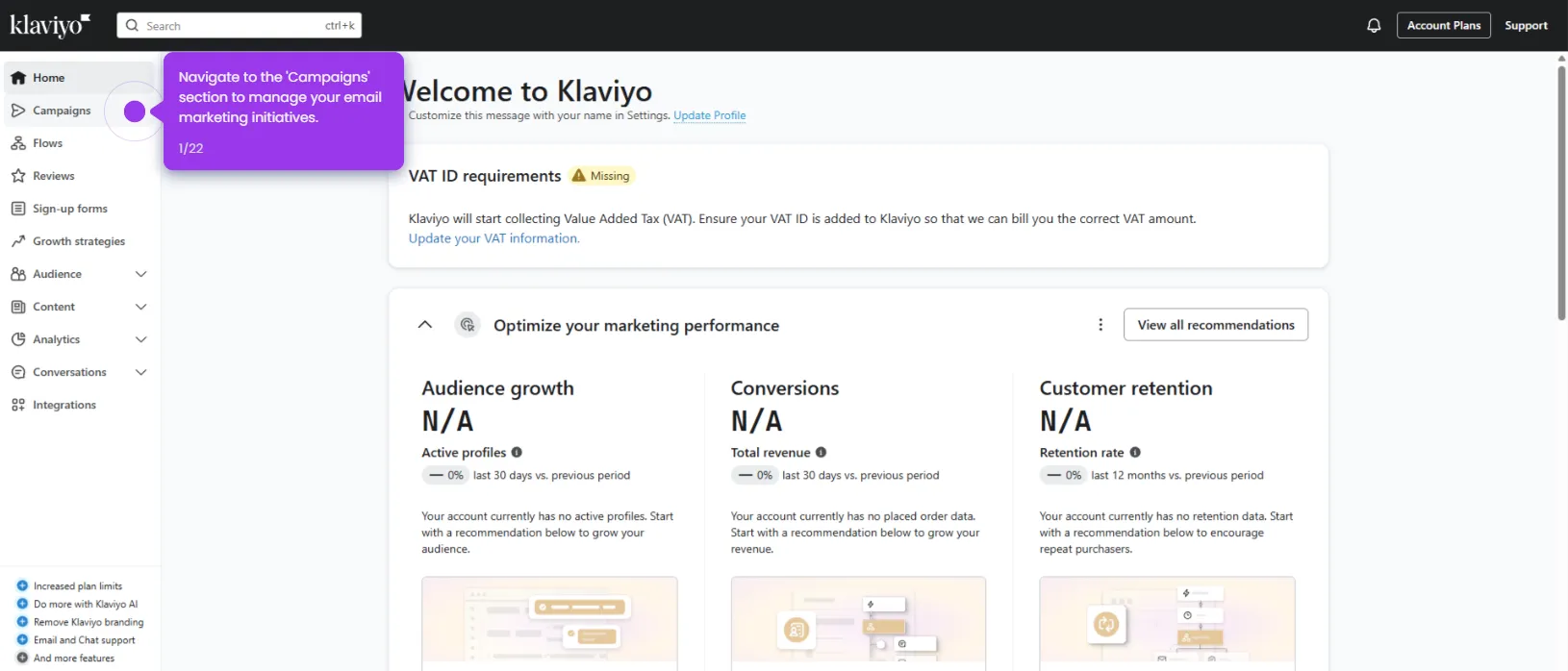
- Navigate to Integrations in the left sidebar to begin reconnecting your Shopify store.
- Find and click on Shopify from your available integrations list.
- Locate the Update Settings button and click it to proceed.
- Click Update Integration to refresh the connection between Klaviyo and Shopify.
- Confirm the success message — your Klaviyo and Shopify connection is now refreshed and ready to sync your data again.