Quick summary
Rebasing in Sourcetree lets you move or combine a sequence of commits onto a new base branch, keeping your Git history clean and linear. This guide walks you through the exact steps to rebase a branch using Sourcetree's visual interface without touching the command line.
Steps
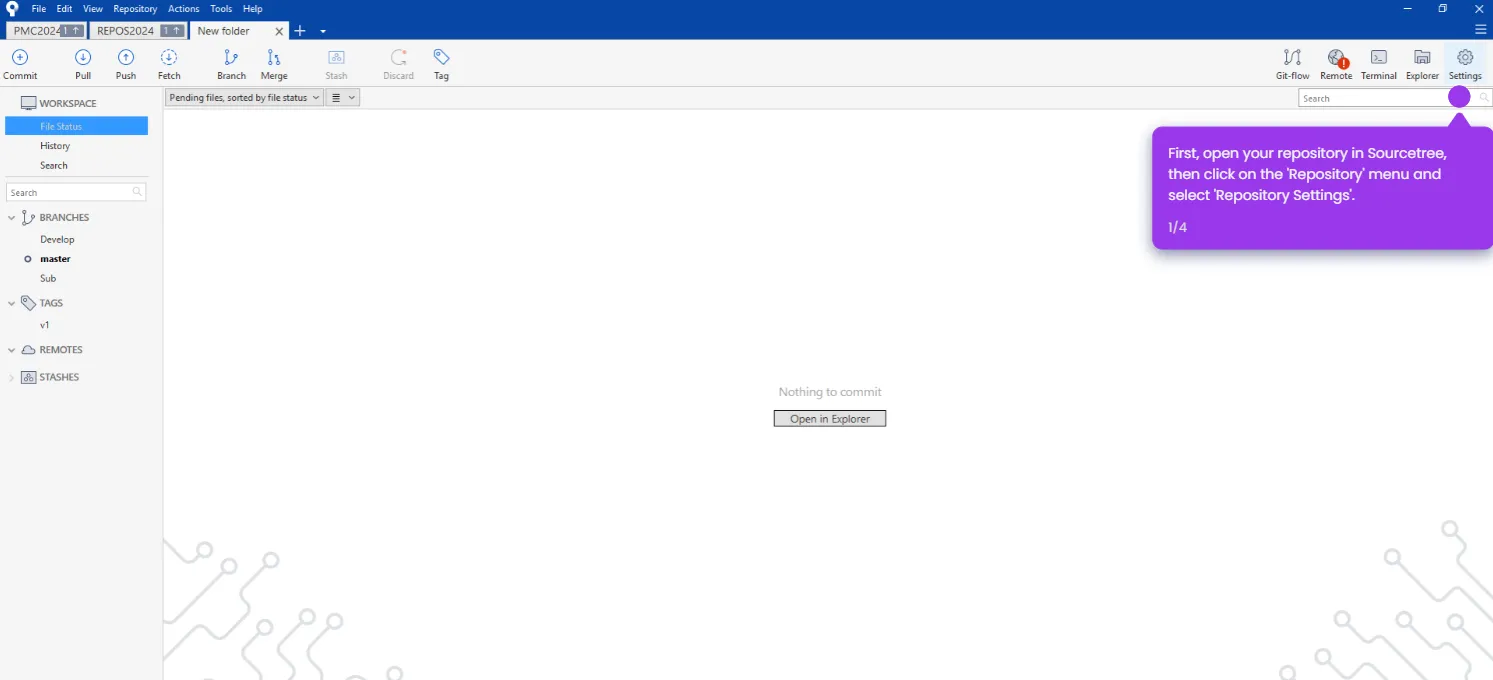
- Open your repository in Sourcetree to get started.
- In the Branches sidebar, double-click the branch you want to rebase to check it out.
- Click 'Rebase current changes onto Sub' to initiate the rebase operation.
- Click 'OK' to confirm and save the rebase changes.